
Pop up error for unknown reason

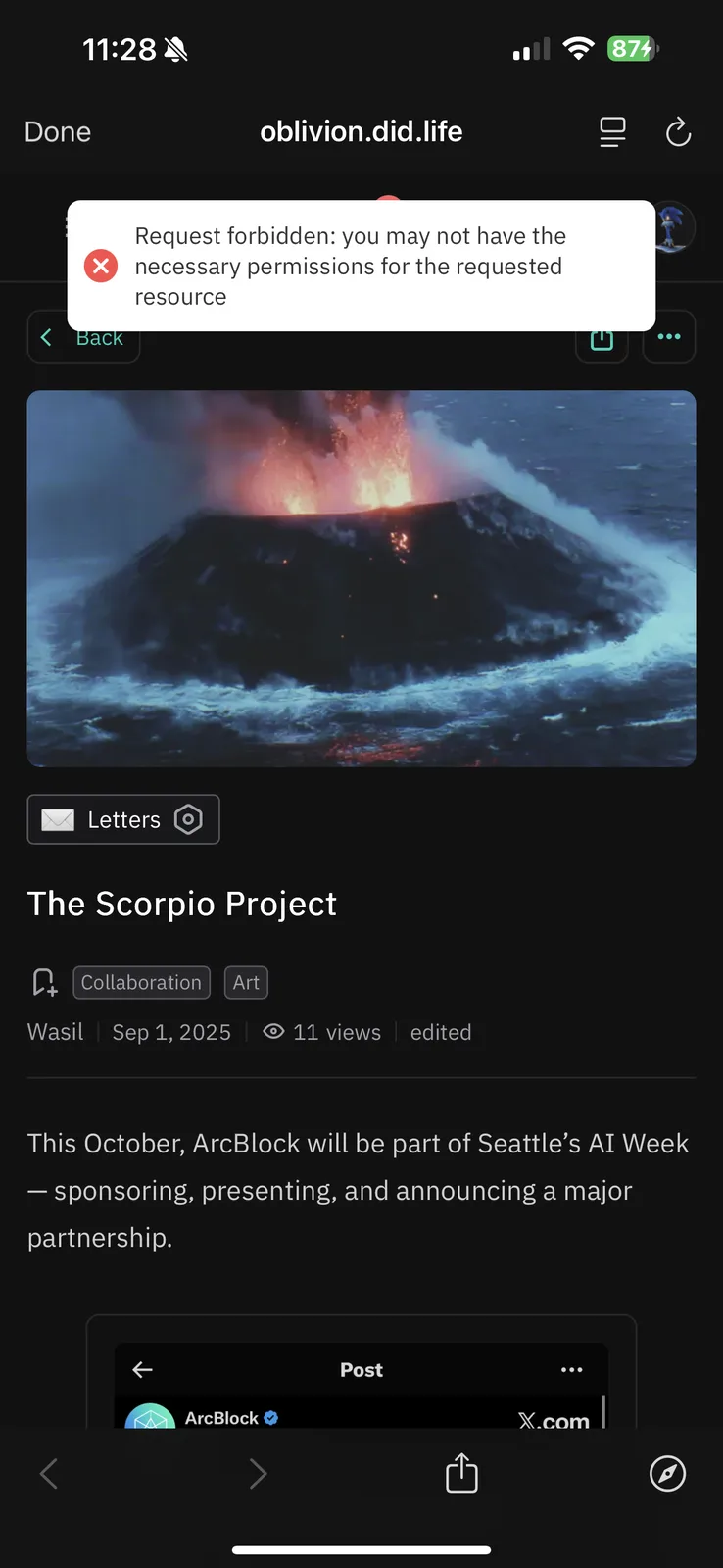
After posting this article to X, I went to click on the link to make sure it worked correctly, and every time I do, it pops up the error message you see at the top of the image.
Here is a video detailing the issue:
I’m logged in as the Owner, so I’m not sure why it is popping up.
And the article is open for anyone to read without a passport too.
It’s nothing major, more so just annoying🤣 Thanks for your help in advance!
And it follows you as you scroll💀
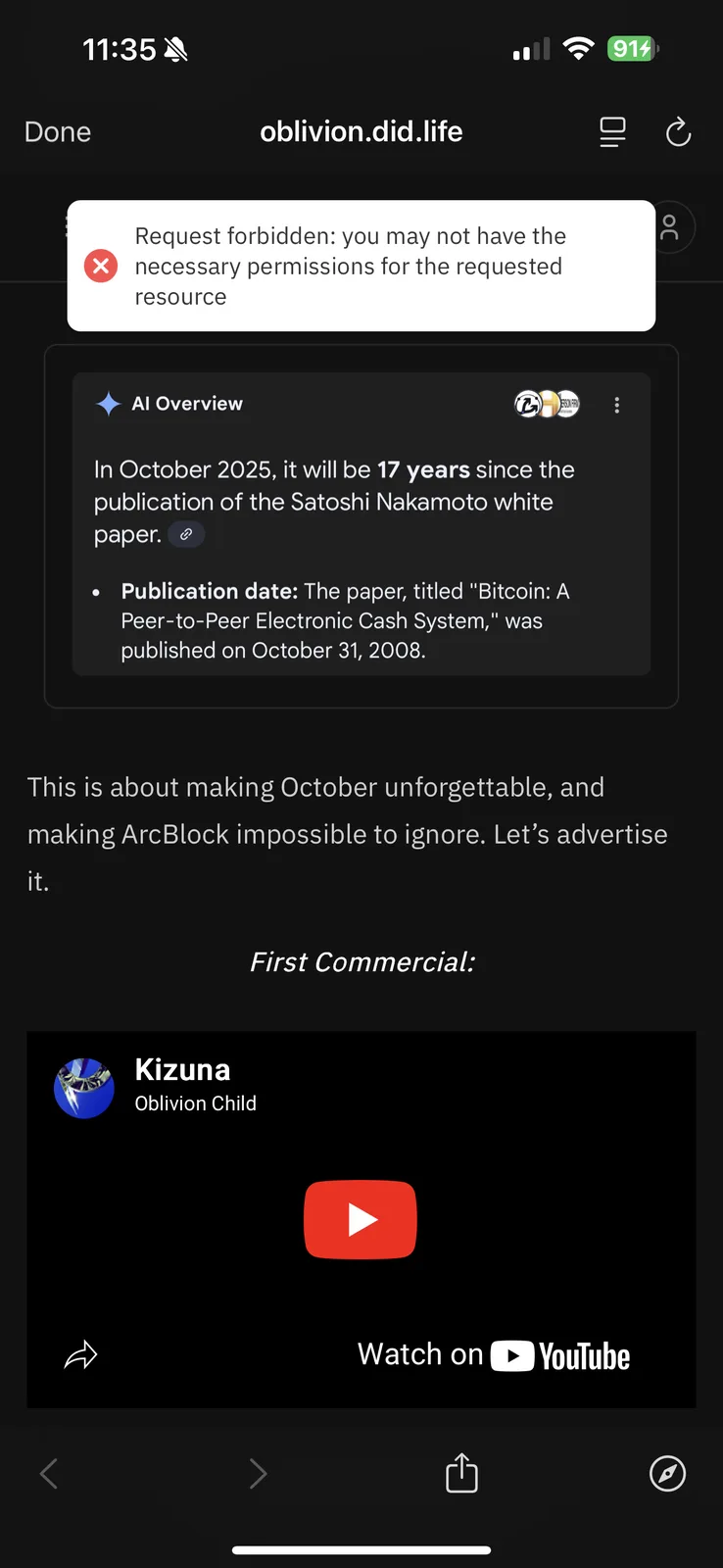
Here are the logs for the discuss kit!
4 条回复
Wait!! I just updated the blocklet and now it is working fine lol. My fault!
I'll leave this up for now though, just in case you guys still want to look in logs, since they looked all bugged out on my end.
Okay nevermind lol, I just removed the "resolved" tag, because the issue just came back!
Whenever you click on one of my articles, it appears, whether or not you are logged in.
This seems to happen only on Mobile, not desktop.
OBLIVION
你好,按照你的引导,我未能复现这个问题(包含桌面端,ios,安卓端),你可以尝试清理一下你的移动端设备的浏览器的缓存或者切换 chrome 浏览器重试。
Thanks for the feedback. I tried visiting the blog page and didn’t see any error, so it looks like the issue has been fixed. We identified a bug yesterday that could cause this problem, updating the Blocklet app to the latest version usually resolves it. If it still doesn’t work, please feel free to let us know.