
Duplicate Image Display in DID Wallet Collections Page

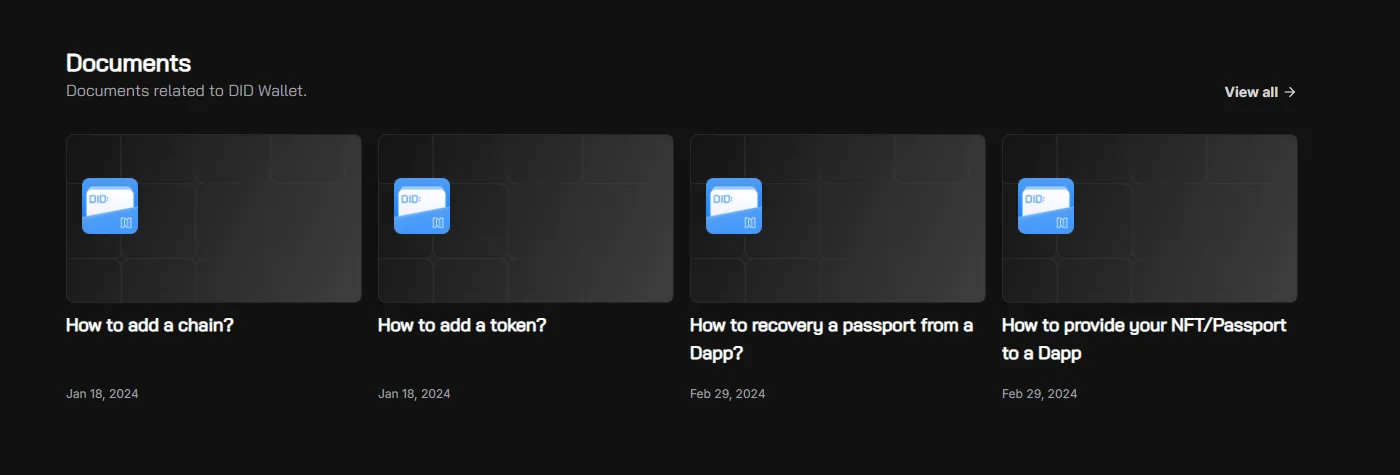
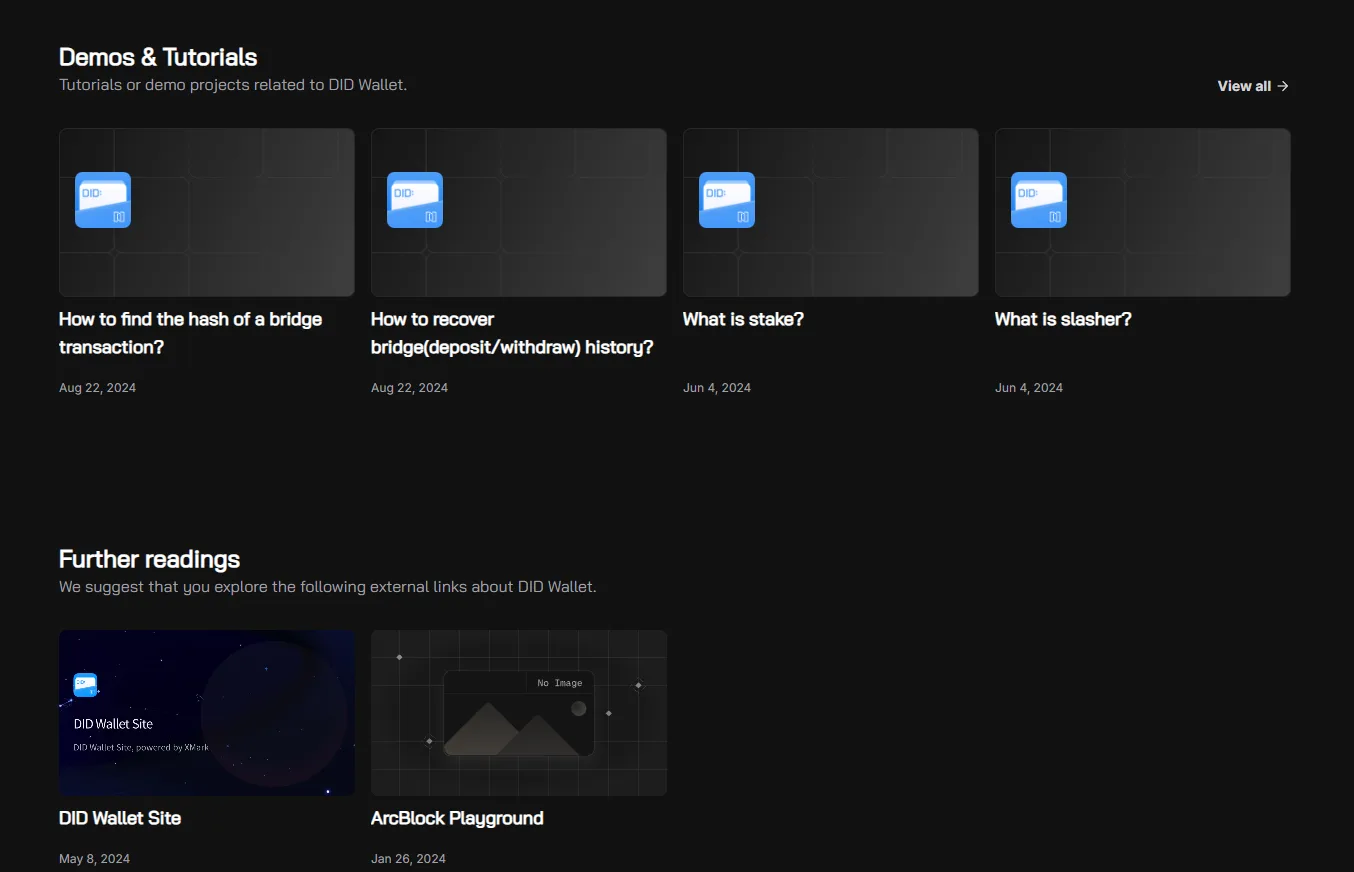
On the ArcBlock Documentation site, specifically the DID Wallet collections page (https://www.arcblock.io/content/collections/en/did-wallet), the same image is displayed under both “Documents” and “Demos & Tutorials” sections, leading to misleading or confusing content presentation.
Steps to Reproduce:
- Open DID Wallet Collections.
- Scroll to the Documents section.
- Observe the displayed image.
- Scroll to the Demos & Tutorials section.
- Observe that the same image is reused.
Expected Result:
- Each section (“Documents” and “Demos & Tutorials”) should have its own unique image representing its content category.
Actual Result:
- The same image is used for both sections, causing duplication and confusion.
Bug Description: The image mapping is incorrect in the DID Wallet collections page. Possible causes:
- Duplicate image reference in the content database.
- Misconfigured CMS fields for section thumbnails.
- Placeholder image not updated.
Severity Classification:
- Severity Level: 🟡 Low to Medium (UI/UX issue).
Suggested Fix:
- Assign unique images for each content section.
- Update CMS or database mapping for section thumbnails.
- Perform a consistency check across all collections to avoid repeated images.
Priority: ⚠️ Low – Cosmetic/UI bug, but impacts user clarity.