
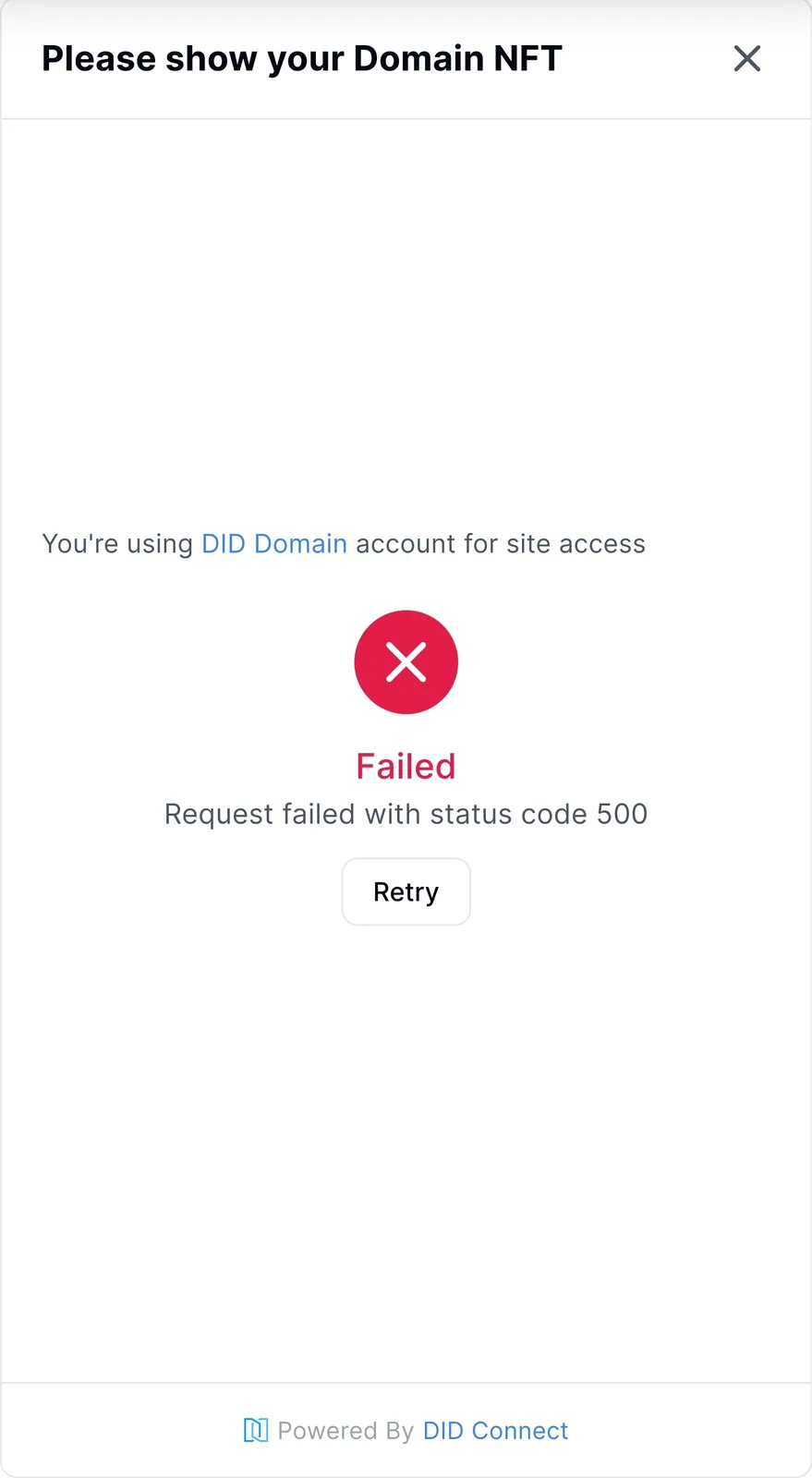
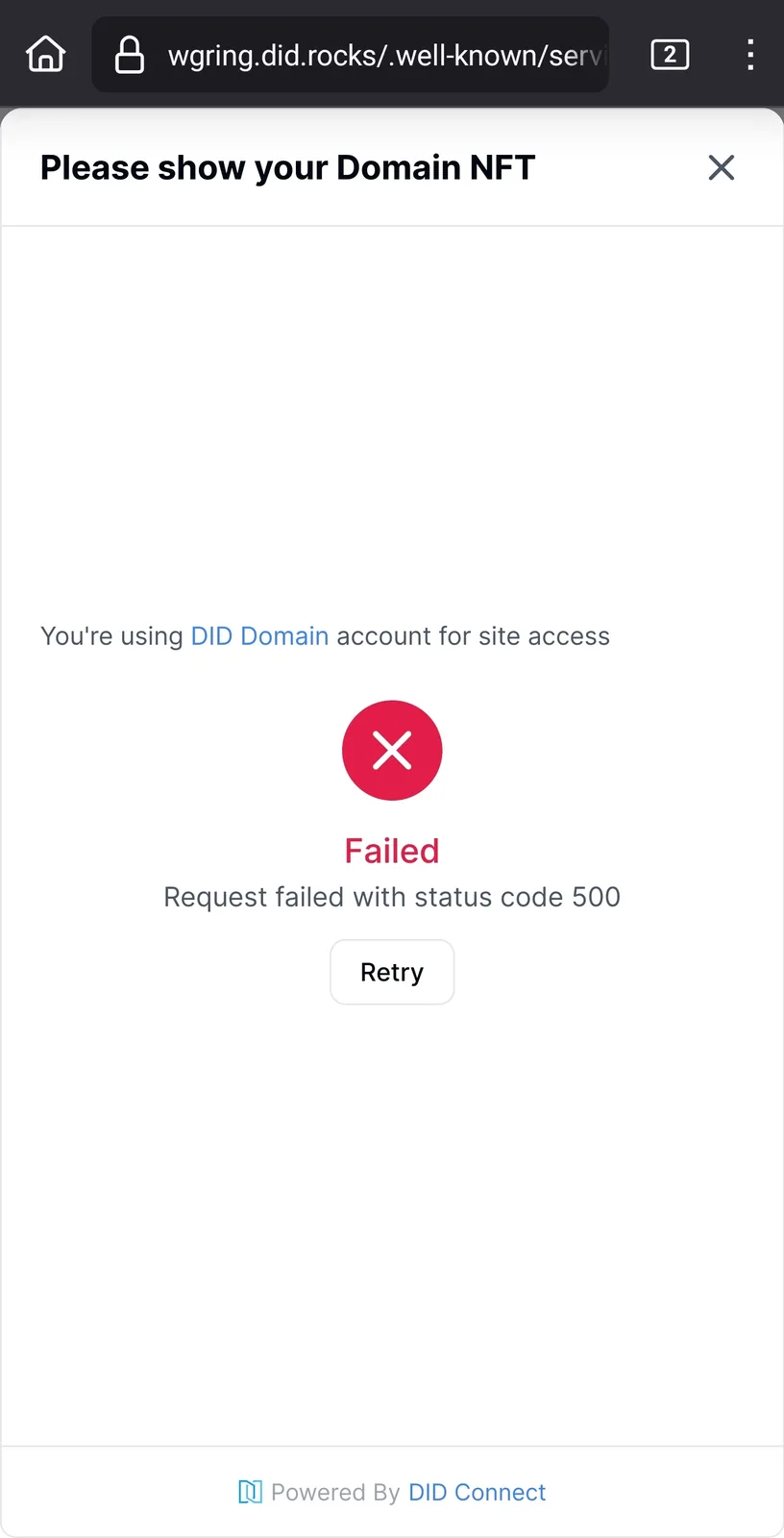
Adding DID Domain results in error 500

Previous method of adding did domain via button isnt there and says enter domain for it instead.
Tried adding a did domain to my personal blocklet server, and also checked if the issue was present on my on-demand space through ArcBlock. Both have this issue.
When entering the domain, it will prompt to open did wallet yes. When opened, it has a sign message - signed the message but then it disappears and theres no selection of the DID Domain Passport.
Personal install, url bar removed:
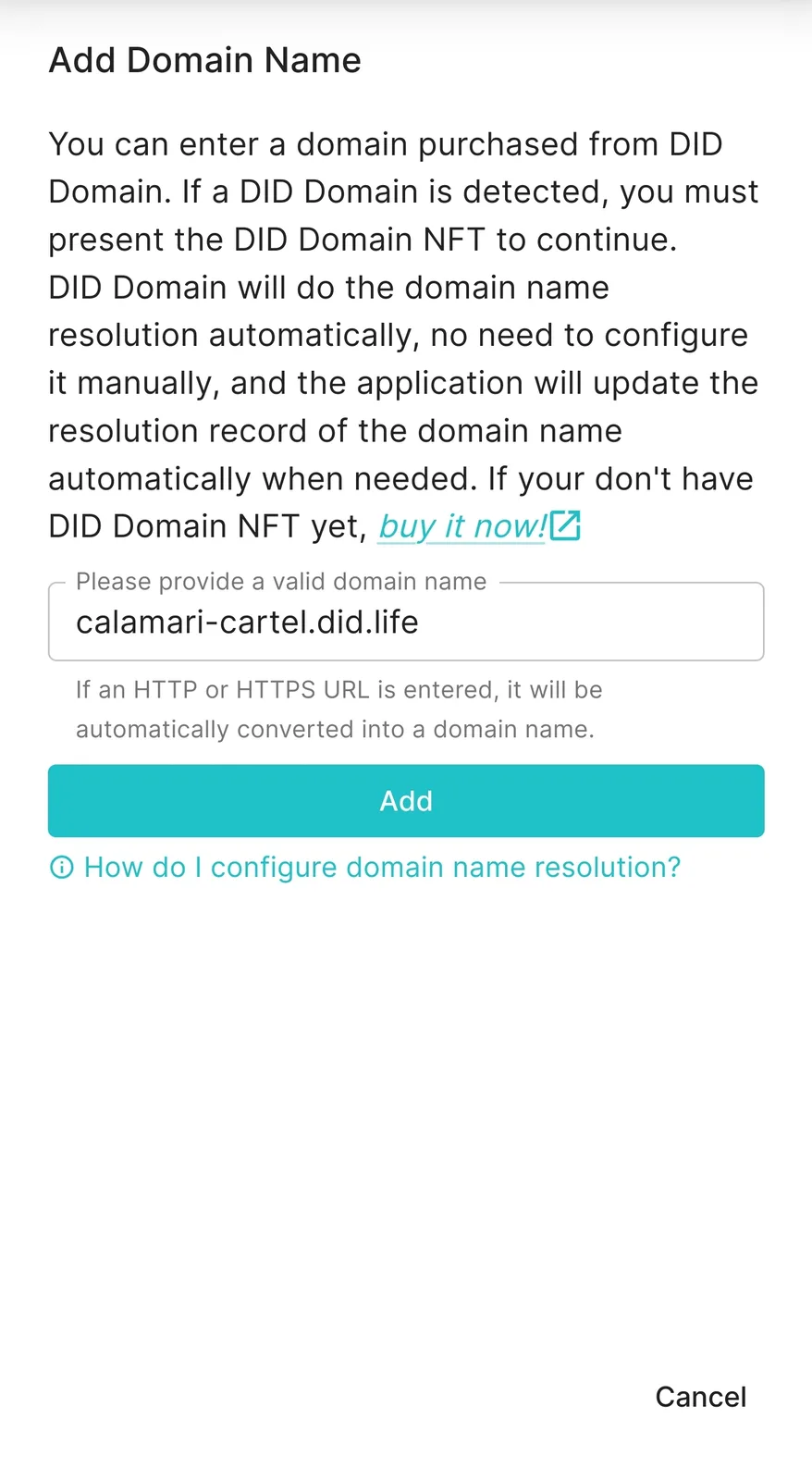
Result:
On demand space:
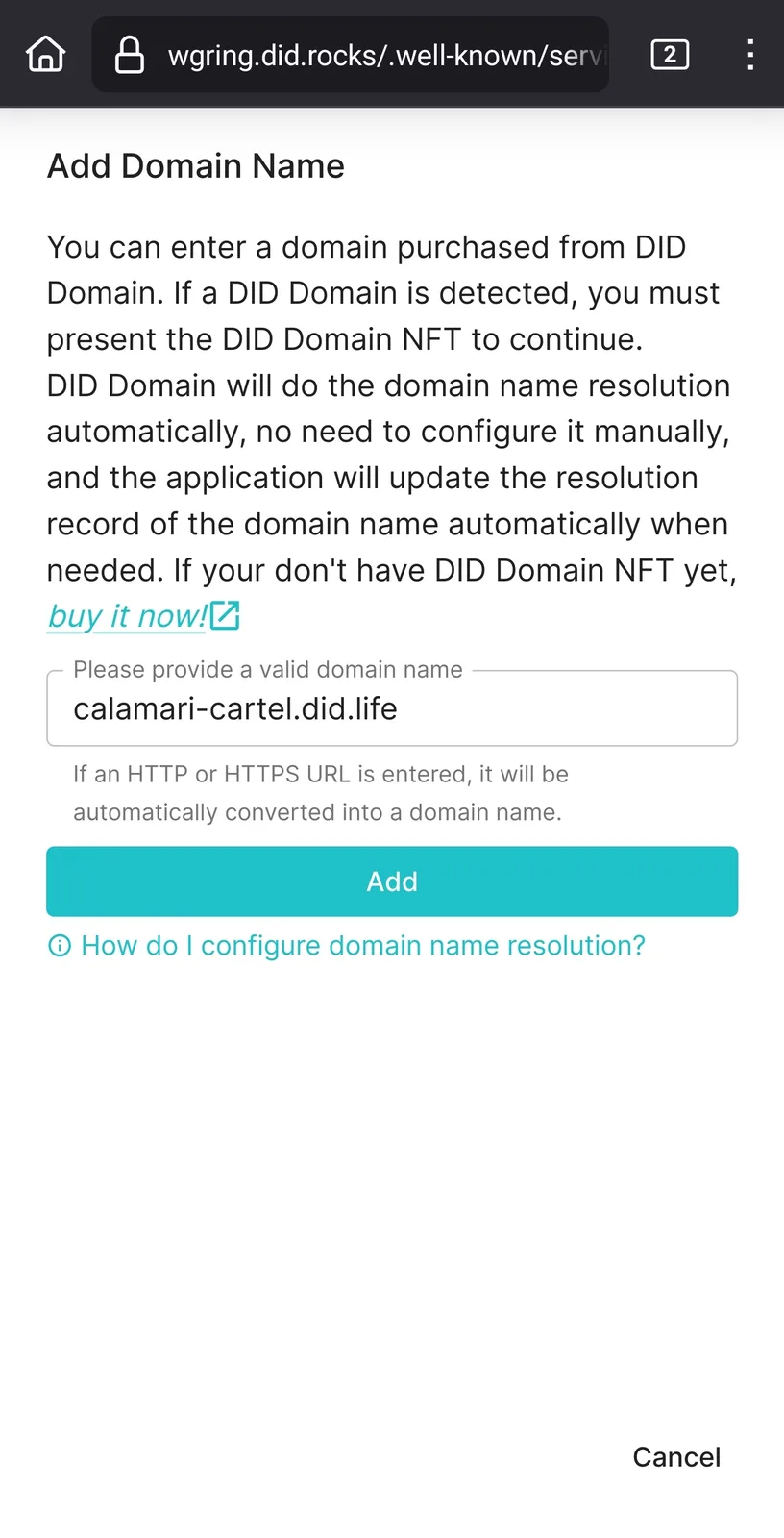
Result:
[edit: both server and serverless instance use beta blocklet server install]
Can we bring the button method back? 😂
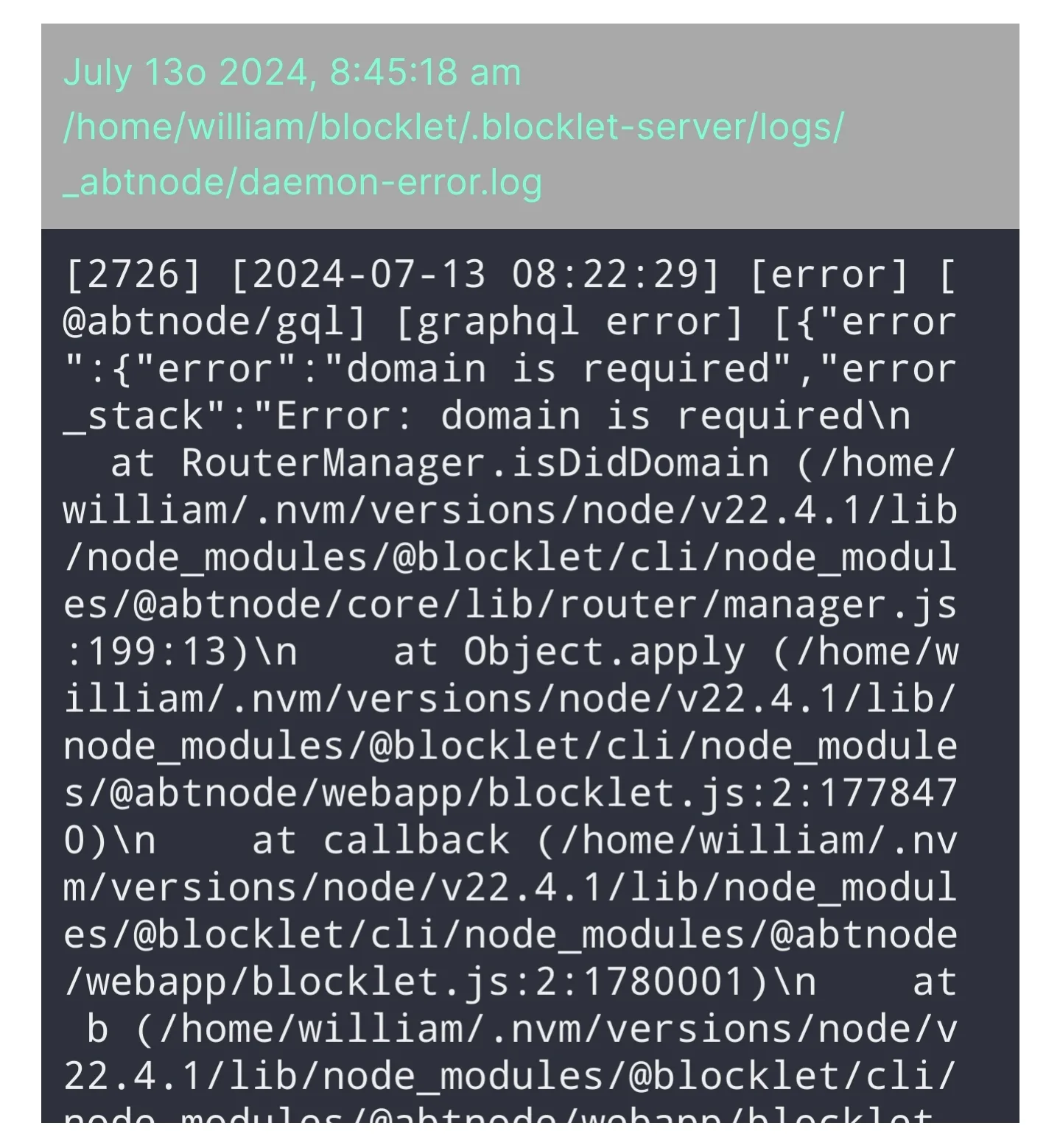
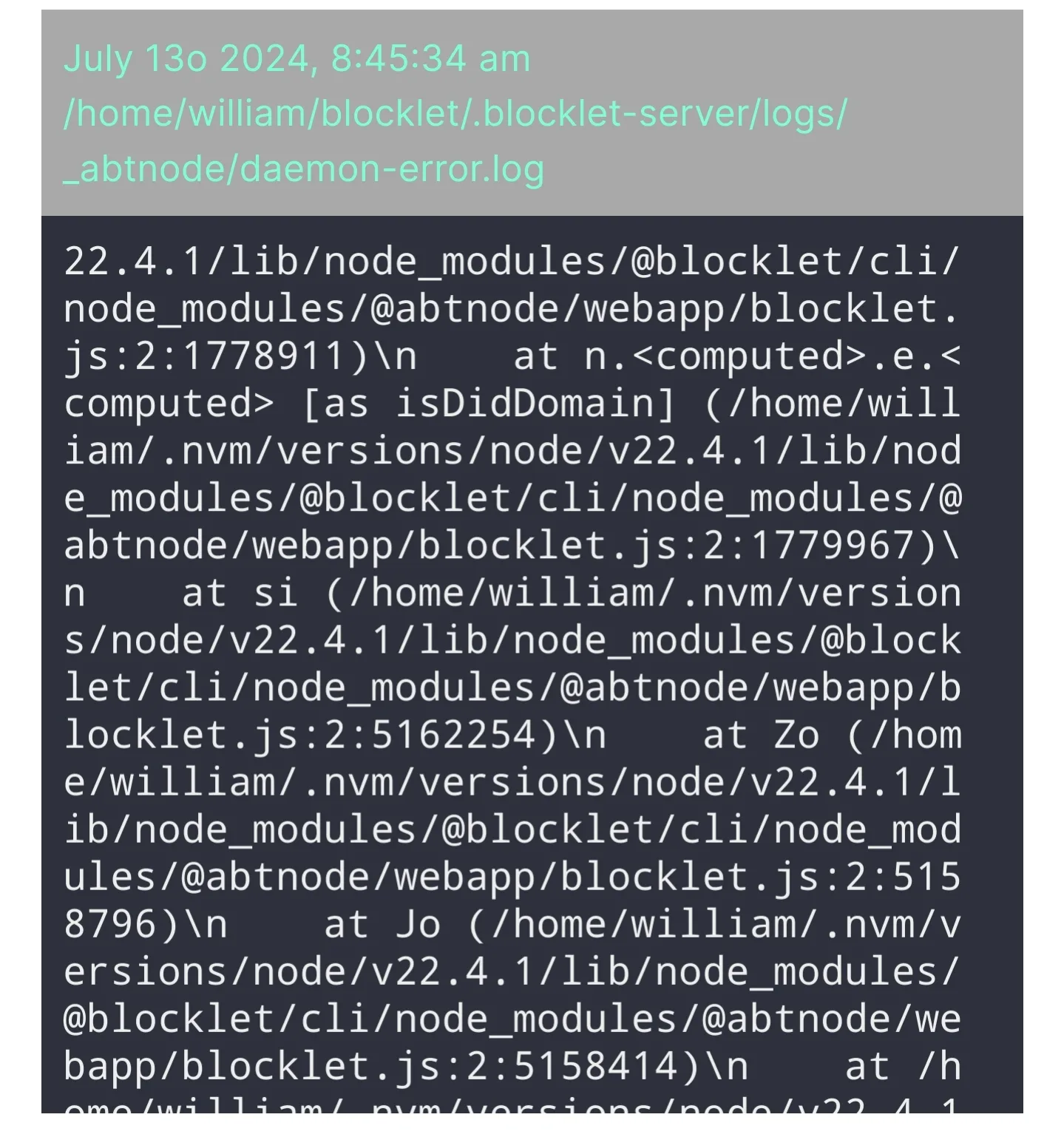
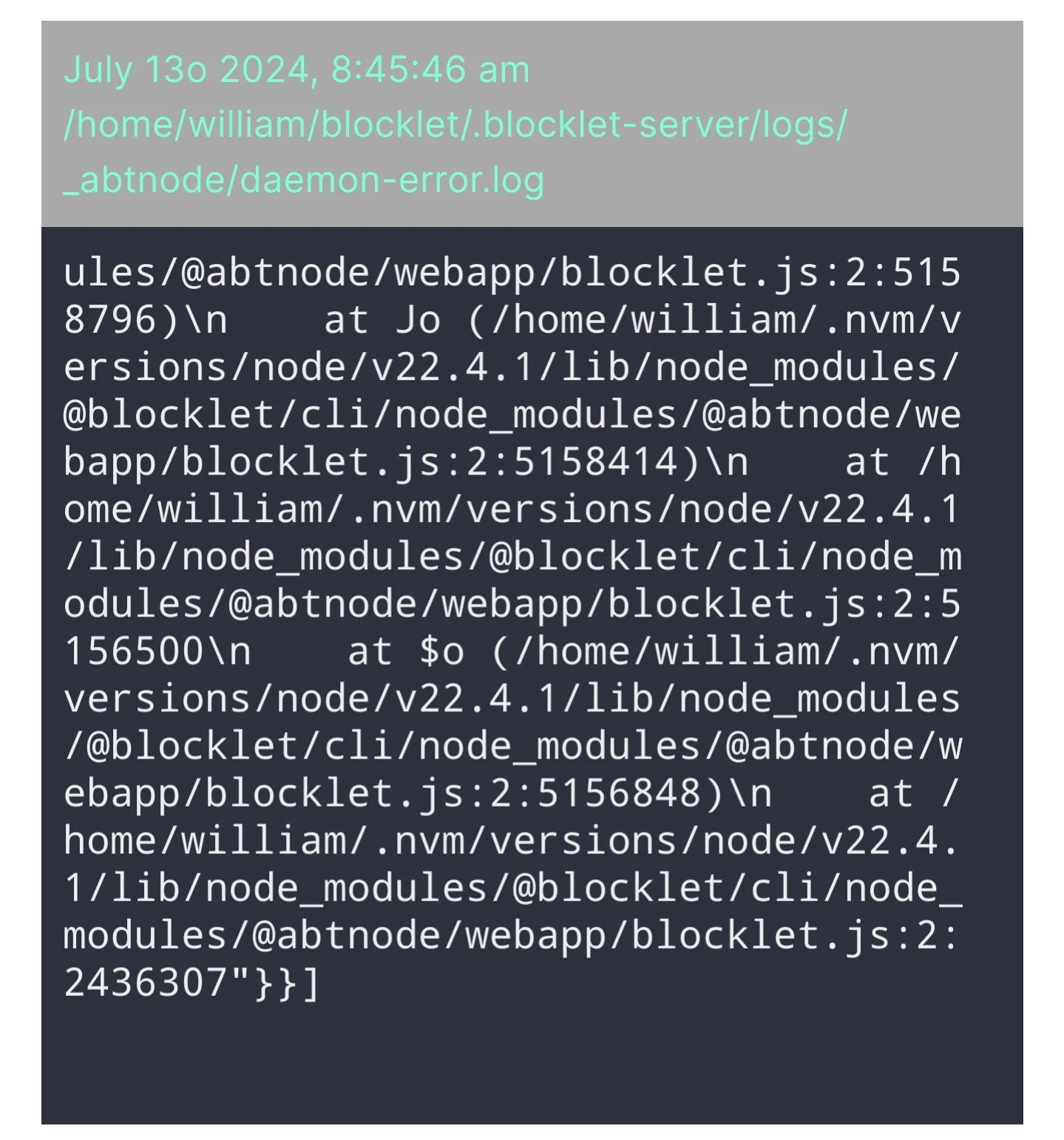
[edit: log on personal blocklet server, since i cannot view blocklet server log on the serverless space]:
9 条回复
I apologize for the inconvenience caused to you.
This method isn't terrible by any means, only thing it really introduces imo of a negative is the chance domains are entered incorrectly - which seems like it would rightfully just fail. That being said if it does, is there/can there be a notice to notify the user to "verify their entry and try again"?
Great suggestion, I'll think about how to optimize it.
z1croUysBVjGHD7KtHqZyhxKrCrSB2Z1Daa We have fixed the issue preventing you from adding the DID Domain. Please try again at your convenience.
the domain was able to be added, but the certificate manager encountered an error. My assumption is the error is me using a hyphen in the domain 😂
I see this domain resolves to 70.173.229.138. Is the DNS resolution correct? If so, is port 80 of this server accessible publicly?
ports on router and of the firewall on the virtual machine are both open for 80 and 443, extra measure the internal IP is also in the DMZ, but now I too am not getting external access. this i believe has to do with my router and not the blocklet server itself as i was able to add the domain to my serverless instance
I believe the reason for the failure is that 70.173.229.138 cannot be accessed publicly. During the certificate generation process, the certificate provider needs to access this address via HTTP to verify some information. I think you need to resolve this issue before the certificate can be generated.
yep router has been giving me intermittent trouble lately. will reset it and try again