
Website Theming Bug?

Maybe there is another way I don't know about, but when I change my website/theme font and colors, it doesn't reflect on my site. It does however change my dashboard view, which can be seen in the dashboard screenshot attached. I think this is a bug because I am expecting my website styles to change with the new theming feature. However it applies only to the dashboard.
My question is, how do I change my website fonts and colors?
(for context, my H1 should be that Old English font)
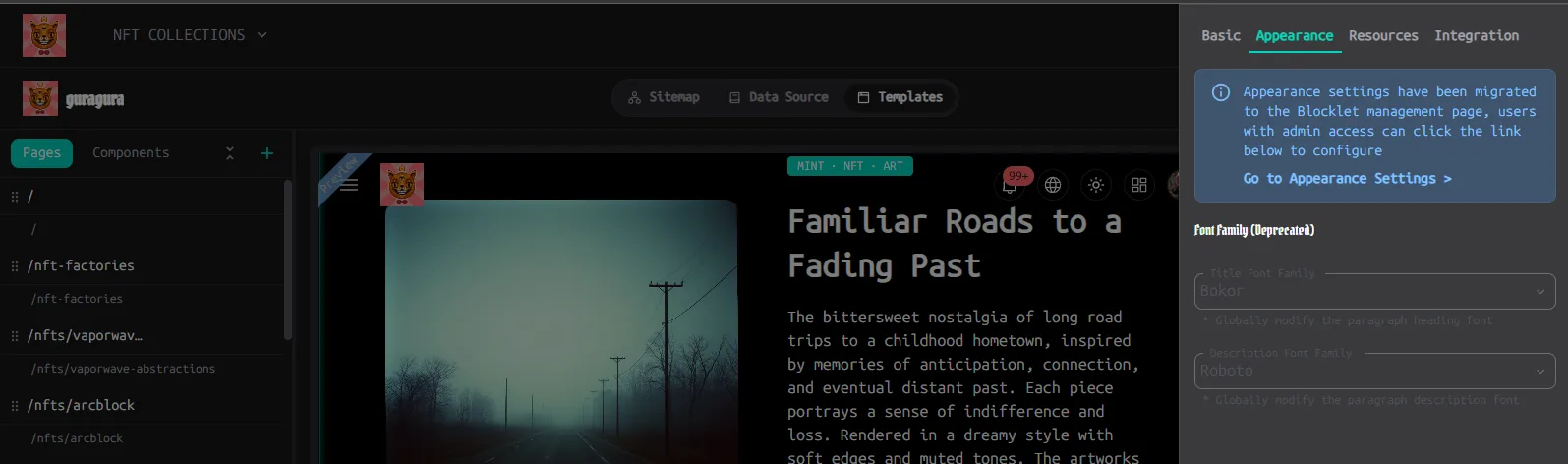
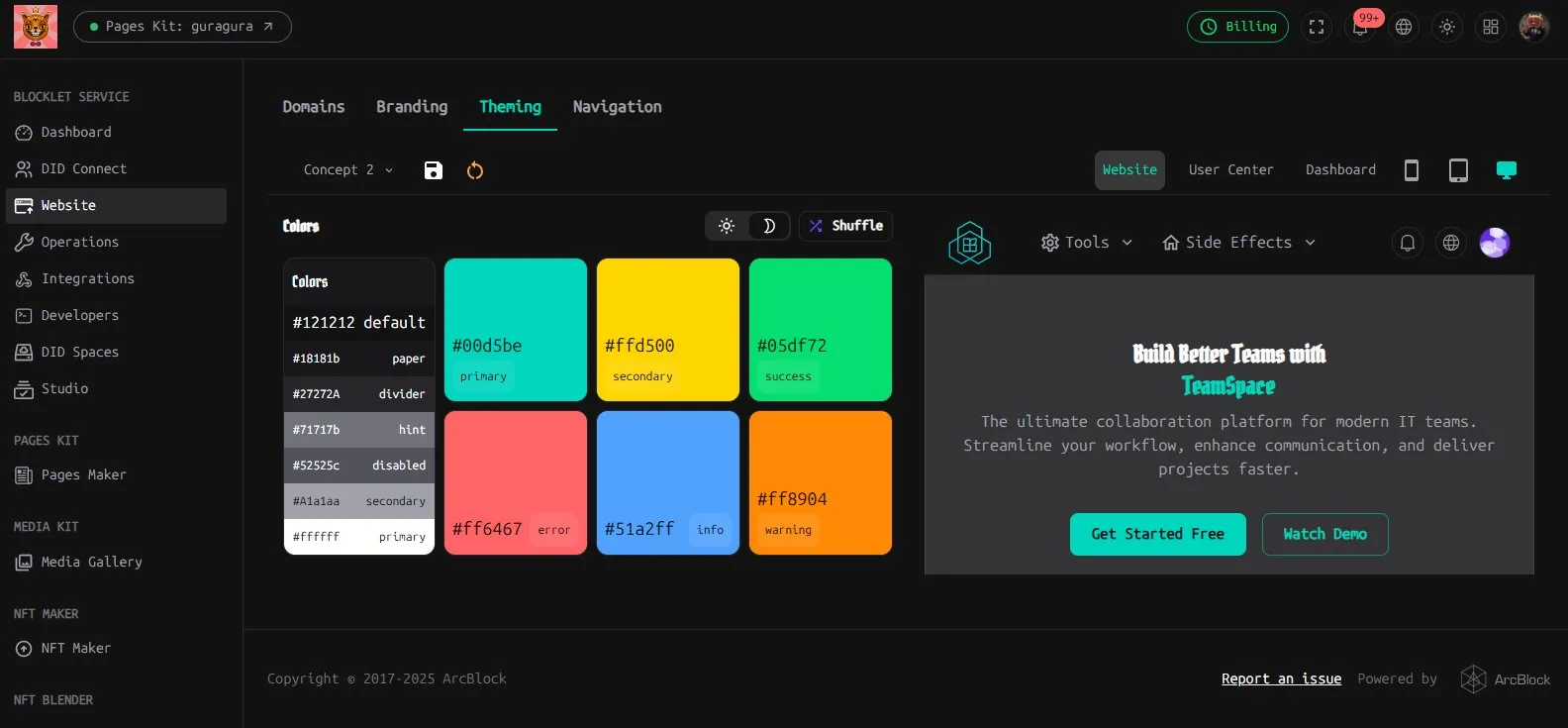

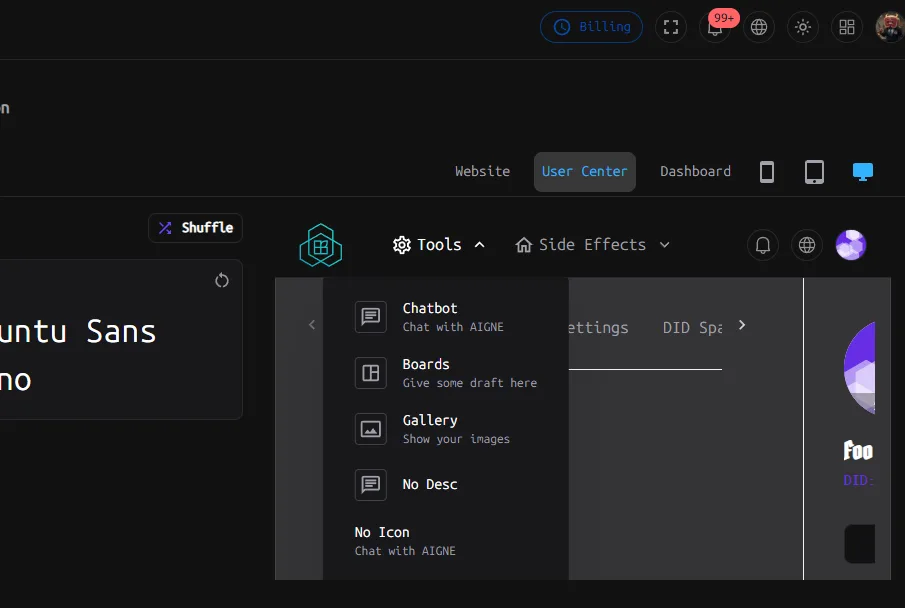
ps. any tips on the "Tools" and "Side Effect"? Where do I go to read about how to use it and what it does?
2 条回复
I can’t really understand this theme tool either. It seems To mostly affect my discussion kit. That being said some how to docs would be helpful because it is mot very intuitive
I forgot I started a discussion already around this topic and was just given the answer below.
The thread can be found here: https://community.arcblock.io/discussions/6e53b6c1-09ea-4129-84ad-3898016c49a3/#66f1a08d-5de4-41ed-8612-85f327af68f9
Answer: