
Intermittent Upload Failed Issue on ArcBlock Community via ArcSphere App

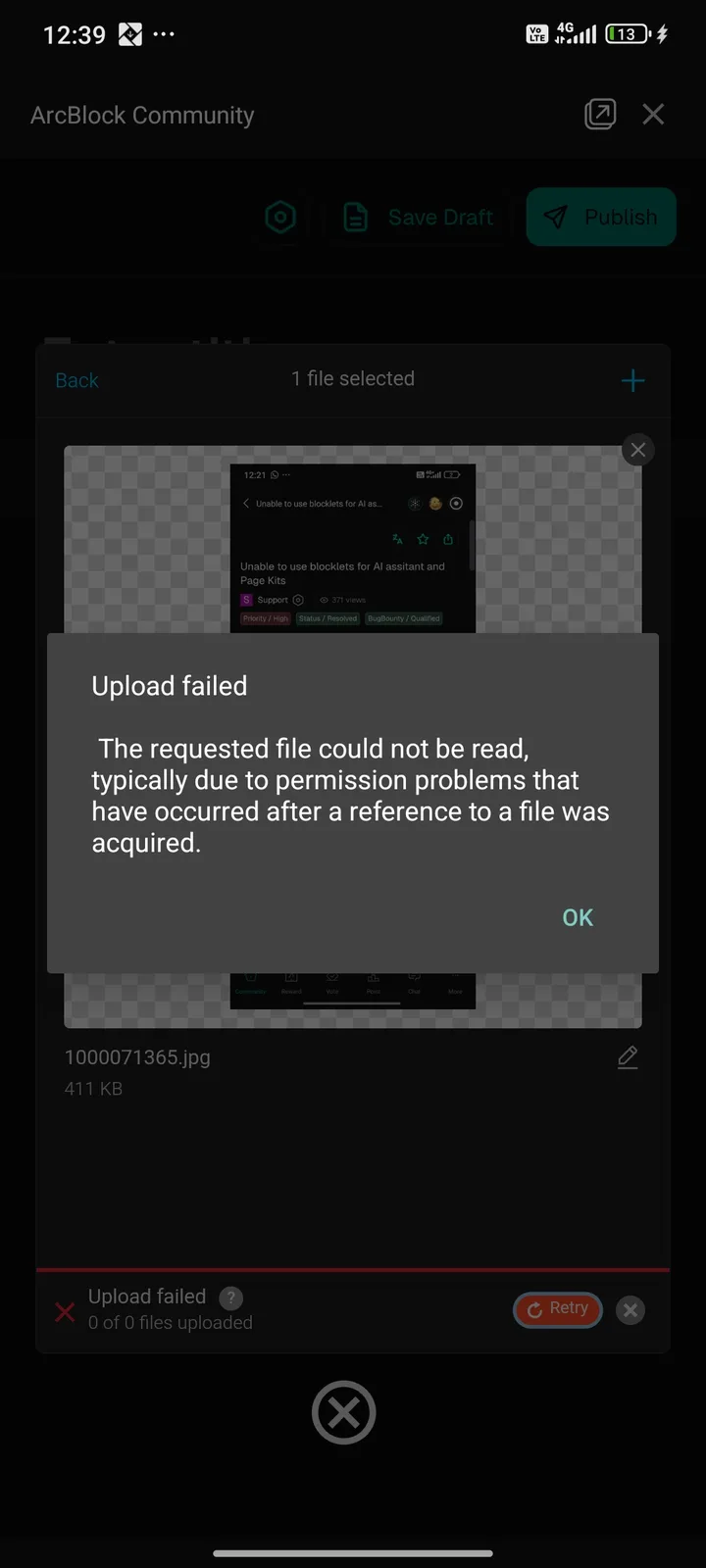
I encountered an issue while trying to upload an image to the ArcBlock Community using the ArcSphere app. After selecting a file, the upload process failed with the error message: “The requested file could not be read, typically due to permission problems that have occurred after a reference to a file was acquired.” Interestingly, when I refreshed the app or retried the same upload, the file was successfully uploaded without any errors. This suggests an intermittent bug related to temporary permission handling or lost file references. While not always reproducible, the error disrupts the user experience and makes the upload process feel unreliable, as users are forced to retry multiple times.
3 条回复
When the first upload failed, did it ask for file system permissions?
No
感觉和我遇到的一样,偶现