
Email Verification Status Discrepancy Between Desktop and Mobile Applications

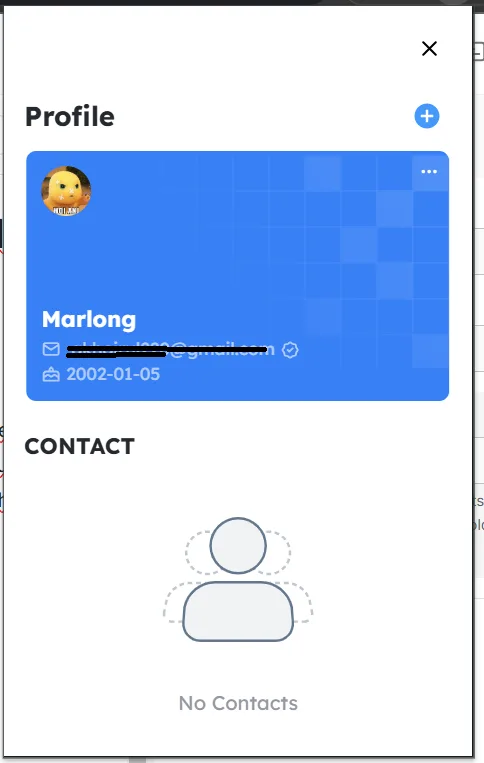
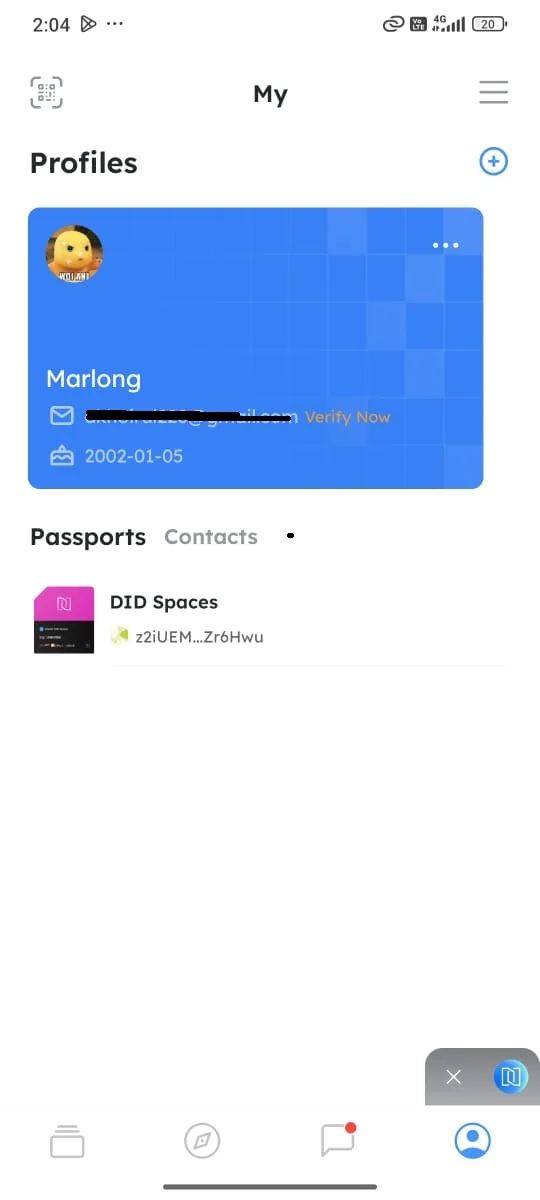
When I attempted to log in to the ArcBlock platform via the DID Wallet on a mobile device, the email verification status successfully completed on the desktop application did not appear as "verified" on the mobile app. However, I was still able to log in through the mobile app, but the email status remained displayed as "Unverified," causing confusion due to the inconsistency between the desktop and mobile platforms. Evidence:
- Desktop Screenshot: Shows the email verification status as "Verified."
- Mobile Screenshot: Displays the email verification status as "Unverified."
Mobile Video Recording: Demonstrates the login process on the mobile app and confirms that the email status remains "Unverified" despite successful verification on the desktop.