ArcBlock Main Chain Fails to Connect with DID Wallet on Mobile

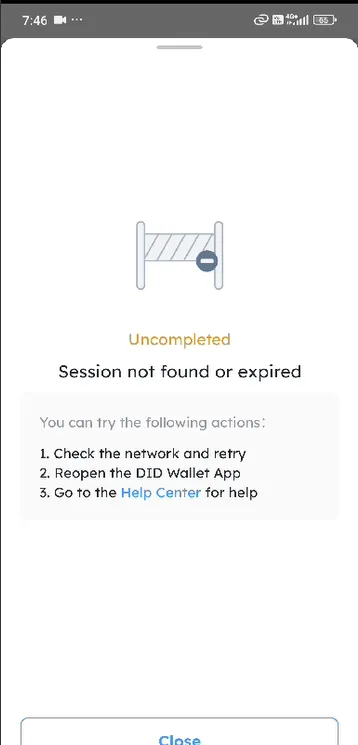
I encountered an issue while trying to connect my ArcBlock Main Chain account to the DID Wallet on a mobile device. After initiating the connection process, an error message "Session not found or expired" appears, causing the connection to fail. I have tried checking my network, reopening the DID Wallet app, and repeating the process several times, but the issue persists. Please investigate and fix this problem to ensure a smooth connection process on mobile devices. Thank you!
Steps to Reproduce:
- Open the ArcBlock application on a mobile device.
- Attempt to connect the ArcBlock Main Chain account with DID Wallet.
- The system prompts for authorization via the DID Wallet app.
- After granting authorization, an error message "Session not found or expired" appears, preventing the connection.