
Sphere Dot Customization Not Available

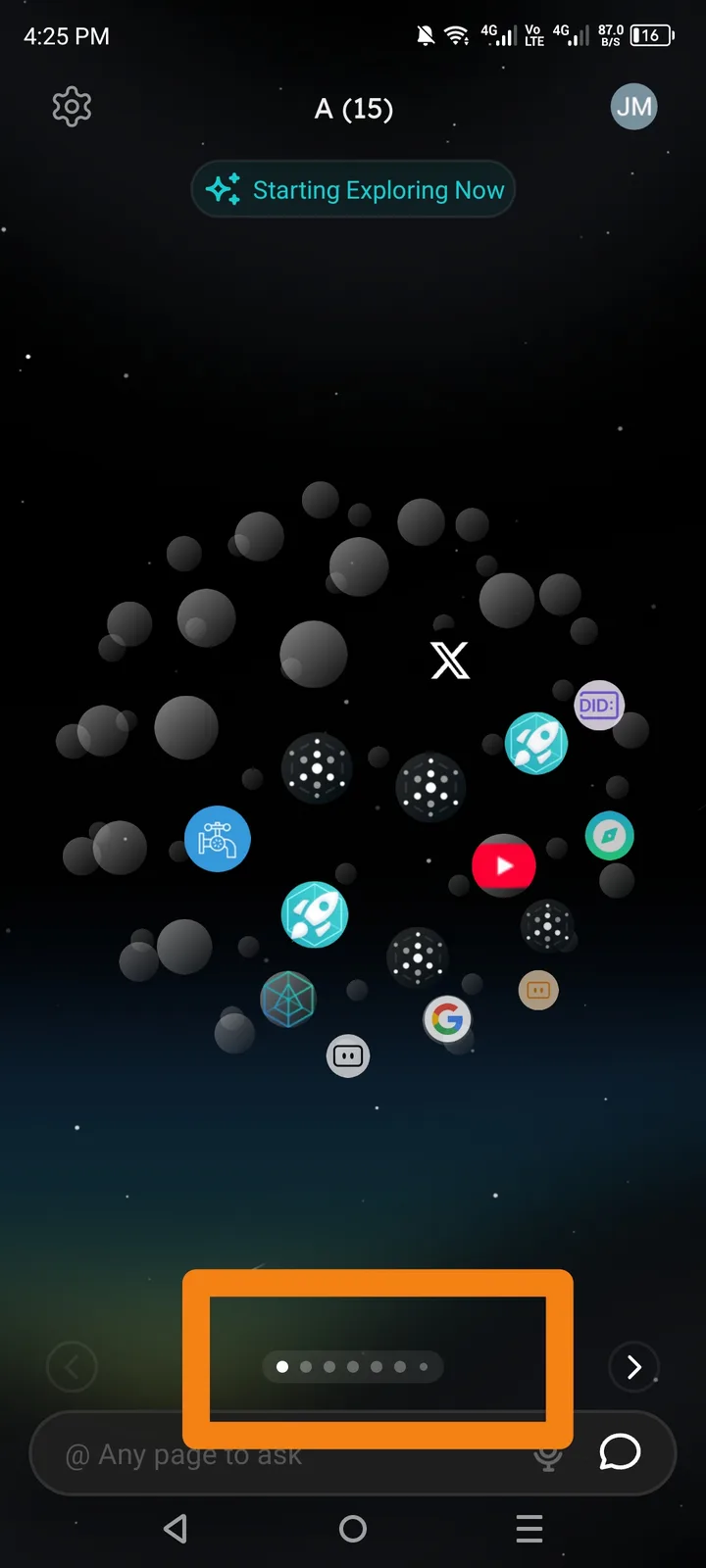
❗ Description
The Sphere Dot feature in ArcSphere does not provide any customization options. Users are unable to change its appearance, behavior, or settings, even though it appears to be a customizable UI element.
🔁 Steps to Reproduce
Open the ArcSphere app.
Navigate to the Sphere Dot feature.
Tap or long-press the Sphere Dot.
Check settings or customization options related to the Sphere Dot.
💥 Actual Result
No customization menu appears.
No options to modify size, color, position, or behavior.
Sphere Dot remains in default state with no user control.
🎯 Expected Result
Users should be able to customize the Sphere Dot.
Possible options may include:
Color or theme
Size or transparency
Position (left / right / movable)
Enable / disable toggle
⚠️Impact
Limited personalization experience.
Users may find the Sphere Dot distracting or unnecessary.
Inconsistent with modern customizable UI standards.