
Index.html archive Resource Blocklet “Bad Archive”

When i try add my own files for a resource blocklet it says the index.html must be in archive section…what does that mean?
I have a src folder and a dist folder, i take it i upload the files from the dist folder? (index.html, style.css, script.js)
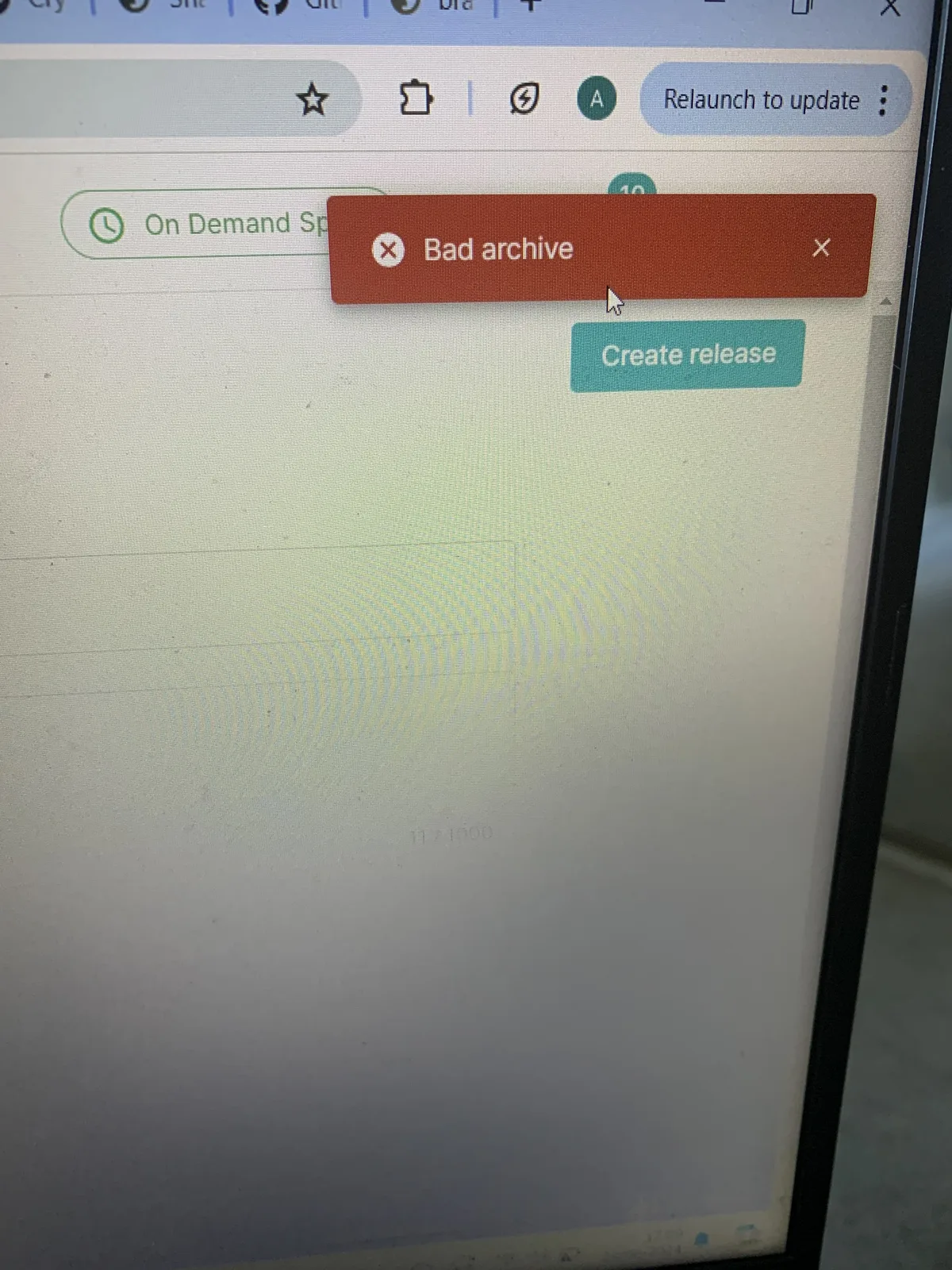
However, when I upload those dist folder files and try to release the blocklet, it comes up with the error “Bad Archive”
8 条回复
This error message definitely need improved.
You need put everything in a zipped archive, since your static blocklet may need a bunch of other files or folder structures.
Please checkout this video for how to create the archive: https://www.arcblock.io/content/uploads/c6ed74c817f69de0db67e7b3b766ff18.mp4
z1VV21NqNWkiadznN32ALkos5dQqQwnCMty z1oHa79x3H6vxv9hfW8bHczPmwHKfAaRRmS
compressing the file into zip archive seemed to fix the “Bad archive” error, but now I get a new error: “Release Note is required”
I included a README.md and README.txt in the zipped folder to see if it fixes the problem, but it didn’t. Any way to fix this?
For the release note error, please fill it refering to following screenshot:
thanks! so it was easier than I thought, just missed the box haha😁 will try it soon and hopefully everything works smoothly this time
i managed to release the blocklet, but now I noticed on my pc if i try open index.html from the zip file, the game does not display properly…once i unzip, everything shows perfect. is this normal? i uploaded the zip version for the blocklet
also, I want to test the game now as a blocket, but running into issues installing it:
Can you share the link for for published so we can checkout what might gone wrong?
this is the link of the blocket game i published on my own blocklet store:
https://braintitan.did.life/blocklet-store/blocklets/z2qaJC1GyNcUhptJkgLR7t8pR2mNBQWWC9QG3