
"View Log" Modal Appears Empty When Viewing Agent Log Details

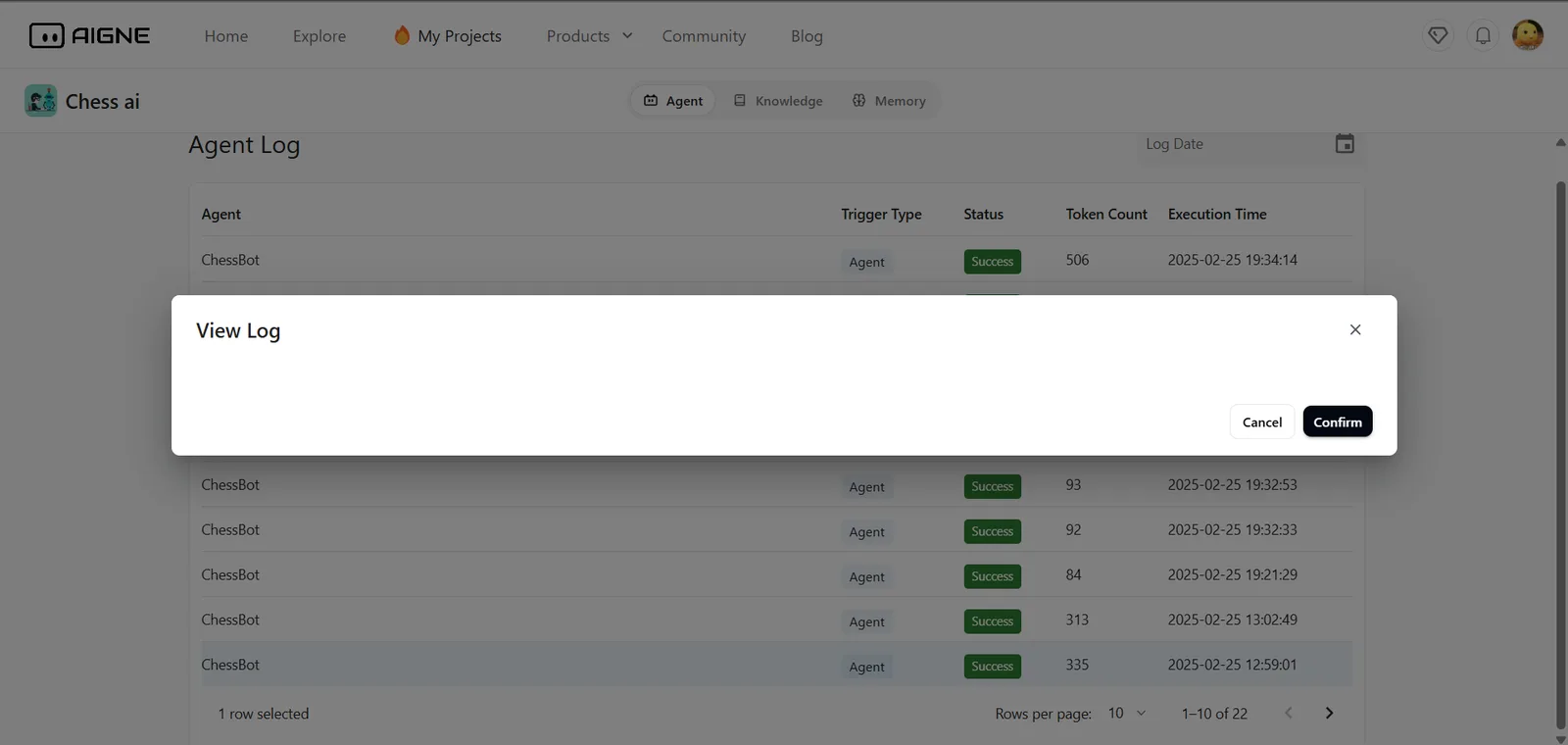
When accessing the Agent Log page in AIGNE and selecting any agent log entry (e.g., for an agent like ChessBot), the “View Log” modal opens, but no content is displayed inside the modal.
Even though the selected log row shows a status of "Success" and valid data such as Token Count and Execution Time, the log detail view remains blank. The modal only shows the title "View Log" along with Cancel and Confirm buttons — without showing the actual log contents (e.g., prompts, responses, metadata).
There is no loading indicator, no fallback message, and no error shown, which makes it hard for developers to debug or verify agent behavior.
Expected Behavior:
- The modal should properly display log details such as the full prompt, response, or any relevant agent activity.
- If no data is available, a fallback message like "Log not found" or "Unable to load log data" should appear.
- Error handling should be improved to catch API fetch issues or empty/null response cases.
1 条回复
HI,
The latest data will not have this problem. This is because these data were generated before adding the log view