
No Option to Minimize Chat Panel

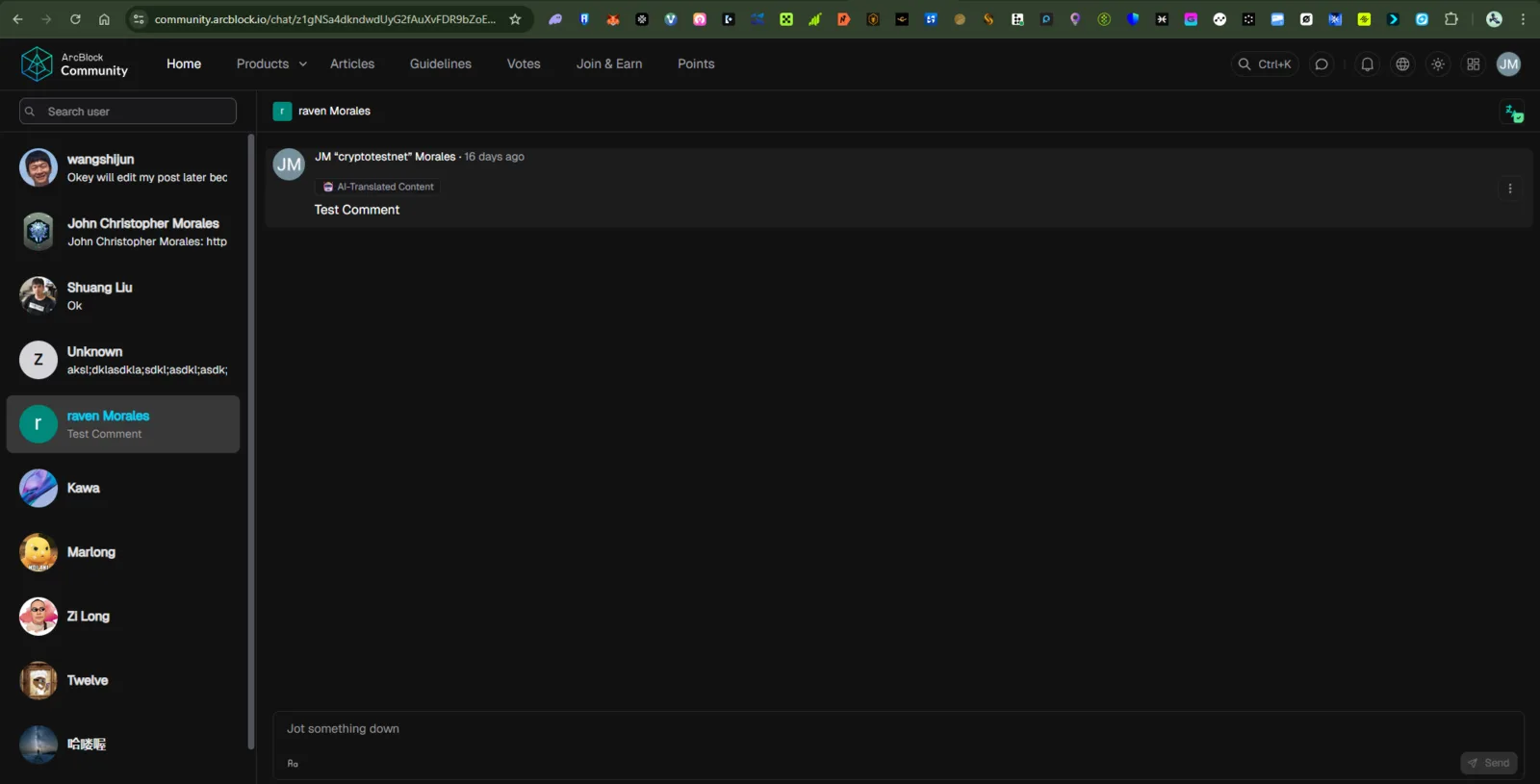
Platform: ArcBlock Community Feature Affected: Chat Interface Device: PC / Desktop (Web Browser) Browser: Google Chrome
Description
When viewing the Chat section on ArcBlock Community, there is no visible option or button to minimize, collapse, or close the chat panel. Users cannot reduce its size or return to the main page without refreshing or navigating away manually.
Steps to Reproduce
- Go to https://community.arcblock.io/chat
- Open any user conversation.
- Attempt to find or click a “minimize” or “collapse” button.
- Observe that no option exists to minimize or close the chat window.
Expected Behavior
A minimize or collapse button should be available to hide or reduce the chat view, allowing users to continue browsing other sections without leaving the chat.
Actual Behavior
No minimize or collapse option is visible. The chat remains fixed on the screen, forcing users to manually navigate away or refresh.
Impact
- Reduces usability and navigation efficiency.
- Affects user experience on both PC and mobile browsers.
2 条回复
This feature will not be supported in the short term.
I want long term and not user friendly and also need manual.