
Logo Not Properly Displayed

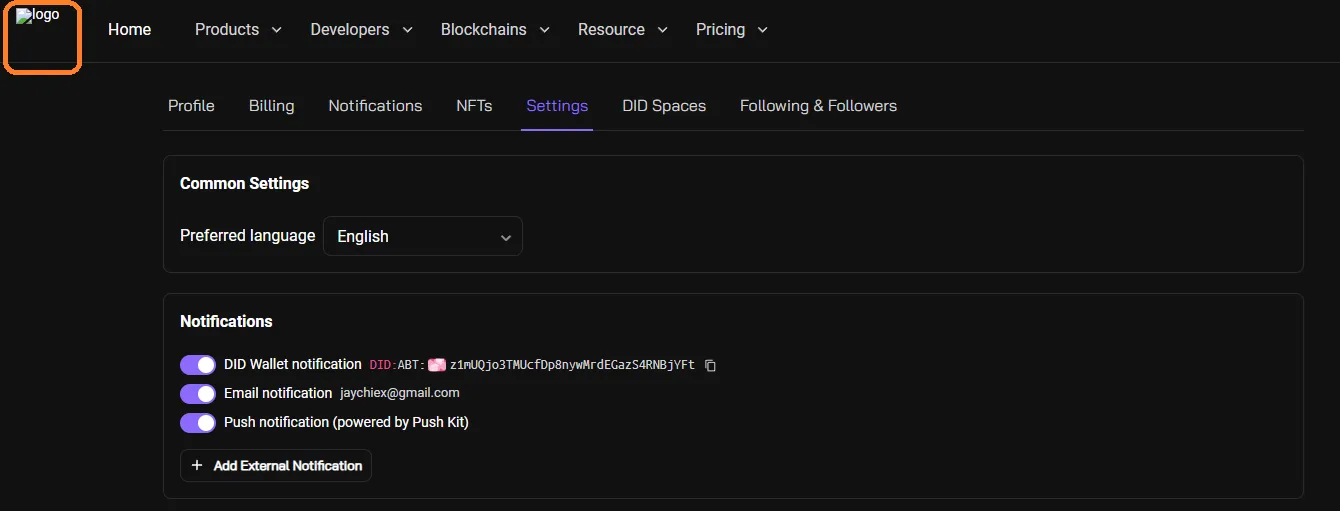
On https://www.nftstudio.rocks/.well-known/service/user/settings?locale=en, the NFT Studio logo does not render/display properly.
Steps to Reproduce:
- Open NFT Studio Settings at the above URL.
- Observe the logo section at the top of the page.
- Notice that the NFT Studio logo is not properly displayed (broken, cropped, missing, or stretched).
Expected Result:
- The NFT Studio logo should render correctly (high resolution, aligned, not broken).
Actual Result:
- The logo does not display properly (either broken link, incorrect scaling, or missing image).
Bug Description: This issue suggests a broken image path, missing resource, or incorrect CSS scaling for the NFT Studio logo. It reduces branding consistency and user trust.
Severity Classification:
- Severity Level: 🟢 Low
Suggested Fix:
- Verify the image file path for the NFT Studio logo.
- Ensure the logo asset is uploaded correctly to the CDN/server.
- Update CSS styles to ensure correct scaling and alignment.
- Add a fallback alt text/logo in case of failure.
Priority: ⚡ Low – Cosmetic but should be fixed to maintain branding consistency and user trust.
1 条回复
Due to historical data, it is now displaying normally.