
Some Texts Remain in Chinese on Developer Portal

🧾 Description
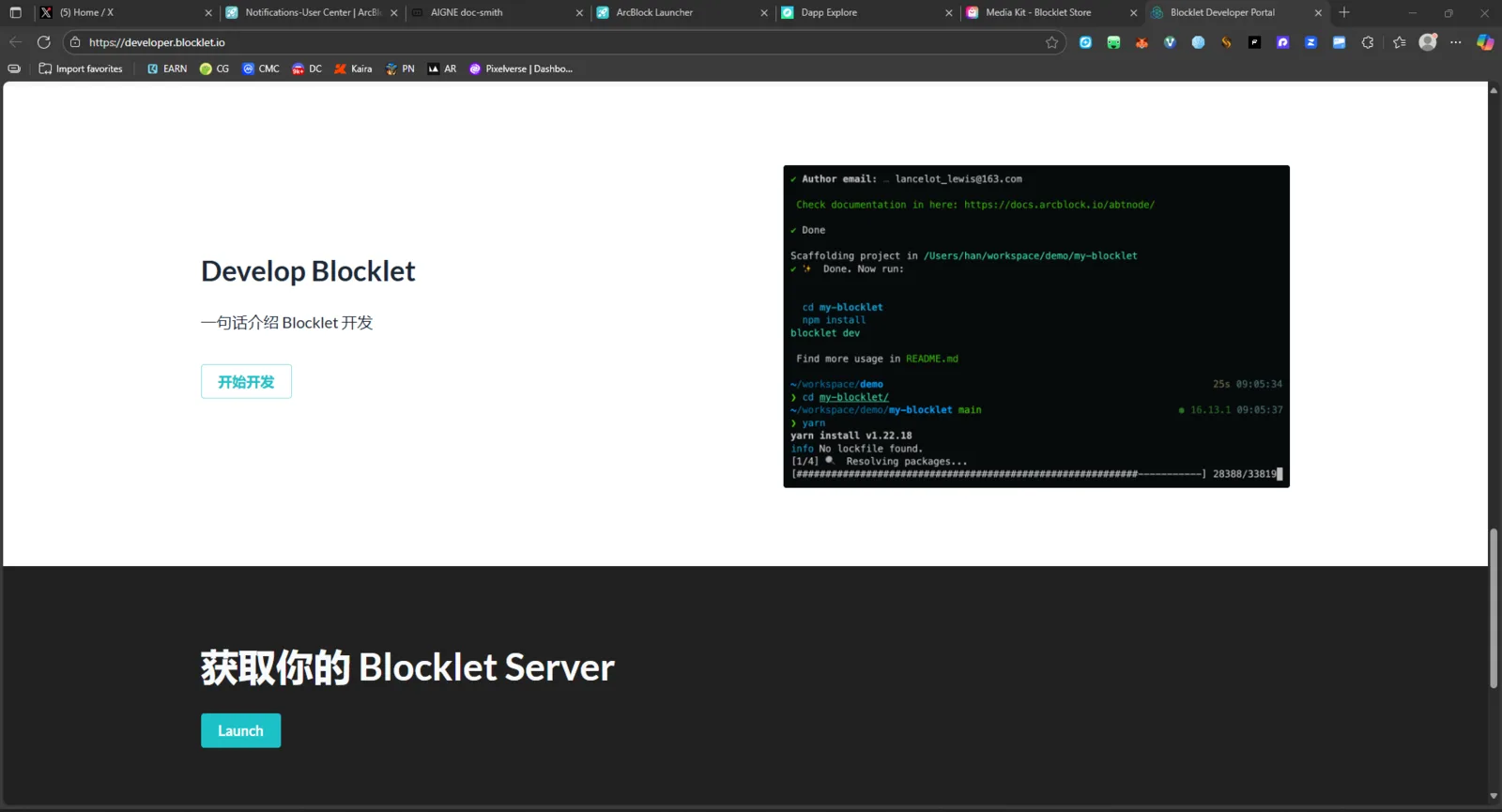
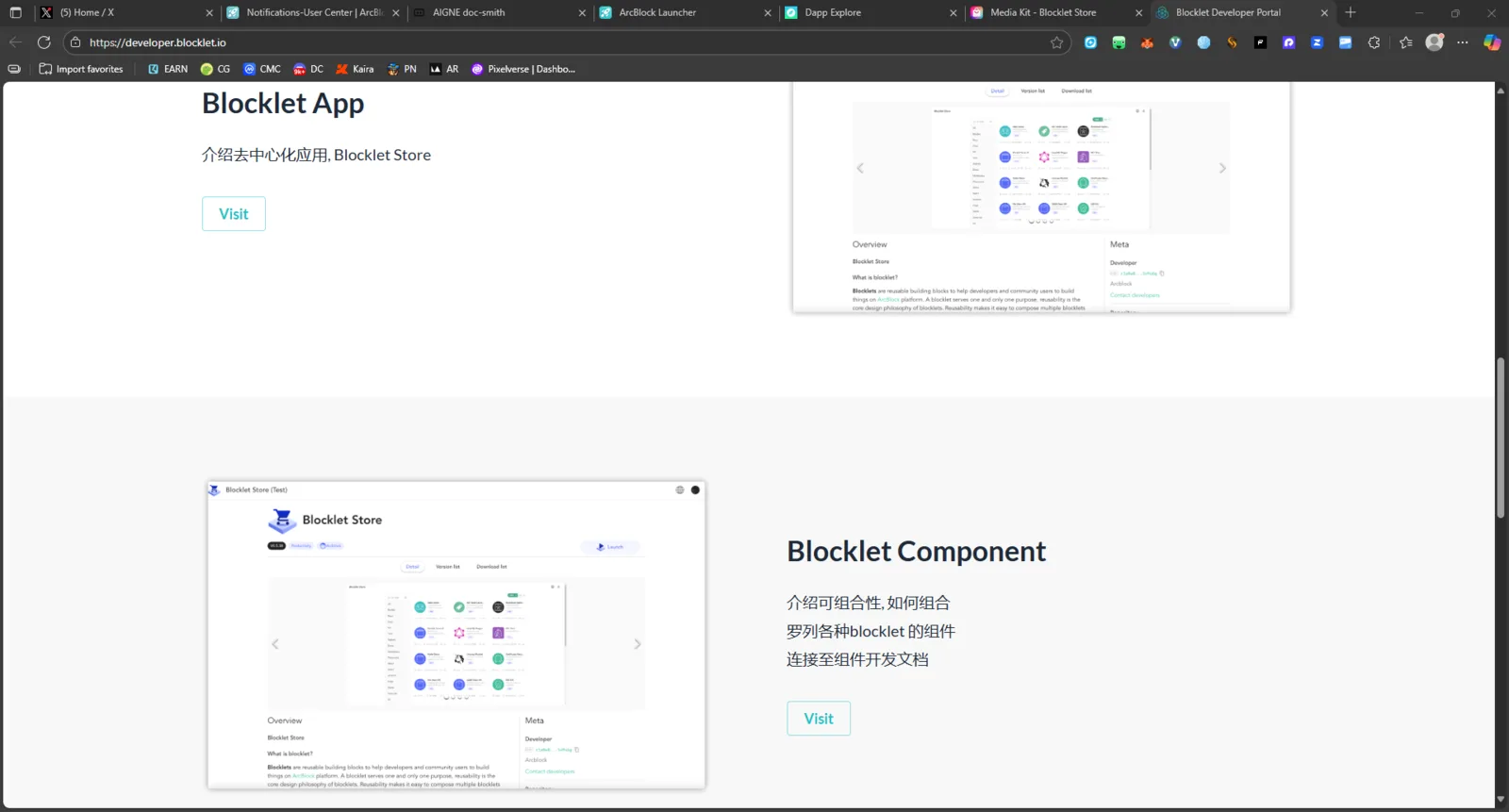
When browsing the Blocklet Developer Portal using English language settings or Google Translate, several parts of the site remain partially untranslated — certain headings, menu items, and descriptions are still displayed in Chinese, creating inconsistency and confusion for non-Chinese users.
🔁 Steps to Reproduce
- Open https://developer.blocklet.io/.
- Set browser translation to English (or select English if language toggle is available).
- Navigate through documentation pages and sidebar menus.
- Observe that some text remains in Chinese even after translation.
✅ Expected Behavior
All text on the site should appear fully translated into English, especially when using the English UI or translation tools.
❌ Actual Behavior
Portions of the content (titles, menu items, descriptions, and documentation sections) are still in Chinese, even after enabling translation or selecting English.
📊 Impact
- Reduces accessibility for non-Chinese developers.
- Causes confusion when navigating documentation or tutorials.
- May discourage international contributors or users.
🧰 Suggested Fix
- Review localization files or markdown content for untranslated strings.
- Implement full i18n (internationalization) support for English.
- Verify translation coverage in menus, docs, and UI components.
- Optionally add a “Report Untranslated Text” button for user feedback.