
Nft maker suspended/expired

How do i fix this?
I stopped this a few months ago, i paid due invoice but not sure how to re-subscribe now.
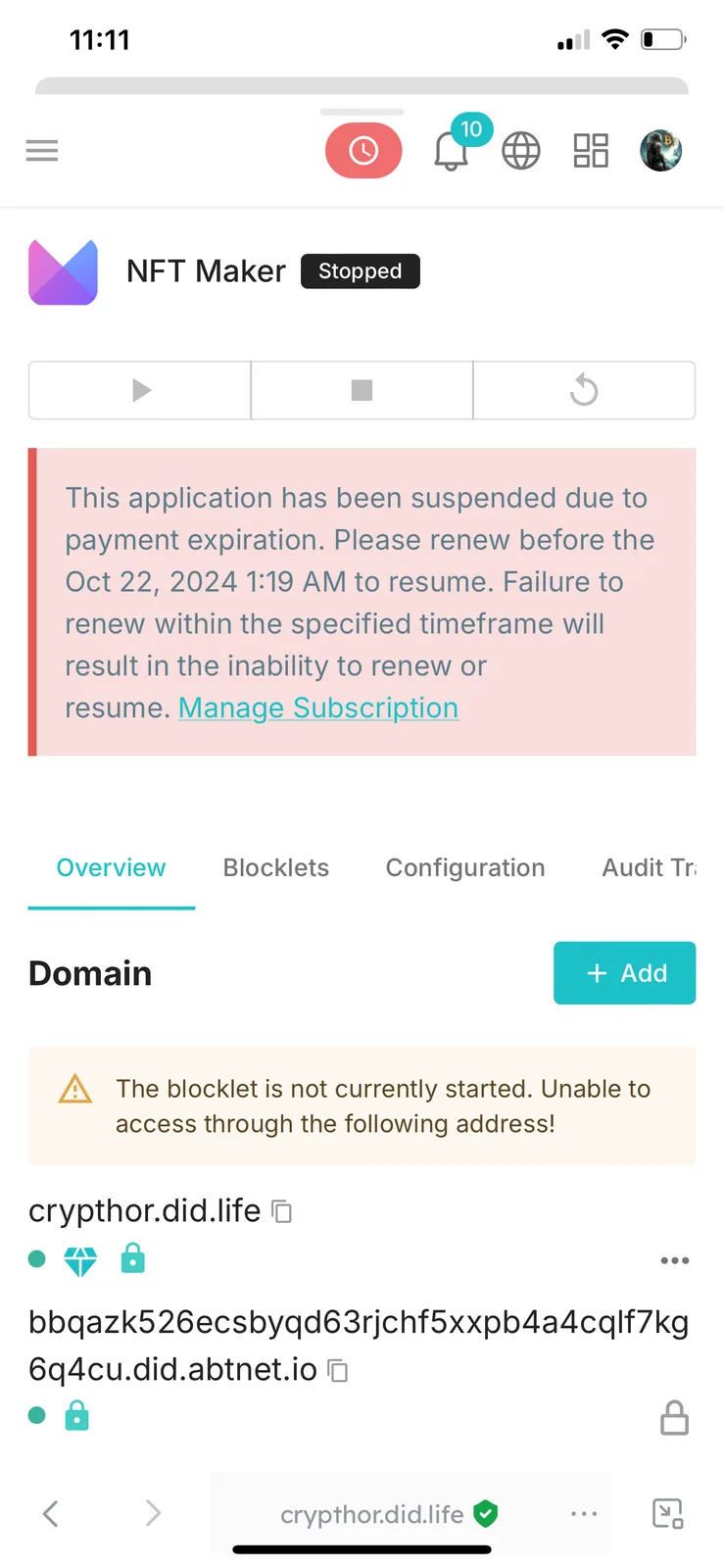
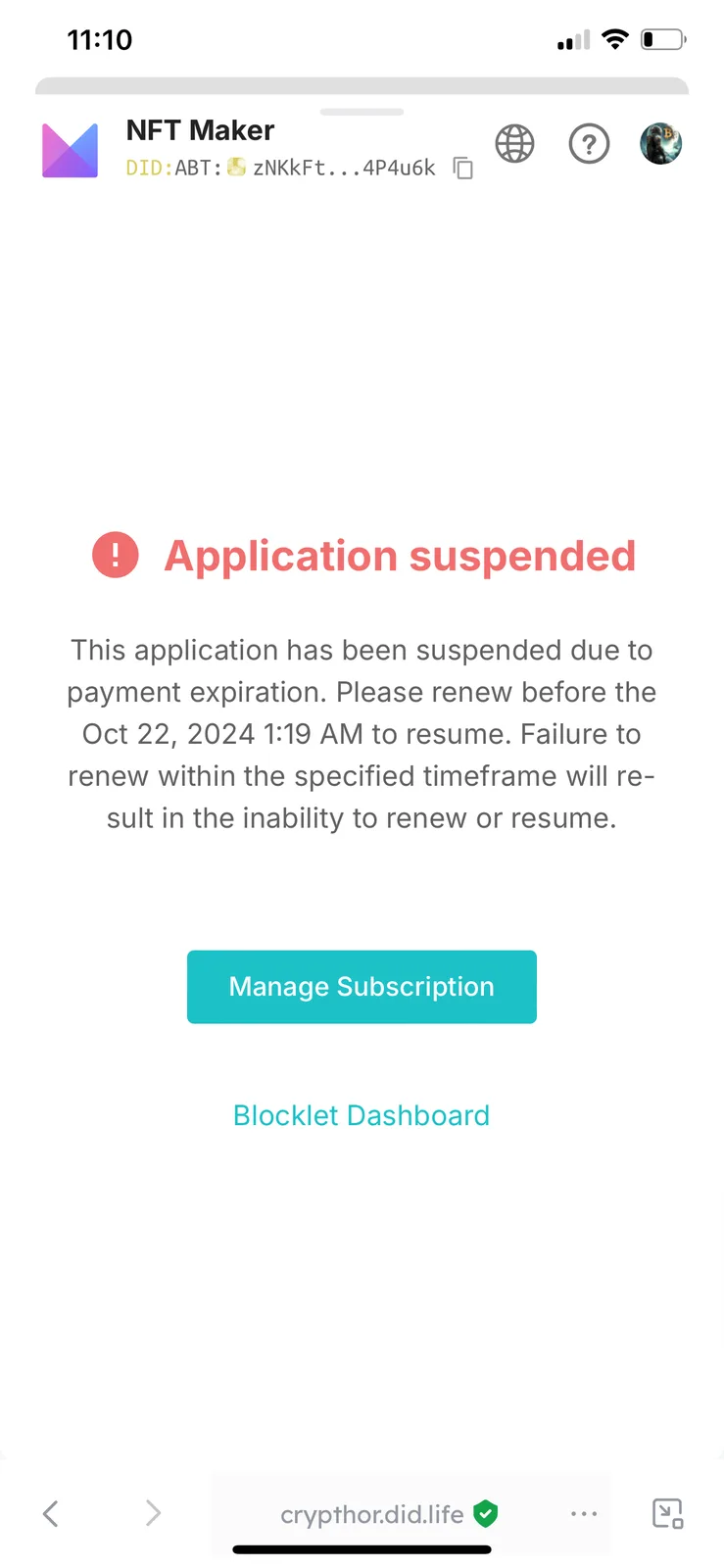
How do i fix this?
I stopped this a few months ago, i paid due invoice but not sure how to re-subscribe now.
20 条回复
You can just follow the "Manage Subscription" link and resume your subscription.
When i press on the link, there’s no renew option anywhere
It's been too long since your application stopping due to payment issue.
Did you backup your whole application to DID Spaces? If yes, you can restore your application from DID Spaces and get it up and running again.
i never did it directly, but it seems nft maker is in my did spaces so probably it is backed. what do i press to restore the app, and where?
did a back up and still having same issue
Please checkout this doc on how to restore: Restore Blocklet to Launcher
i have 2 issues, when I check audit log 1) i only connected nft maker to did spaces 6 months, ago that wasnt a back up and there’s no restore option 2)) it seems i only did the back up last night, 9 hours ago, and the blocklet is already suspended so thst doesnt help when i back it up for that, the button does nothing
what can I do?😅
Here is pagination, you can check if you have backed up before (I noticed that there is a backup record in your screenshot, you have already backed up now, enough to restore normally).
You can refer to this document https://www.arcblock.io/docs/did-spaces/en/restore-to-launcher, restore your app to the launcher.
i did the back up yesterday after the app was already suspended…also when i press on restore button nothing happens:
this is a bug on the ios wallet, it is currently being investigated and resolved. Before the issue is fixed, if you are in a hurry to recover, you can use your safari to open https://www.didspaces.com/app/space to try to restore (another method is to operate on your personal computer) instead of on the ios wallet.
thanks, i tried on my computer. the restore button worked, but nft maker is not starting now. i have a blocklet space for it on arcblock launcher, but the app doesnt want to start. also, it’s not letting me add the old domain : https://crypthor.life.did to it, thats where i made my nft collections
Please try to upgrade your NFT maker to the latest version (0.6.33) and then restart it.
The latest version now supports formats like https://crypthor.did.life. Please try again.
hi, the problem was briefly fixed a few weeks back, but now it has happened again: i can’t acces NFT maker anymore again. whenever I try enter the blocklet it comes up with an SSL error. I’m also unable to update the nft maker blocklet, coming up with an error when i try to do so. Is there anything i can do?
z1d5y4TyLECjNb6P9dE96BjAb2LjKhN75M9 z1VV21NqNWkiadznN32ALkos5dQqQwnCMty z1fX3bzdKyAMTKdRoWYD8Aa3yvi5y6RYbJg
Is this your application URL? https://bbqazk526ecsbyqd63rjchf5xxpb4a4cqlf7kg6q4cu.did.abtnet.io
yes! it works at this url it seems. but at https://crypthor.did.life domain it gives that SSL error
thanks I added crypthor.did.life in the domains for NFT maker. It runs now. But i‘m having some new issues: I’m trying to turn some of my nft collections into template blocklets/components in the Studio of NFT Maker, when I get to the Resources section it says “Blocklet is not running, please start it first”…I don’t know why this error shows, since the blocklet IS actually running. How can I fix this and make a release for my blocklers in NFT Studio?
maybe those new issue happens cause i dont have nft blender installed? i tried to add the nft blender blocklet to nft maker, and got this install error:
Do you have any other issues with your site?