
DID Wallet – Invalid File Import Without Error Message

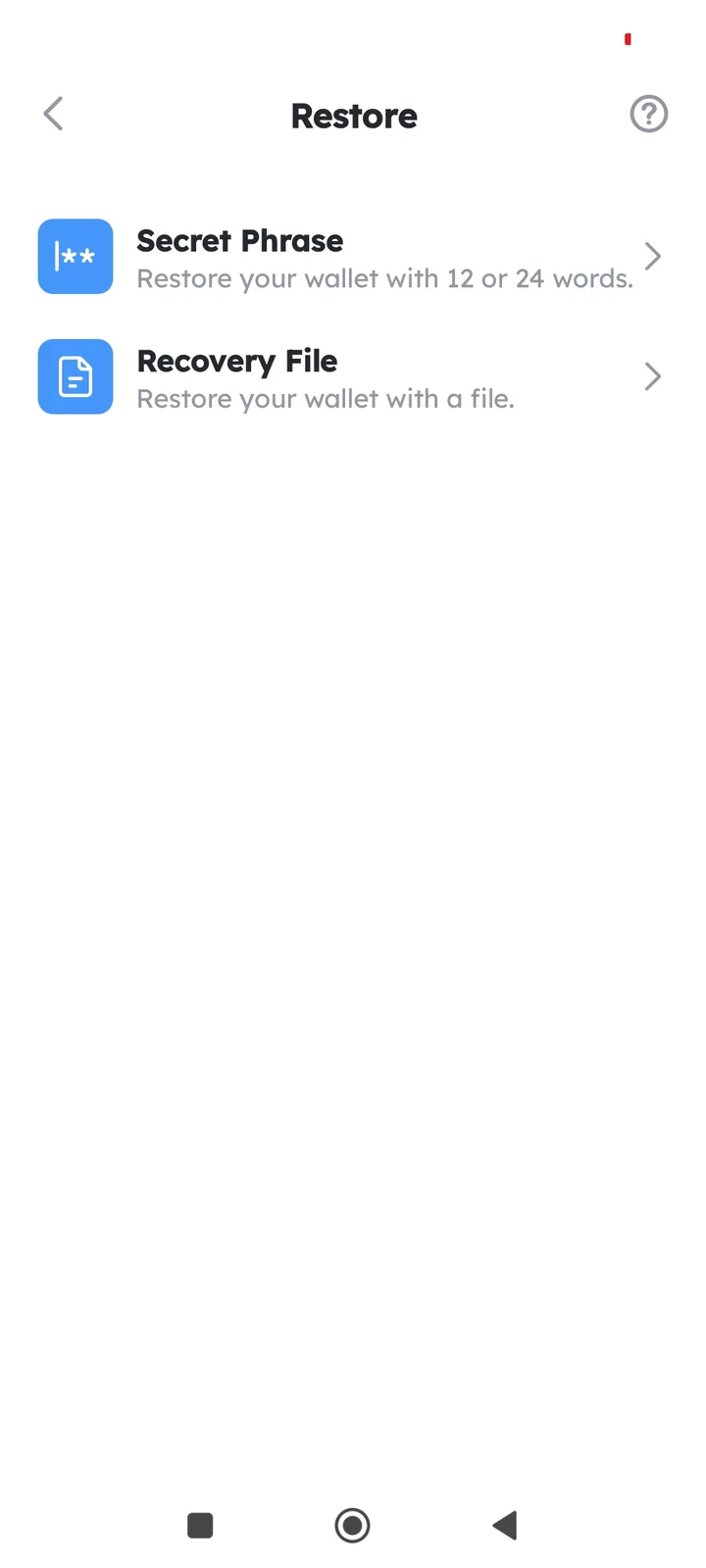
Steps to Reproduce Open DID Wallet: Launch the DID Wallet app or interface. Initiate File Import: Navigate to the "Import" or "Add File" feature. Select Invalid File: Choose a file with an incorrect format (e.g., plain text instead of JSON, corrupted file, or unsupported type)
Observe Behavior: The wallet does not display an error message. The import process appears to succeed, but the file is invalid.
1 条回复
你好,我们在选择文件之后,还会有一步输入密码的检查,那一步会有相关的校验。