
Incorrect Online Status Display in ArcBlock Community Profile

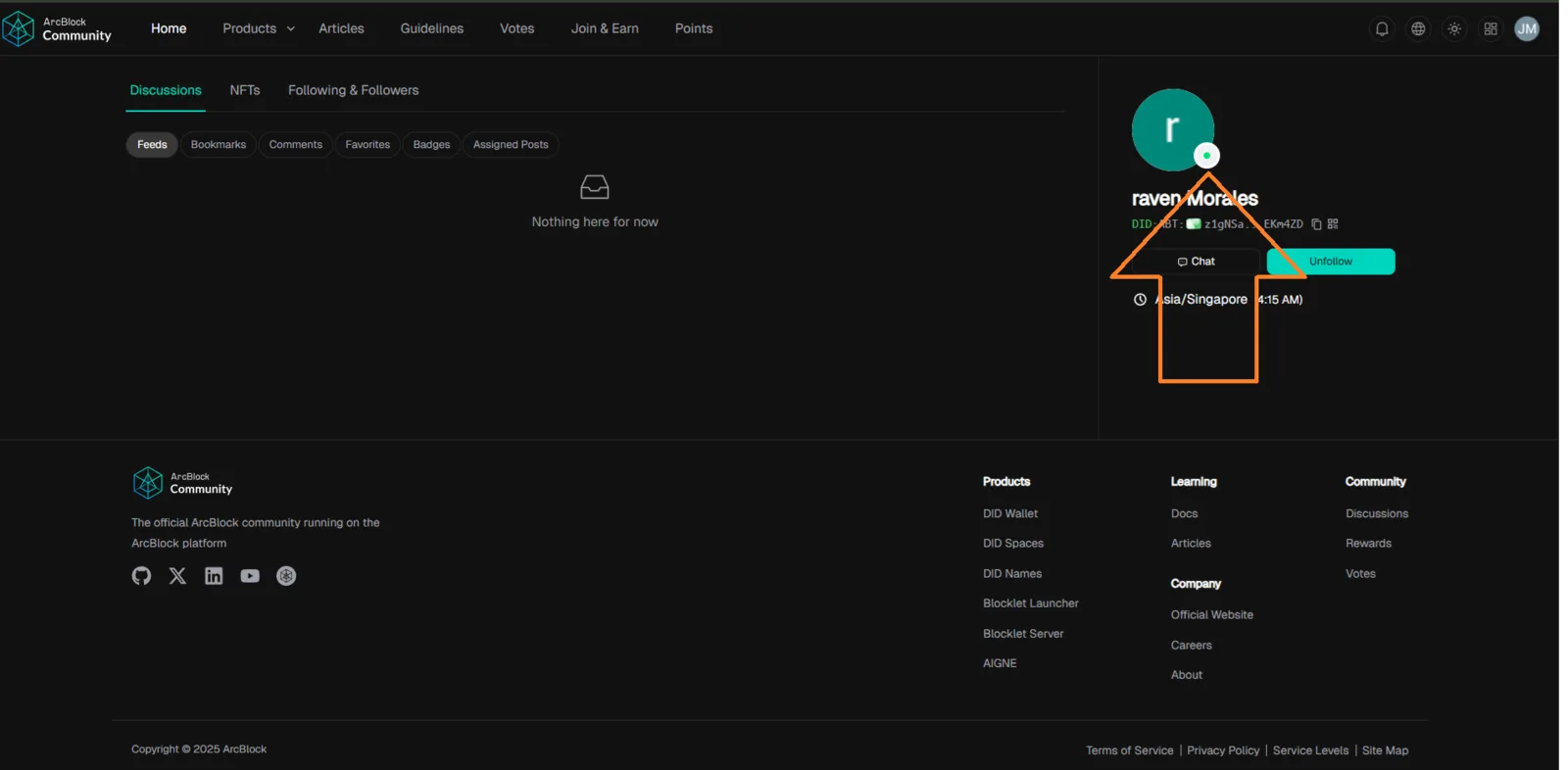
🧾 Summary: On the ArcBlock Community Profile page, all users appear as “Online” even when they are not currently active. There’s no indicator for offline users, which causes confusion and inaccurate status representation.
🌐 Platform / Environment:
- Website: https://community.arcblock.io/profile?did=z1gNSa4dkndwdUyG2fAuXvFDR9bZoEKm4ZD
- Feature: Profile / Presence Indicator
- Browser: Google Chrome (latest)
- OS: Windows 10 / 11
🧪 Steps to Reproduce:
- Log in to ArcBlock Community.
- Visit any user profile (e.g., sample link).
- Observe the status indicator next to the user name.
- Even if the user is offline, the profile still shows “Online” status.
💥 Actual Result:
- All user profiles display “Online” status, regardless of real-time user activity.
- There is no clear indicator for users who are actually offline.
✅ Expected Result:
- The system should display accurate online/offline presence.
- Users who are not active should show an offline indicator (e.g., gray dot or “Offline” text).
- Active users should retain the green “Online” status.
⚙️ Possible Cause:
- Backend presence API not syncing real-time user status.
- Frontend may be defaulting all users to “Online” due to missing state check or server timeout logic.
🧱 Severity: Low–Medium 🎯 Priority: Medium 📂 Category: UI / Presence Status / User Profile
💡 Suggested Fix & Improvement:
- Implement real-time presence tracking to sync actual online/offline user states.
- Add visual emoji indicators, e.g.:
- 🟢 for Online
- ⚪ for Offline
- Auto-refresh status every few seconds or on activity change.
1 条回复
This is the default status; users are considered online when they have no other status.