
Gift Card Redeem Error — “Can not find gift card item!”

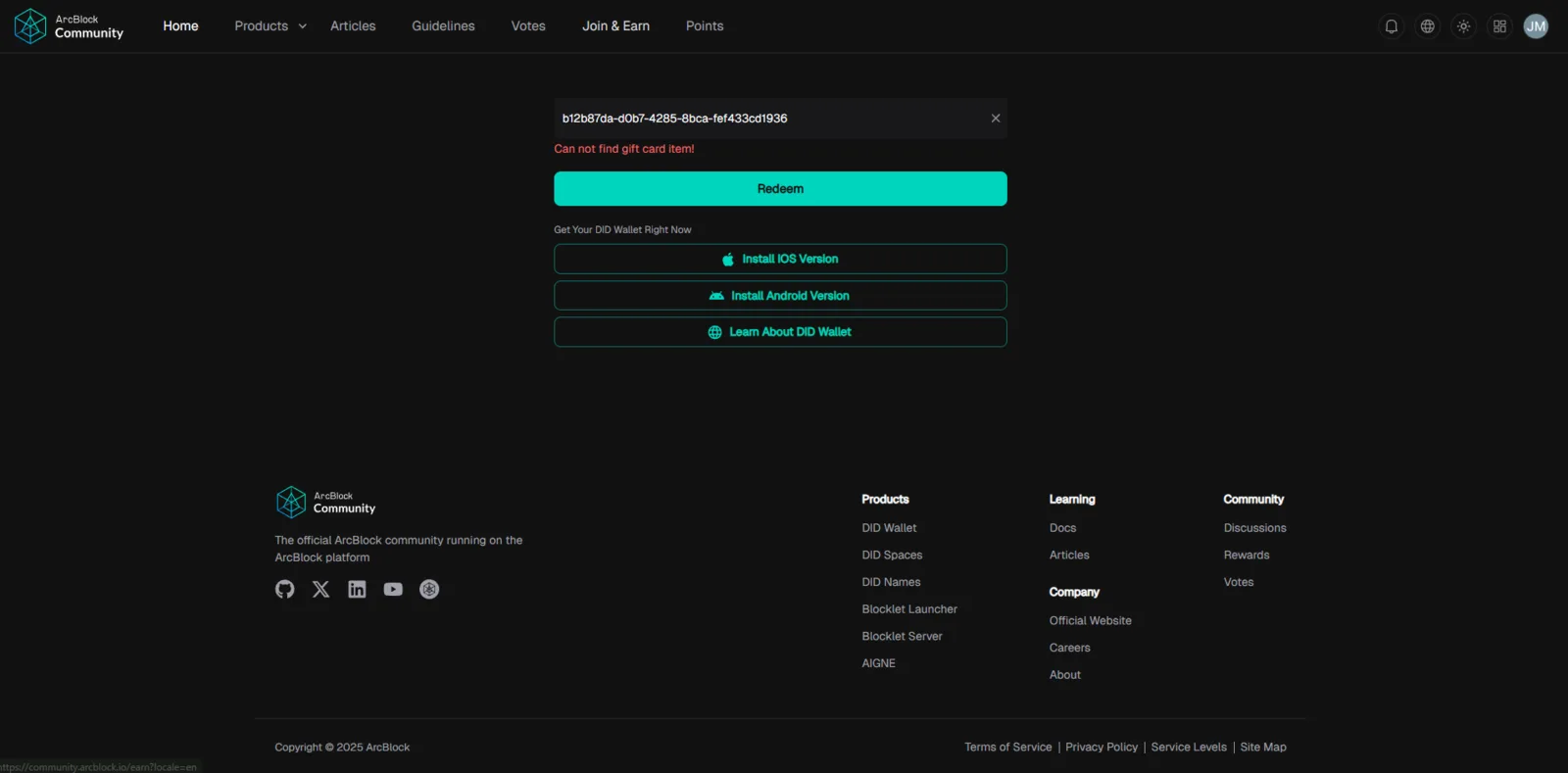
Platform: Blocklet Launcher → Virtual Gift Card Module Device: PC & Mobile Browser: Chrome
Description
After successfully creating and issuing Gift Cards, attempting to redeem or open them always results in the error:
❌ “Can not find gift card item!”
This occurs for every Gift Card code, regardless of how many were created or how they were generated.
Example Gift Card Code
04cfae41-bef6-4b12-892e-079bd8128189
Steps to Reproduce
- Log in to Blocklet Launcher → Virtual Gift Card.
- Create a new Gift Card (single or multiple mode).
- Save the generated Gift Card.
- Try to open or redeem the card using the shared code or link.
Expected Behavior
- Each generated Gift Card code should be found, validated, and redeemable.
- The system should display Gift Card details and allow redemption.
Actual Behavior
- Every Gift Card code returns the same error: > “Can not find gift card item!” >
- The Gift Card cannot be viewed or redeemed.
- Occurs across different browsers and devices.
Impact
- Gift Cards cannot be used, shared, or validated.
- Breaks the main purpose of the Virtual Gift Card feature.
- Affects user trust, marketing, and reward distribution.
Severity: 🔴 Critical Functional Bug
This prevents normal operation of the Gift Card module.