
Pages Maker is being weird

So I've never had this problem before, and I'm not sure it's even a problem, maybe just a glitch on my end, but I thought to check just to make sure.
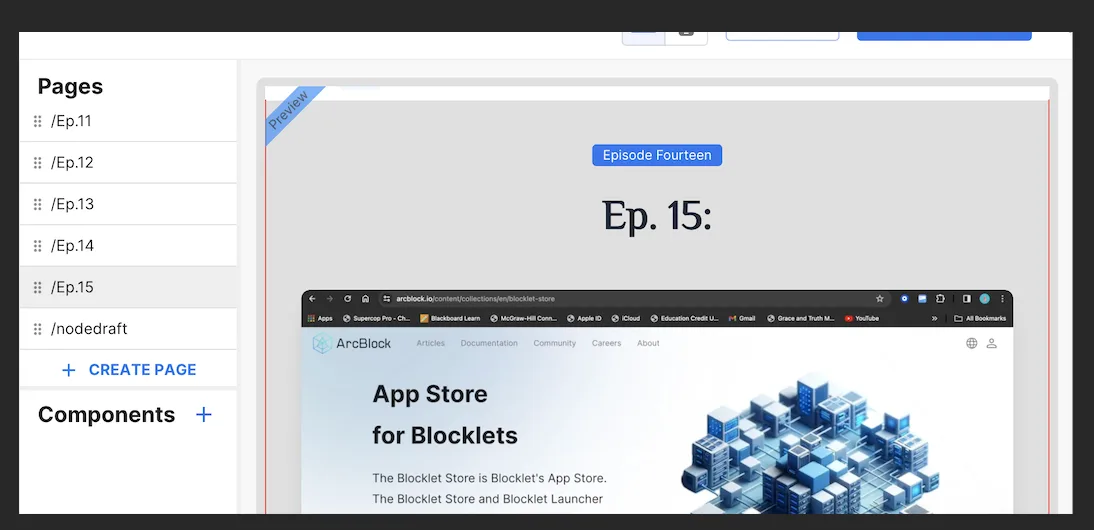
I was trying to add a new video to my website, when I noticed it wasn't showing a video I already uploaded. It appears on the draft, staging, and production pages, but not when I'm working on the webpage itself. As you can see below, episode 14 is viewable to the left in the pages section, but it does not appear on the website itself.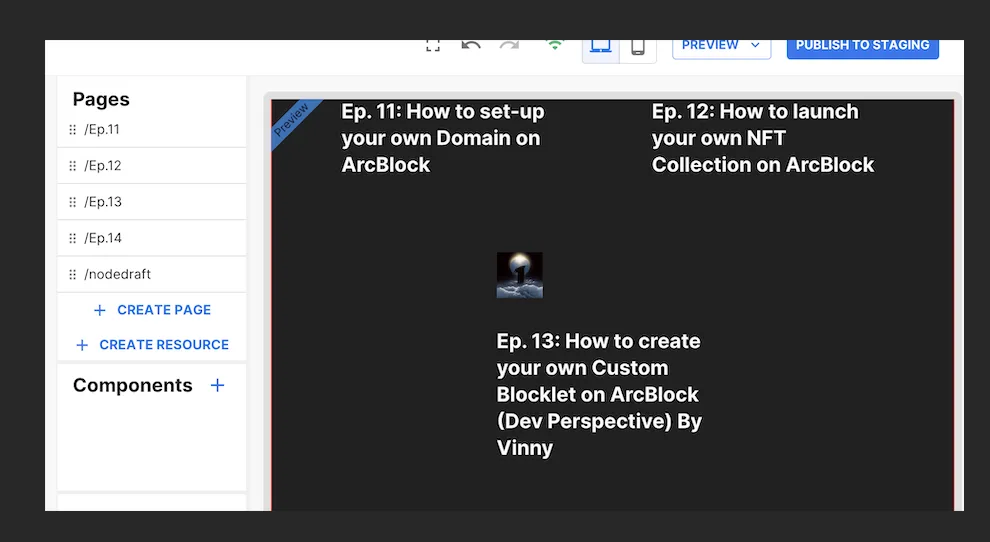
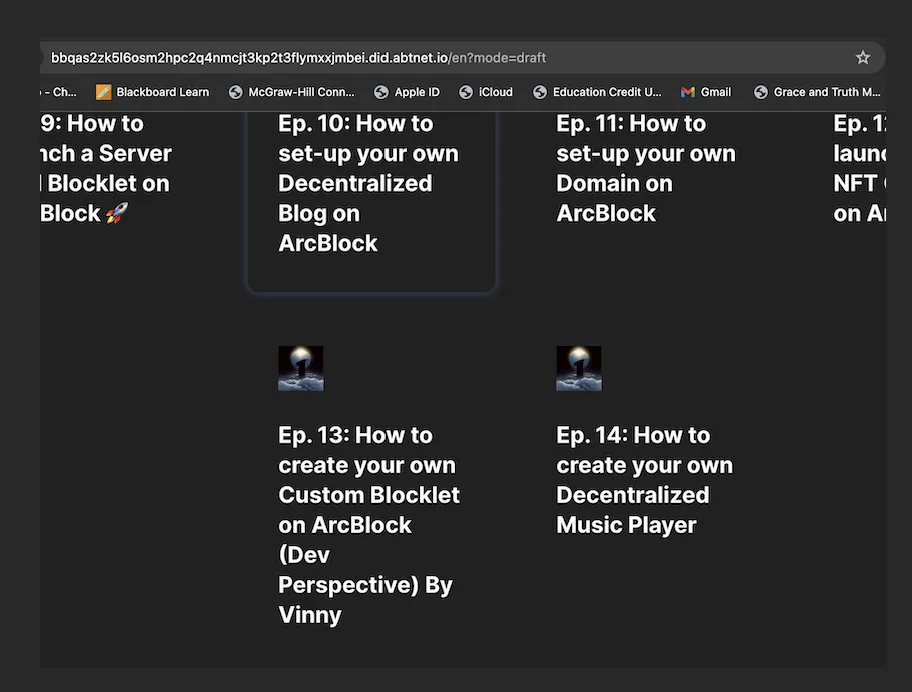
And I know I did make it, because it appears once I actually go to it as shown below.
Another weird thing I noticed, is that it is not letting me add a new page. I was trying to upload Episode 15, but every time I go to see the draft or staging version of it, it just takes me to episode 14. I even changed the pathway, but it still takes me to Episode 14 and not 15.
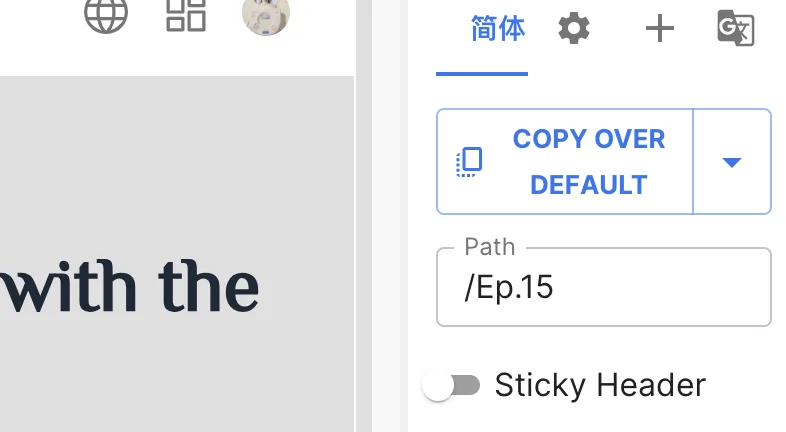
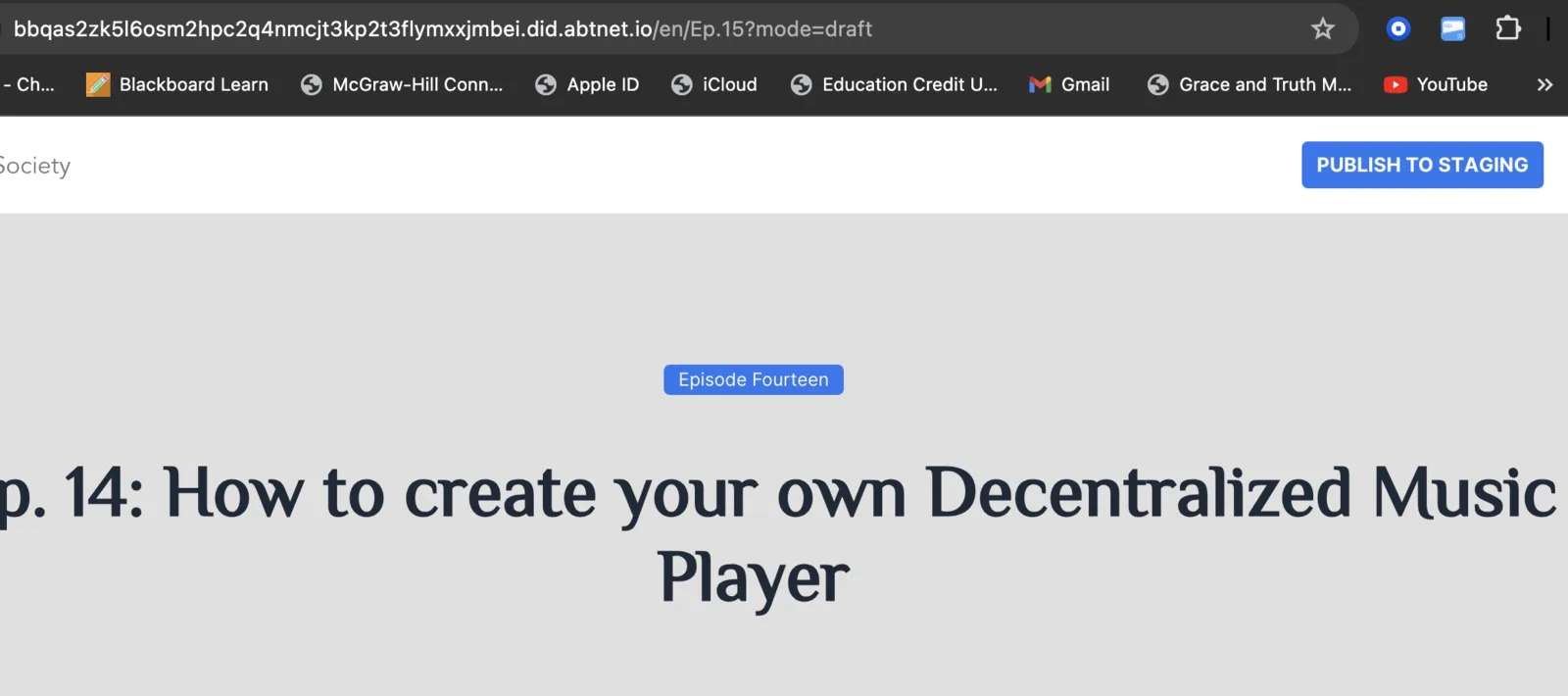
As you can see the URL shows "Ep.15" but it doesn't take me to it, which should look like this.
I've also tested another Pages Kit I'm using in a different blocklet server (Don't ask why I have two lol) But that one works perfectly fine. So I'm not sure if it's just being weird. Thanks for your help and feedback!
5 条回复
It seems like you used the TOC section. Currently, this component can only list production pages. Additionally, it can only display a maximum of 20 items at a time. If there are more than 20 items, a "More" button will be shown below.
So I checked, and for the page I’m using the “Section Card List.” But maybe there’s a limit on it also?🤔 I’m gonna just make a second page and see if that works! Thanks for your feed back!
You can also check whether the language of the page in the editor is consistent with the language of the preview.
Are you copying from ep.14 to ep.15? It seems like you copied and then edited the Simplified Chinese version of ep.15's data, but the page you opened is in the /en/ path.
Okay that makes sense, cause I did do that lol. I’ll try to just create a new fresh page and see if that works🤜🤛 Thanks!