
Permission Issue While Creating a Project on AIGNE

Dear [Support Team],
I encountered an issue while creating a project on the AIGNE platform. When I attempted to clear the cache using the "Clean Cache" feature, an error message appeared: "The access is prohibited because the permission is insufficient." Additionally, the project name I changed from "Mockplexity" to "ProTasker" is not updating in the preview section, even though the changes have been saved. While I have access to edit the project, I am unable to clear the cache. I would appreciate your assistance in checking whether there is an issue with my access permissions and providing guidance on how I can successfully update the project name and clear the cache. Thank you for your attention and support.
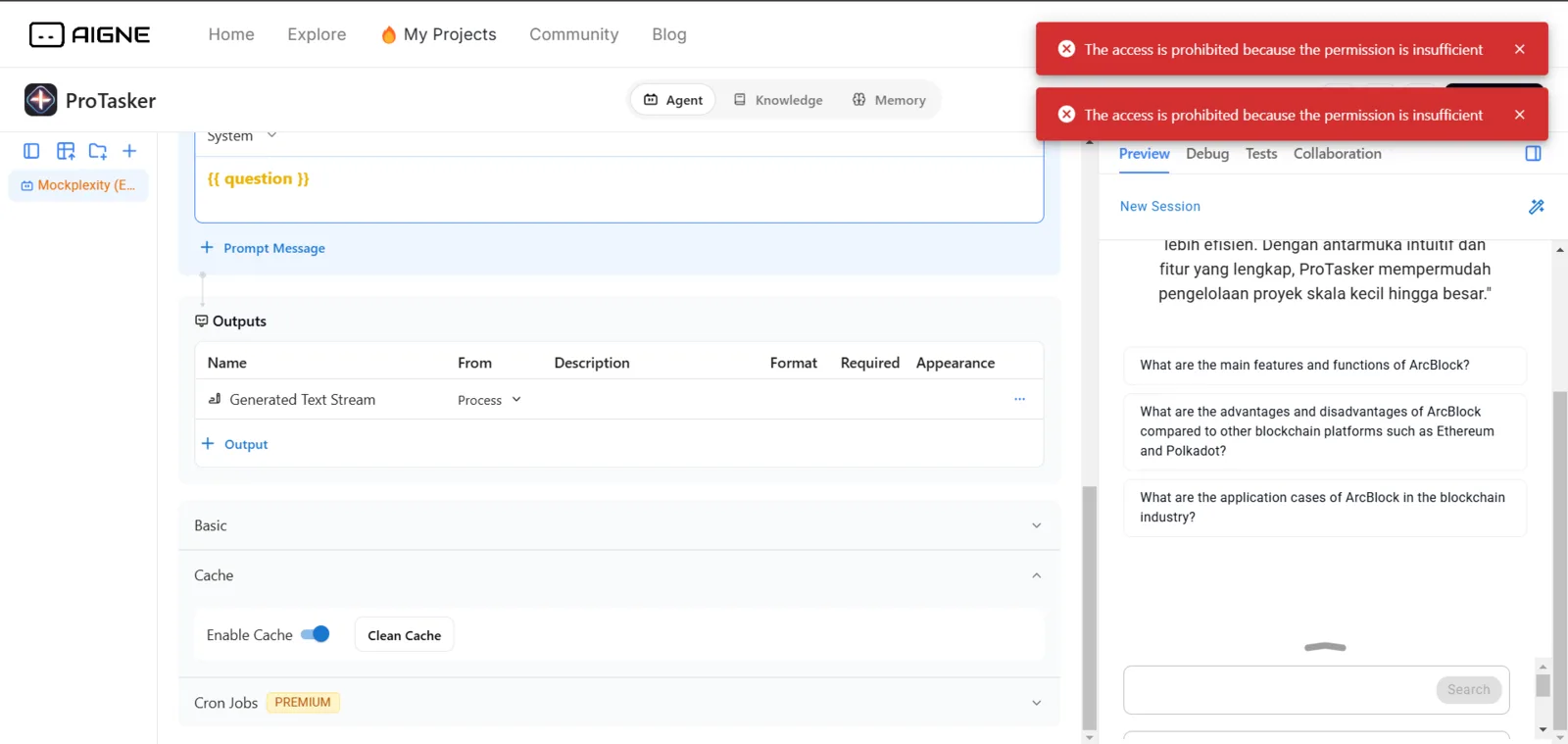
the image below is when I try to edit to change the name part from mockplexity to protasker
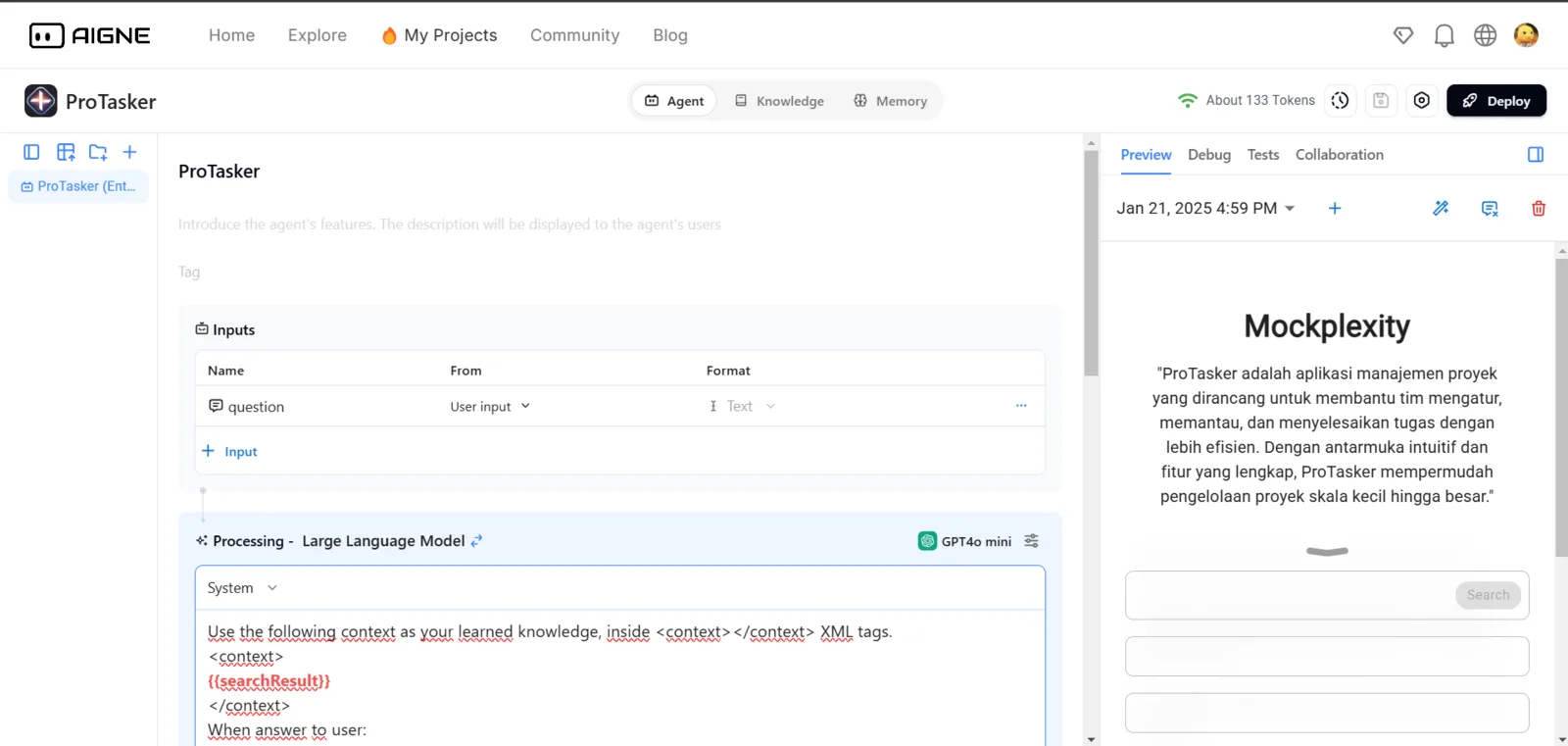
I don't know if this is a system error or my fault, but I ask the team or community that knows about my problem to tell me and how, thank you
5 条回复
已确定问题,我们会尽快修复
z1gVUdRAxFRycqnjUjAfuz1xs4Kx88B9dVc Hi, 你确定你创建的Project 和当前登录者是同一个人吗?方便将链接分享出来吗?方便我们排查问题。 然后修改项目名称的问题,有可能是你网络socket中断导致,可以刷新页面重试一下,查看是否有更新过来。
The project is still in the creation phase, but an issue occurred as described earlier and We have tried refreshing the page and retrying the update, but the issue still persists.
权限的问题你可以确认一下编辑者和创建人是否为同一个人,如果是同一个人,需要你将你的链接分享出来,方便我们排查。
最新版本已经修复这个问题,最新版本已经发布