
Arbridge Node - Incorrect Attachment Handling in Overview Jobs Stake and Settings

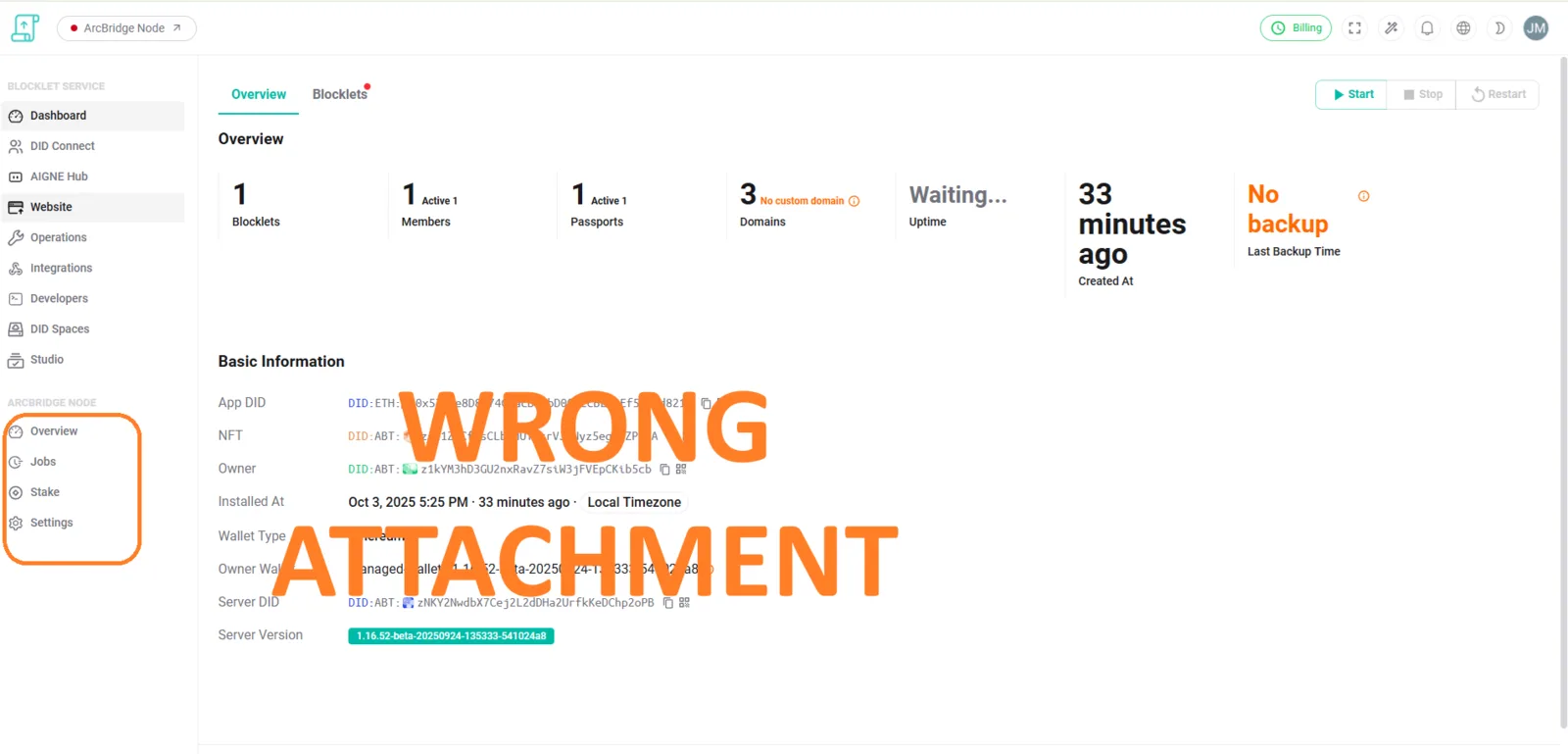
🐛 Summary
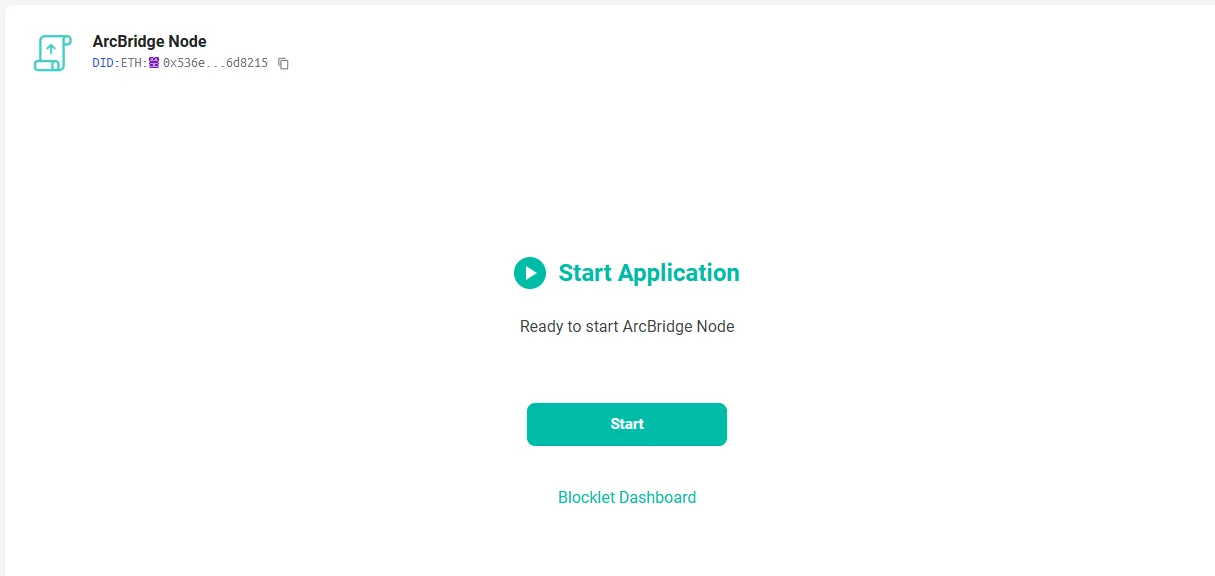
In the Arbridge Node interface, the ArcBridge Node section under Overview → Jobs → Stake → Settings applies the wrong attachment (configuration file/parameter set). Additionally, all attachments are automatically applied in the Start Application process without user confirmation, leading to potential misconfiguration and unintended behavior.
🔁 Steps to Reproduce
- Open Arbridge Node interface.
- Navigate to Overview → Jobs → Stake → Settings.
- Observe that the wrong attachment is applied instead of the selected one.
📉 Severity
High – Critical misconfiguration risks node stability, staking rewards, or application startup failures.
3 条回复
I tried again but same result
You are visiting a page provided by the Blocklet component; because your Blocklet service is not currently running, it will redirect to the Blocklet startup page, which is expected.