Can you give me a little more context to help narrow down the issue:
What were you trying to do? creating a NFT collection? just view a purchased NFT?]
What's the expected behavior?
What's the actual behavior?
Any other information that may help us understand the issue.
FGFarmed Goods2 years ago
yes I am just trying to allow people to mint my NFTs.
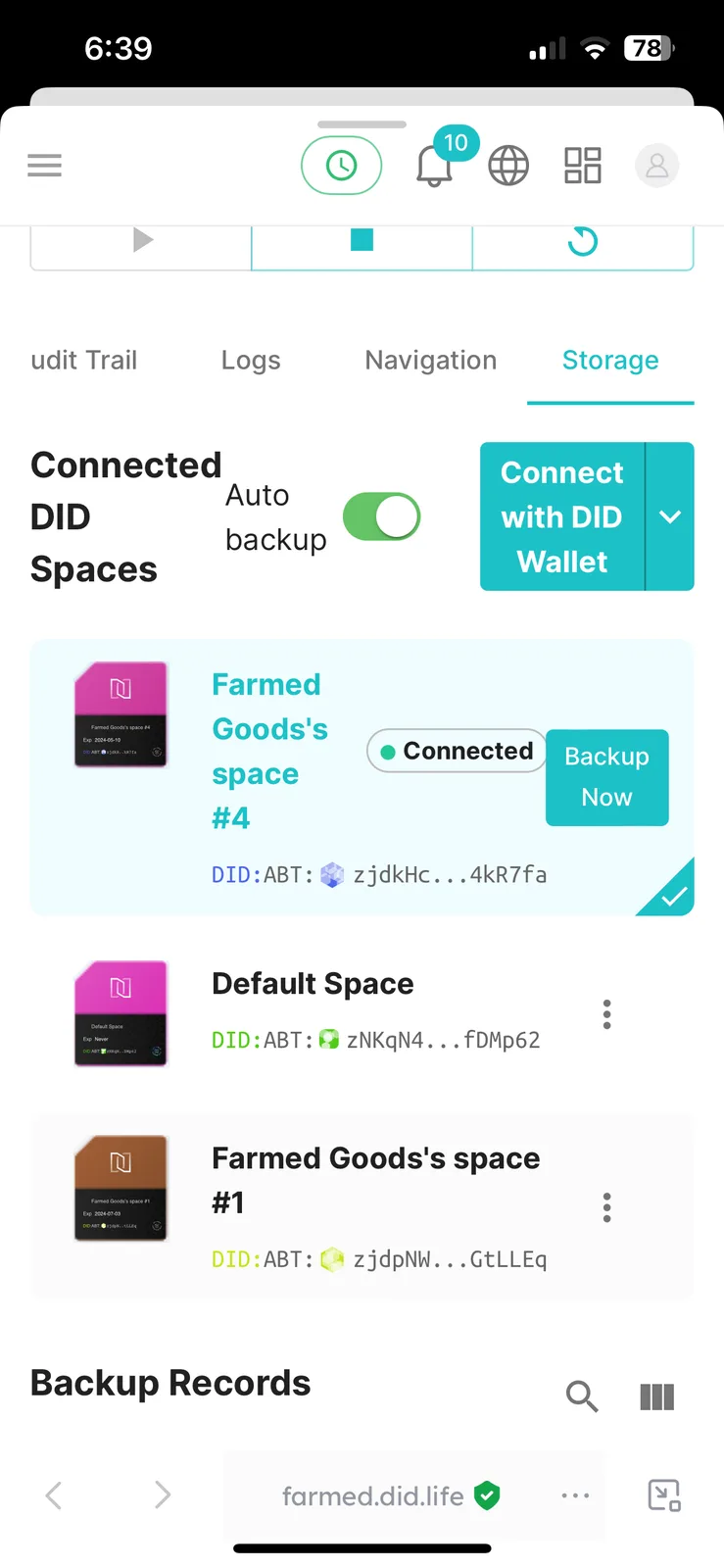
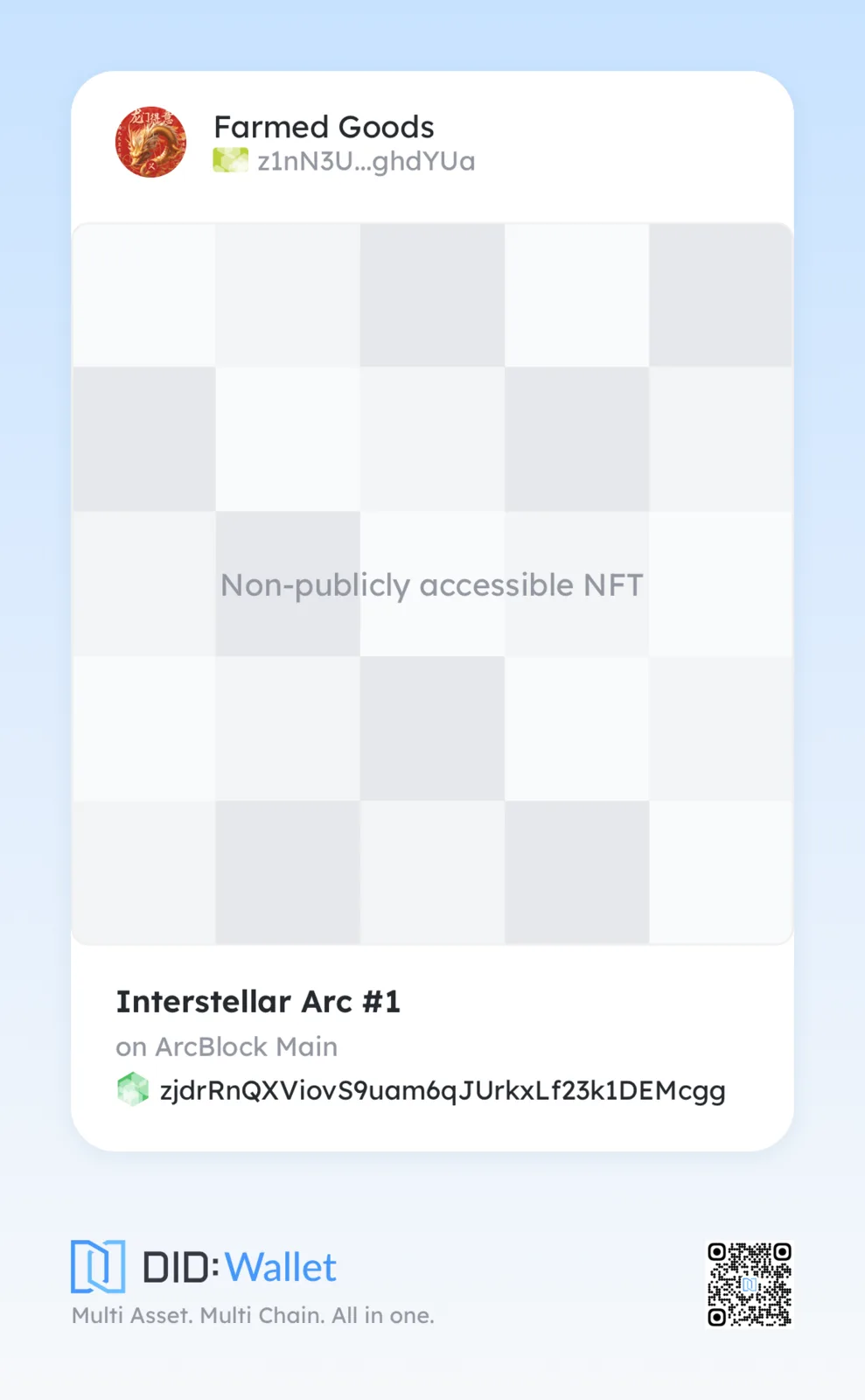
for some reason they are not showing up. they say non-publicly accessible NFT. I believe that it has to do with the correct DID space not being linked.
so people are able to mint but the NFTs are not publicly accessible to see in DID wallet.
YLYongzhuo Liang2 years ago
The user has uploaded the NFT normally after re-binding the DID Space.
If other users encounter the same problem, they can check whether the current DID Space is full and needs to be expanded, or bind to another DID Space.


4 replies
Help me lol
Can you give me a little more context to help narrow down the issue:
yes I am just trying to allow people to mint my NFTs.
for some reason they are not showing up. they say non-publicly accessible NFT. I believe that it has to do with the correct DID space not being linked.
so people are able to mint but the NFTs are not publicly accessible to see in DID wallet.
The user has uploaded the NFT normally after re-binding the DID Space.
If other users encounter the same problem, they can check whether the current DID Space is full and needs to be expanded, or bind to another DID Space.
Re-bind DID Space Reference Link: Switch the DID Spaces bound to the NFT Blender