
Guide - How to stake ABT for gas free transactions

A quick reference guide for new users looking to stake 1ABT to enjoy free Gas in the Arcblock ecosystem
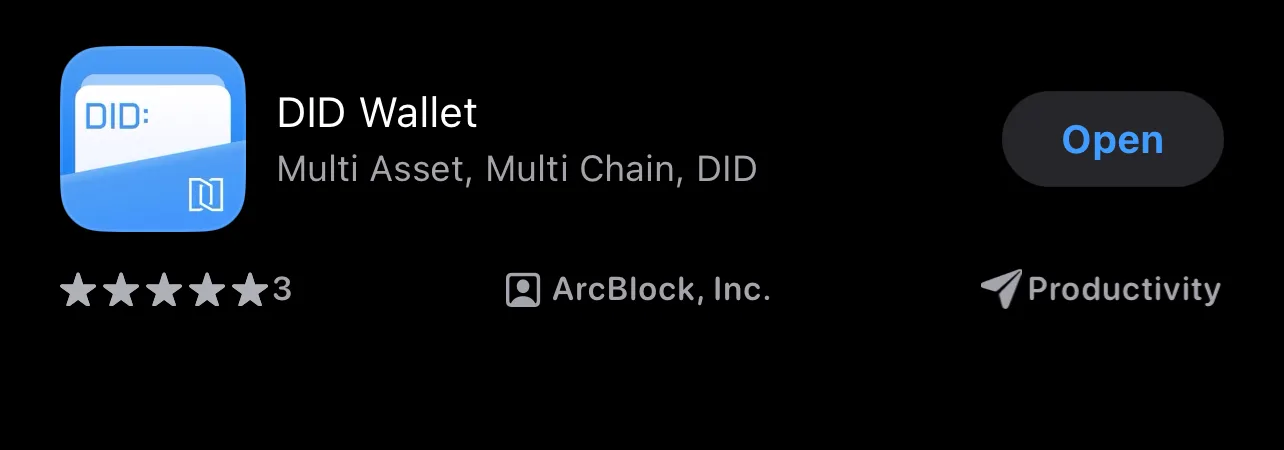
- Firstly you will need a DID Wallet with Native ABT, to set up your DID wallet visit the App Store and search “DID Wallet”. Once downloaded follow the steps in app to set up your wallet.
- Now that your wallet is in place you will need native ABT, this can be gained in numerous ways:
- By contributing to the Arcblock Community and qualifying for a Bug bounty reward (paid monthly)
- By someone gifting or sending you Native ABT
- By bridging over ETH ABT to Native ABT (see Bridging Guide) Guide - Bridge ETH ABT to Native ABT (UPDATED)
- If you’re all set with your DID Wallet and Native ABT you can stake 1ABT to get gas free transactions, on your wallet homepage you should see a pop up message offering this service
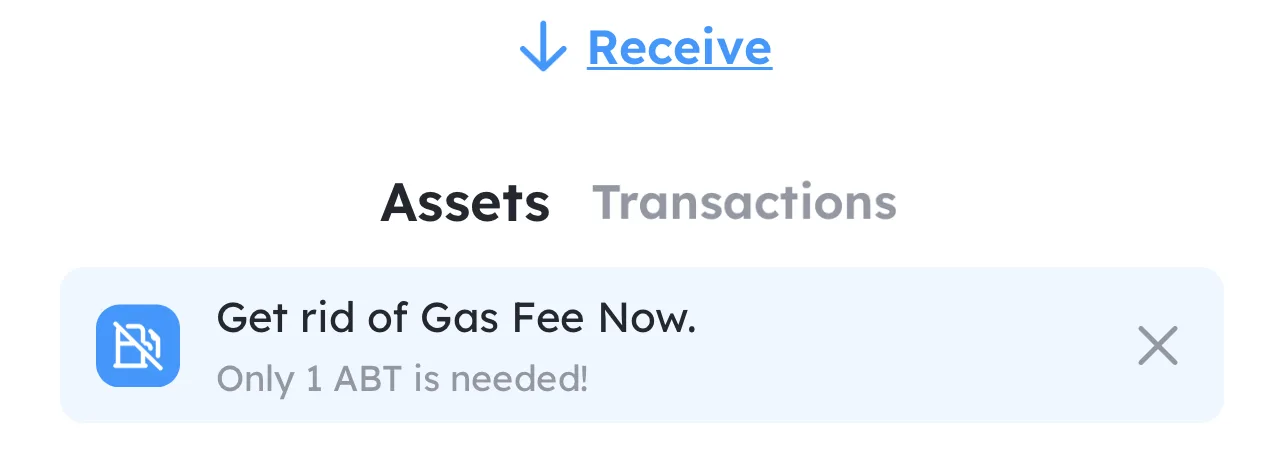
- Click this message and you will be taken to the staking page, you will only be given the option to stake if the ABT in your wallet is on ABT Main (not ETH)
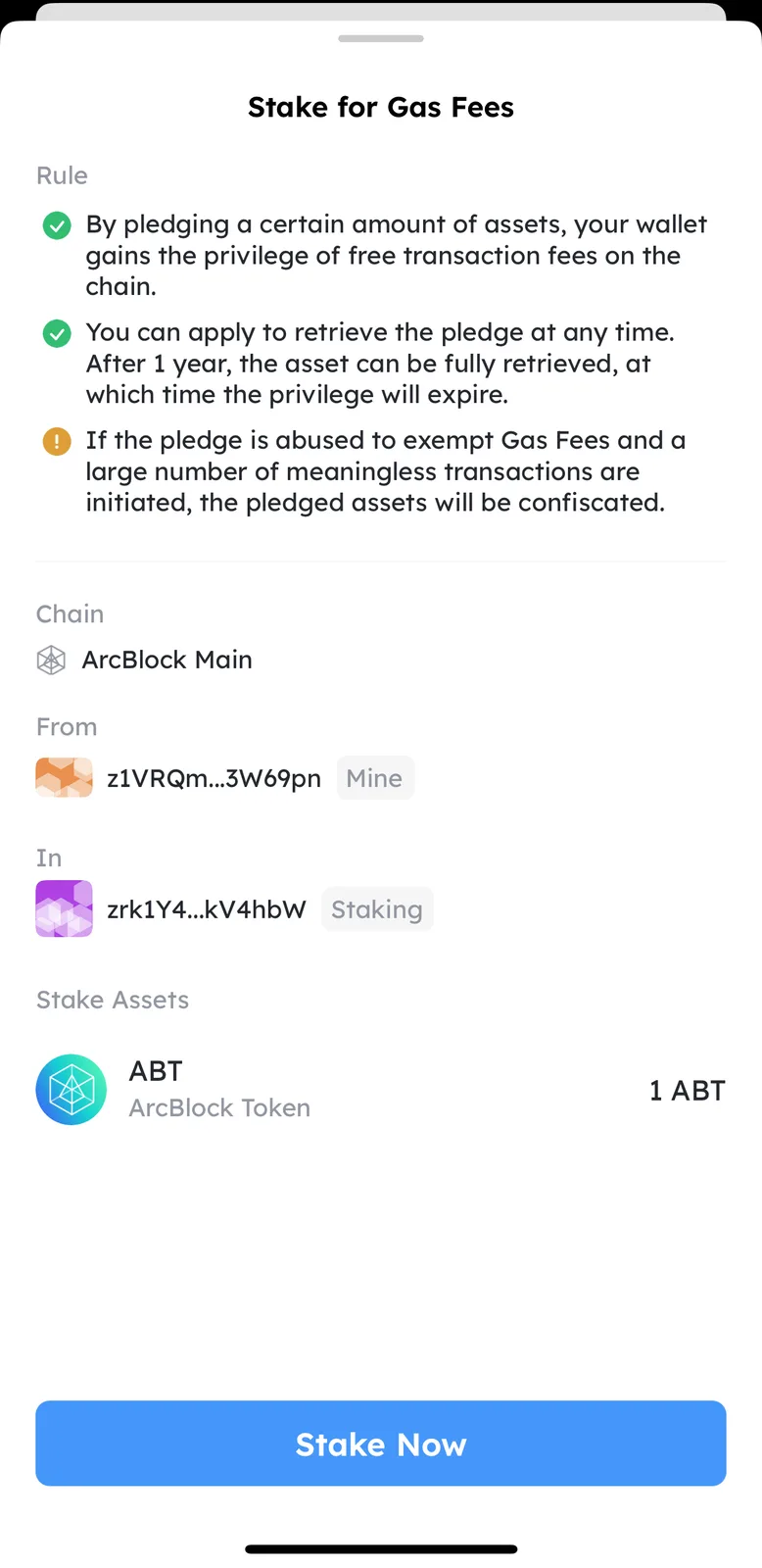
- Click “Stake now” and you will be met with a confirmation message that should flash up momentarily on your DID wallet homepage

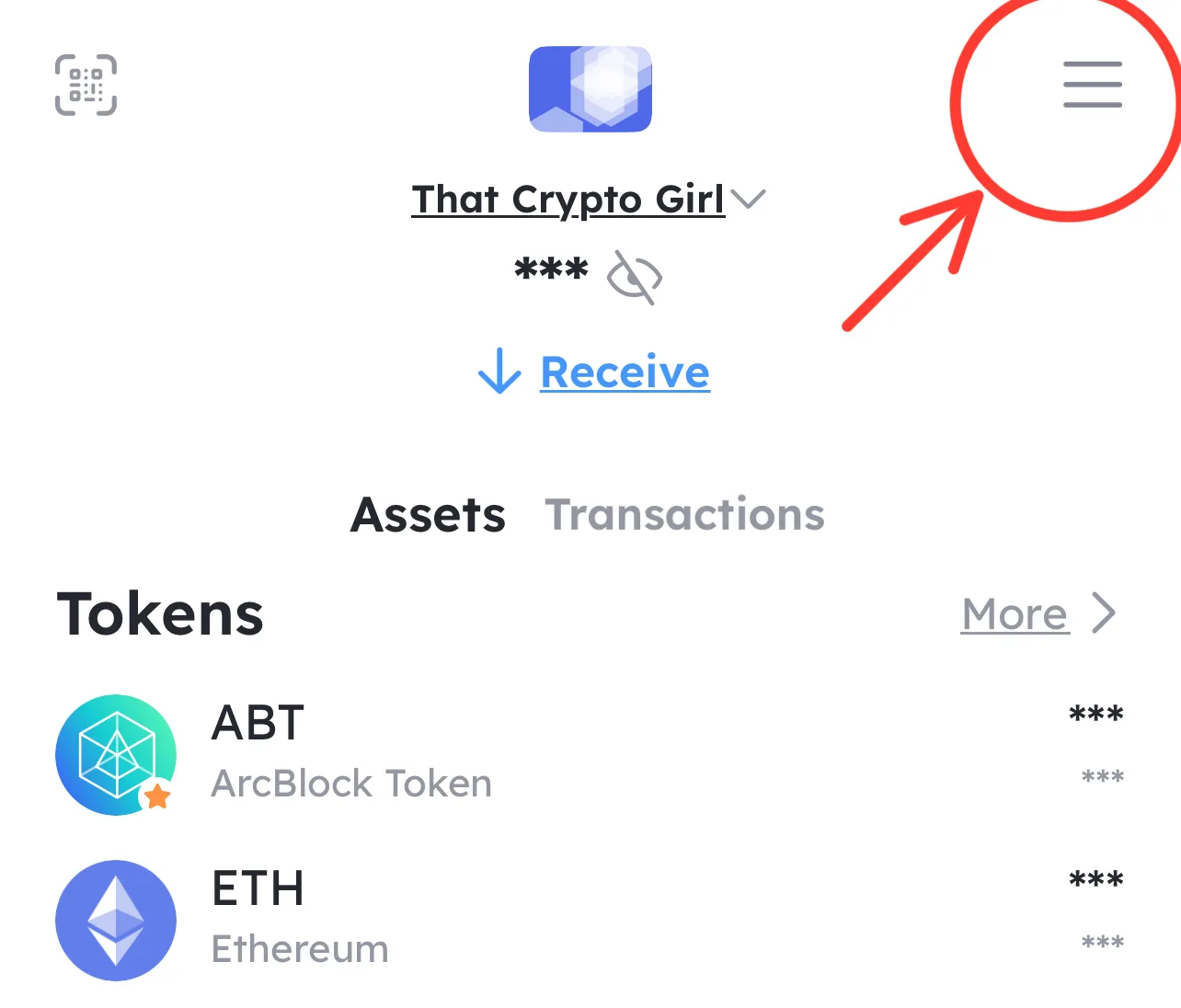
- You can also check your staking record by going to the menu in the top right of the screen and clicking staking record. This is also where you need to go if you ever wish to revoke your stake.
Now you’re all set and ready to enjoy the Arcblock ecosystem gas free! 🥳
1 reply