
Call google search - Agent

Hey team!
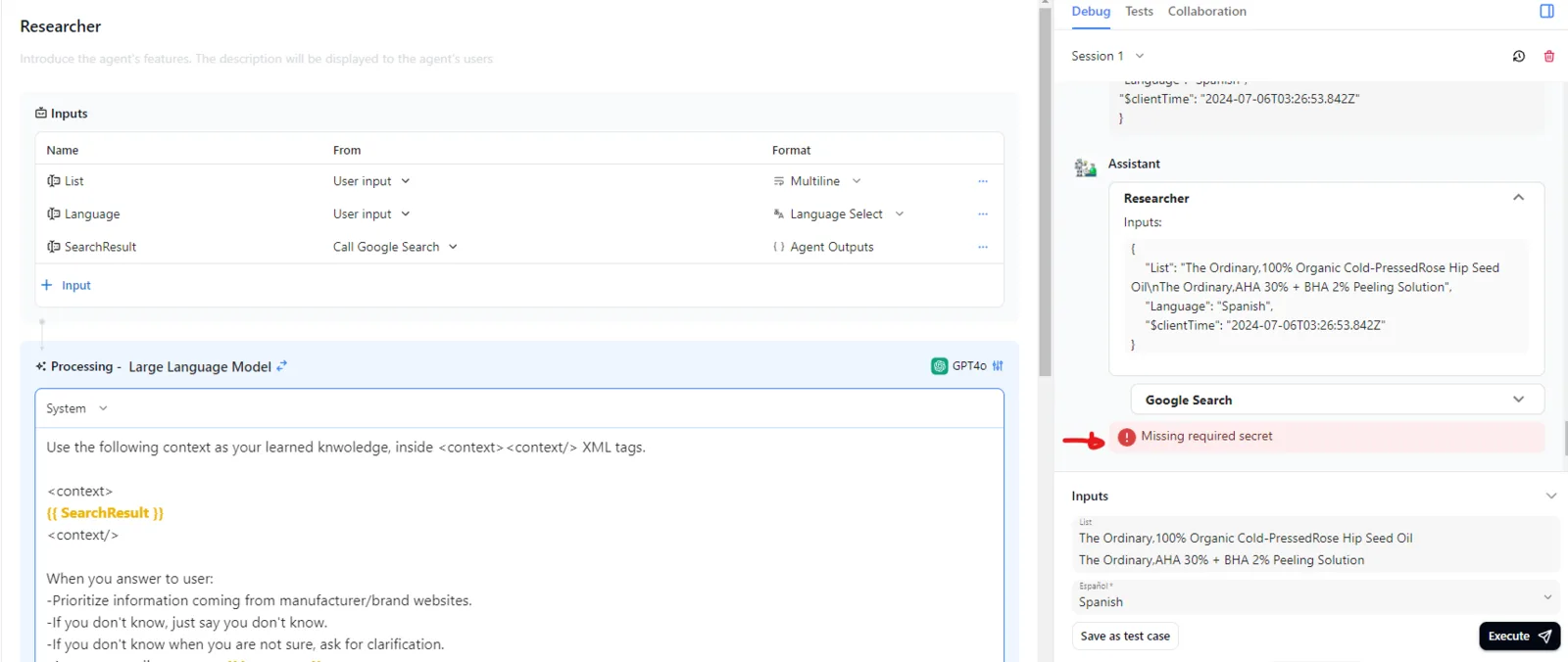
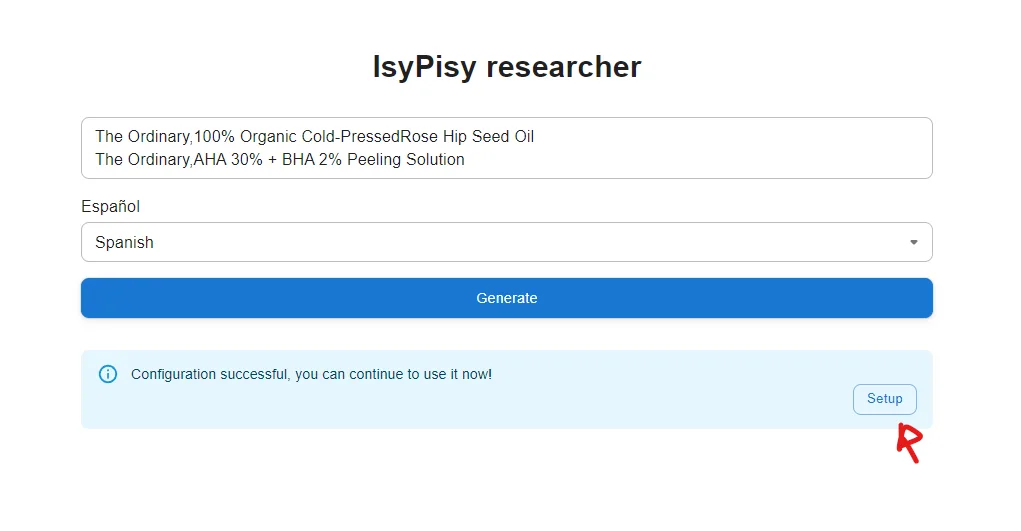
I'm trying to build a simple app to do some reaserch for me and I was trying to use the Call google search agent, but when I tried to run and debug it sends me the error ''missign required secret'' so I was wondering where I need to put the API key and there's no intuitive place to enter it on settings nor on the message error (1). After testing I realized I had to go the preview and there I had to place the key (2).
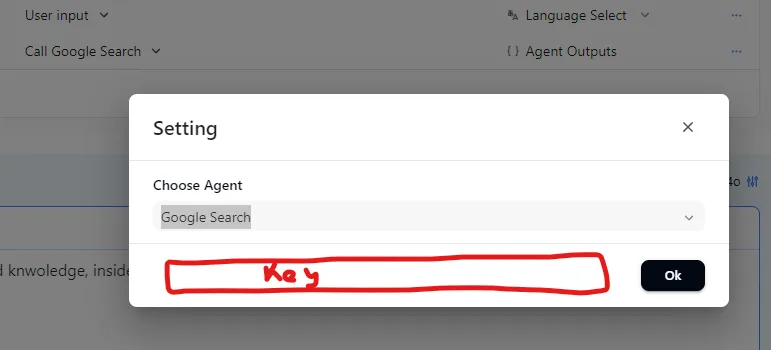
It would be nice if we could add the API right at the settings of the Agent output (3)
/
4 replies
Update of the update. I found where to change it on the three dot menu on the preview page. I think that it should be able to do it ''on the backend'' it is confusing since the preview is supposed to be the application view.
The author can modify the agent configuration in the preview page, of course, the backend should also support modifying the configuration. We have fixed this issue in the beta version and will release the official version soon. Stay tuned!
Could you help me to fix this error? I did some research but I couldn't find a way to fix it on aigne. It apparently is related wirh image serach on google.
z1VV21NqNWkiadznN32ALkos5dQqQwnCMty
It appears that your SerpApi key may be incorrect. Please input your API key here to verify: