
NFT Spaces error

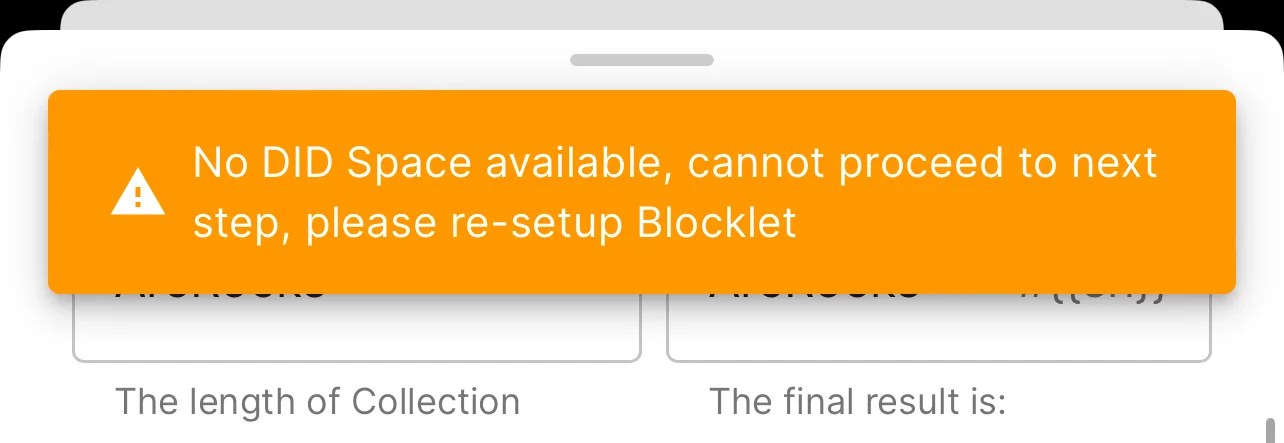
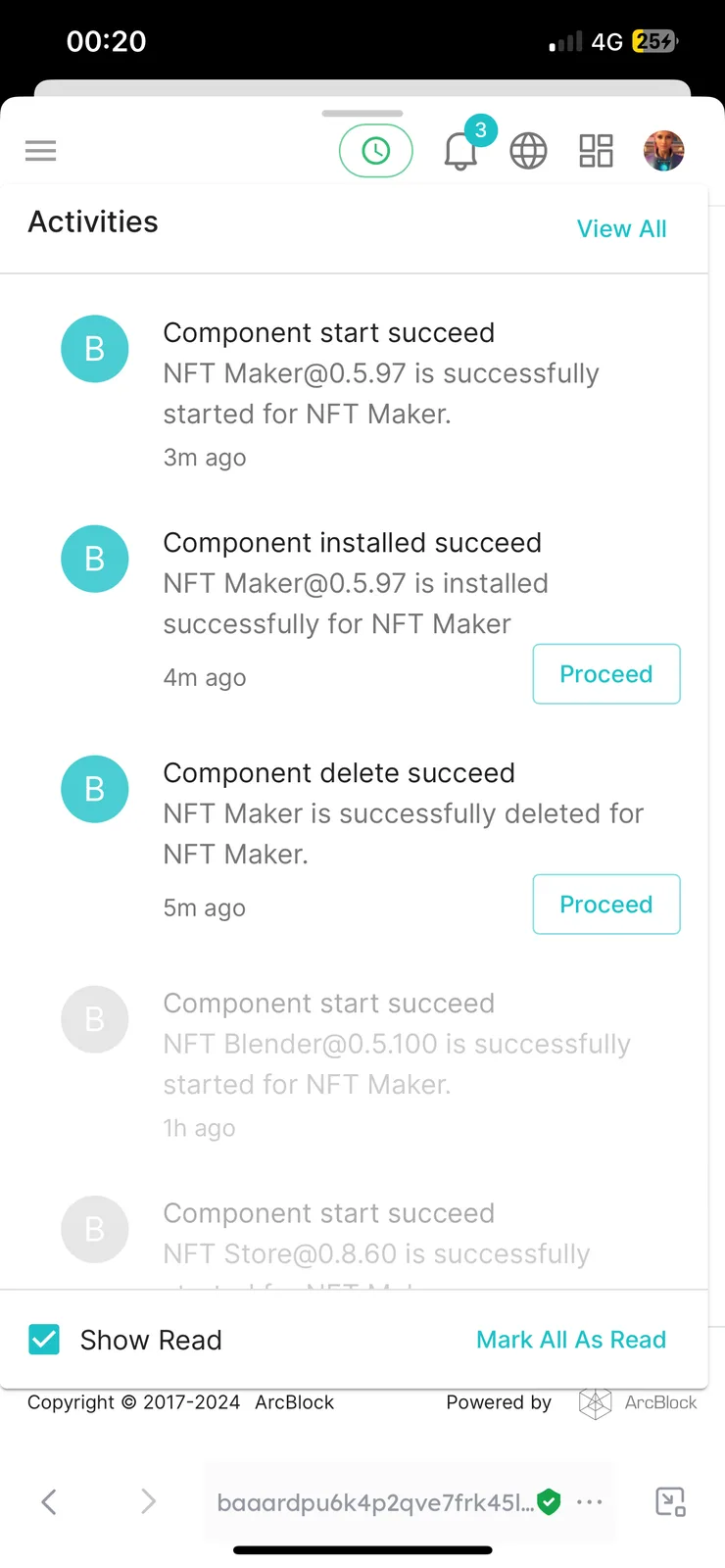
Trying to create a collection and won’t allow me to move past the create page. flashes up with an error message when I click next, I’ve configured everything correctly to my knowledge (checked with others too). to try to solve this I have removed the blocklet (NFT Maker) saved the data and reinstalled but I am still having the same issue where I can’t seem to get past this page?!
5 replies
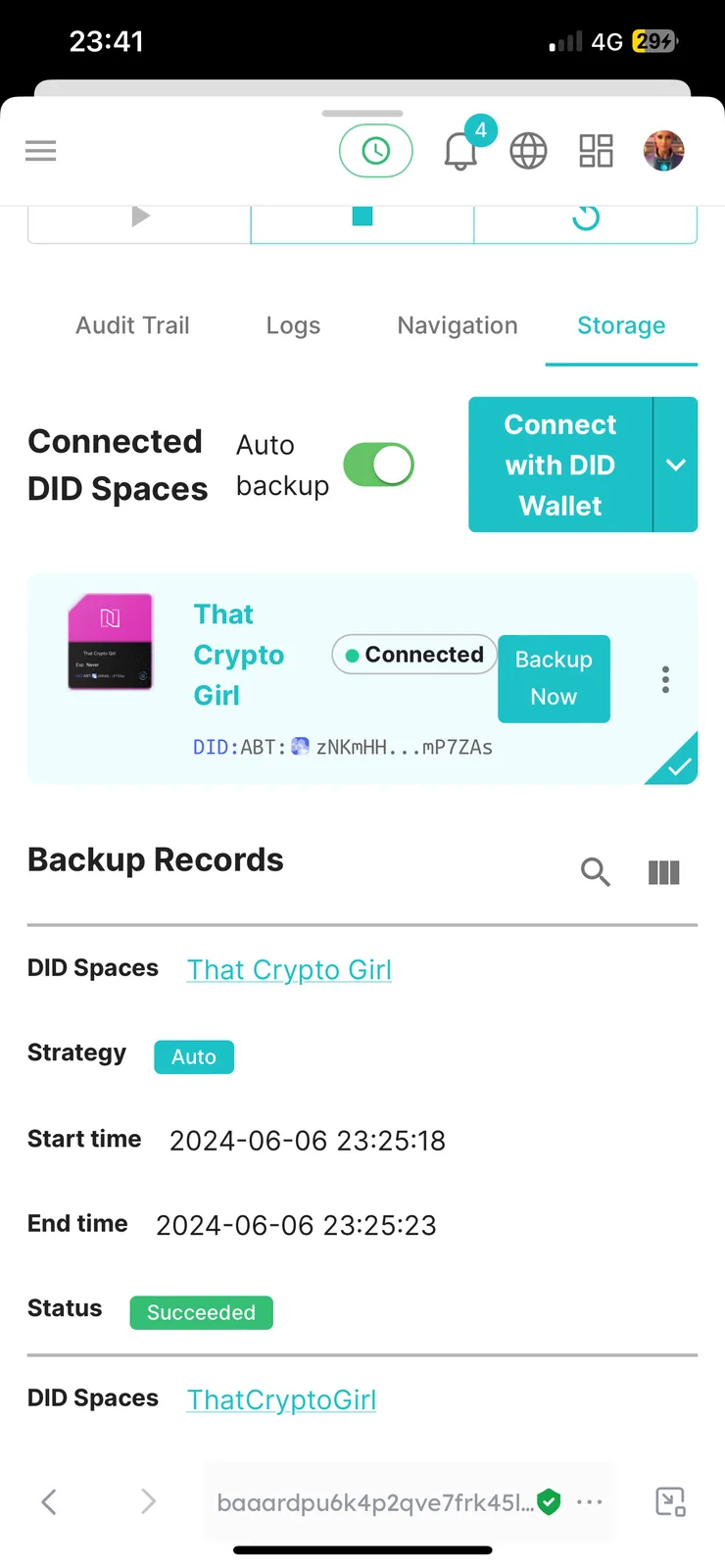
This seems to require rebinding DID Space.You can refer to the following documents for binding.
You may need to keep the data, remove NFT Maker and NFT Blender, and then reinstall.
z1chE2k3Md4kzdBc7tNPQfYQYLddJXrxQY3 Were you able to resolve the issue by retying according to z1jc76ydEi749M9kjzJ2xezkKDtAyDADxXT comments?
I did try the mentioned method but didn’t have any luck fixing it that way 🤷🏻♀️
It is resolved now but I can’t remember exactly what I did to fix it, I was aided by z1YPwRydkKtnzk3N4DsC81bVmY8XNsQbcSg at the time, but whatever we did it seemed to work 👍
I believe you did the rebinding method, though I want to say you had attempted only removing NFT Maker the first time and later reinstalled both NFT Maker and Blender, leaving Store installed the whole time.
sounds about right 🤪 feels like a long time ago now to remember 😅