
Unable to add DID Domain to Blocklet Server (self-hosted)

Blocklet server 1.16.29, sqlite/canvas@next/npm/nvm/nginx all updated and current, node 21.6.2.
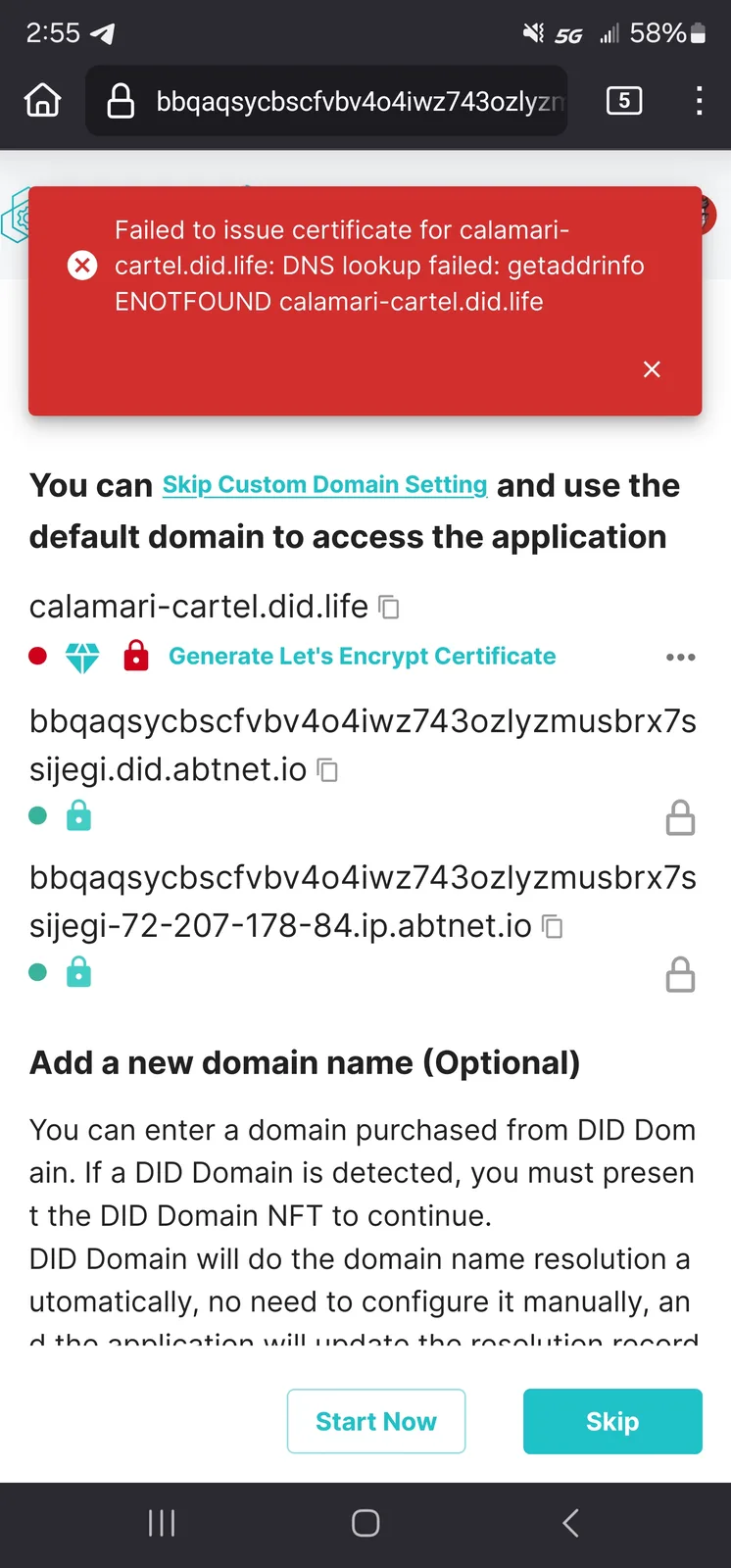
When trying to add a DID Domain to a self-hosted blocklet server, I am met with an error "Failed to issue certificate... ENOTFOUND..."
IP is accessible publicly (cellular tested, secure link is accessible)
53,80,443 forwarded to internal ip and enabled/allowed in Virtual Machine firewall (Ubuntu 22.04, UFW)
still receiving error when trying to establish did domain via typing method, error logs shows "failed to push notification to wallet"/"must be a valid uri"/"Validation error".
Attached screenshots of error and logs available:
Initial error during pages kit blocklet setup:
Blocklet Server log:
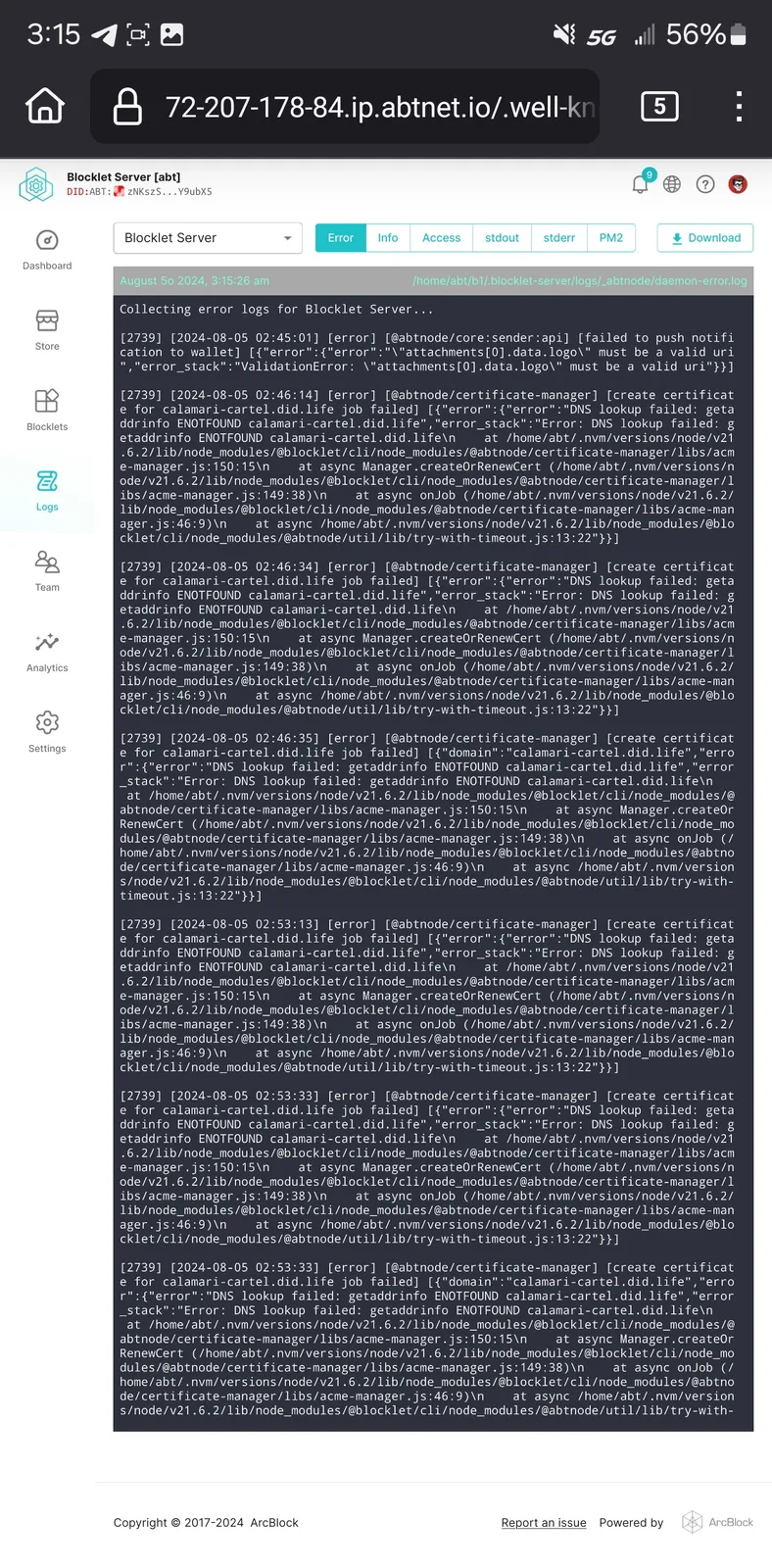
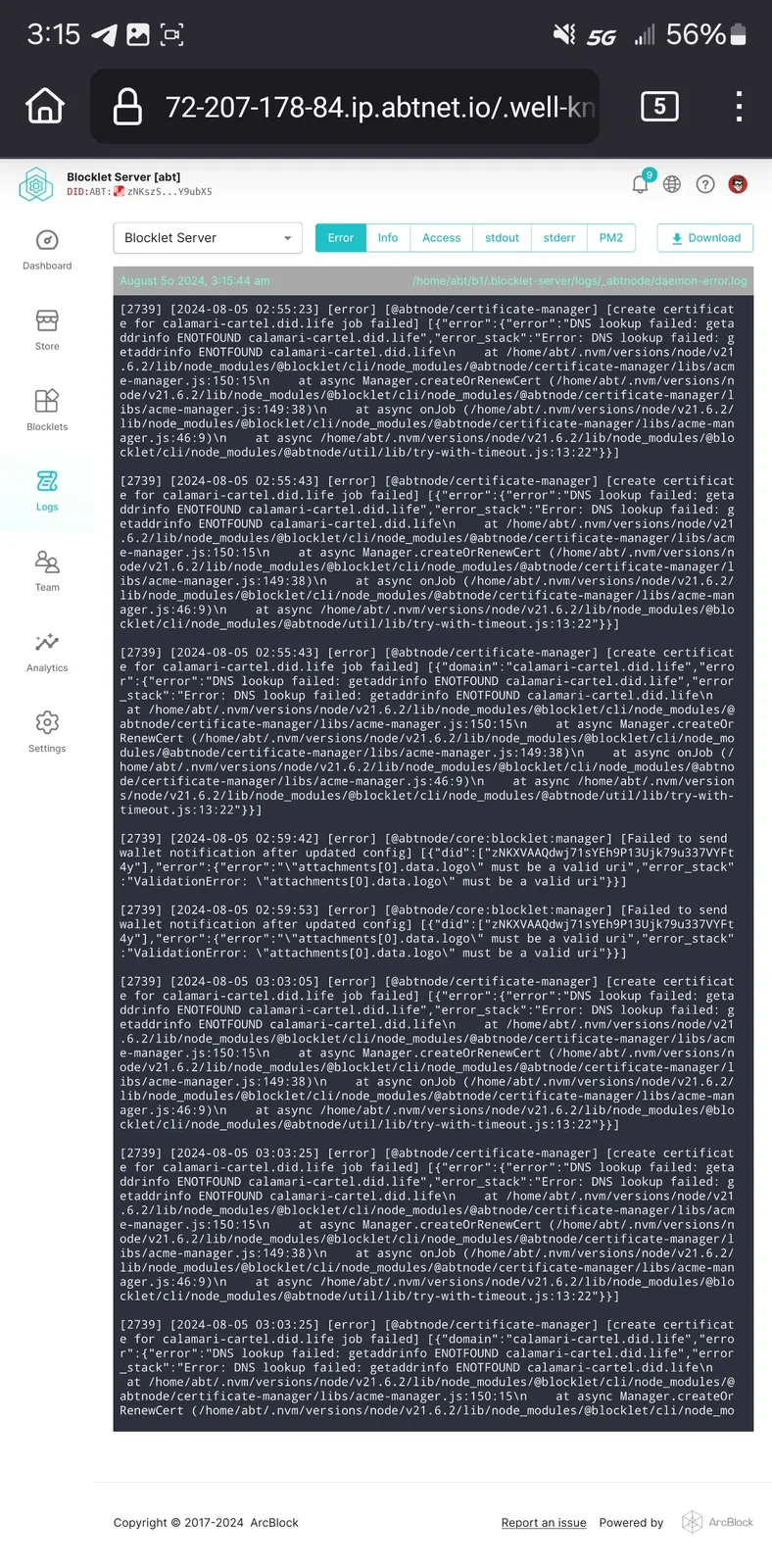
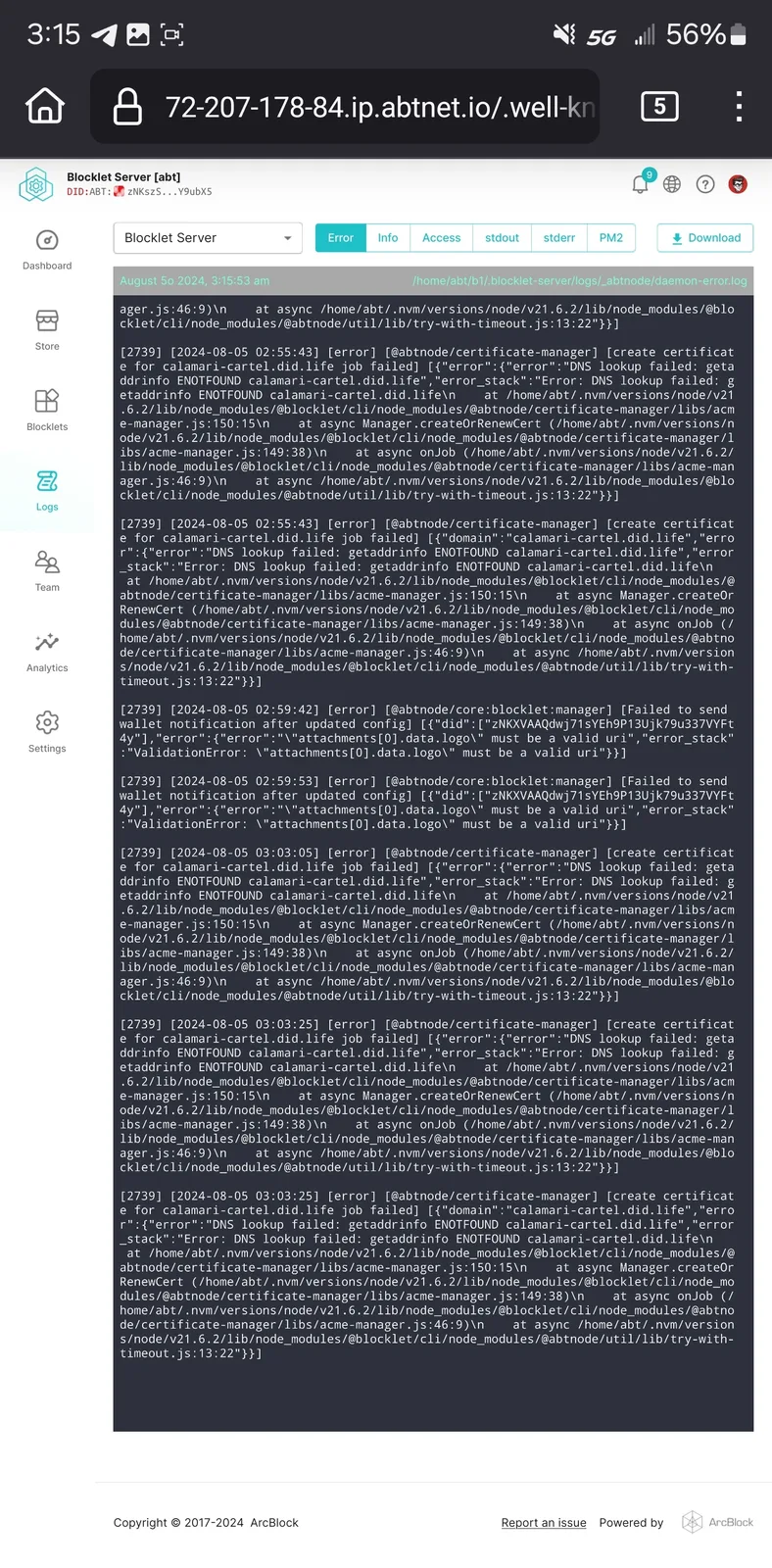
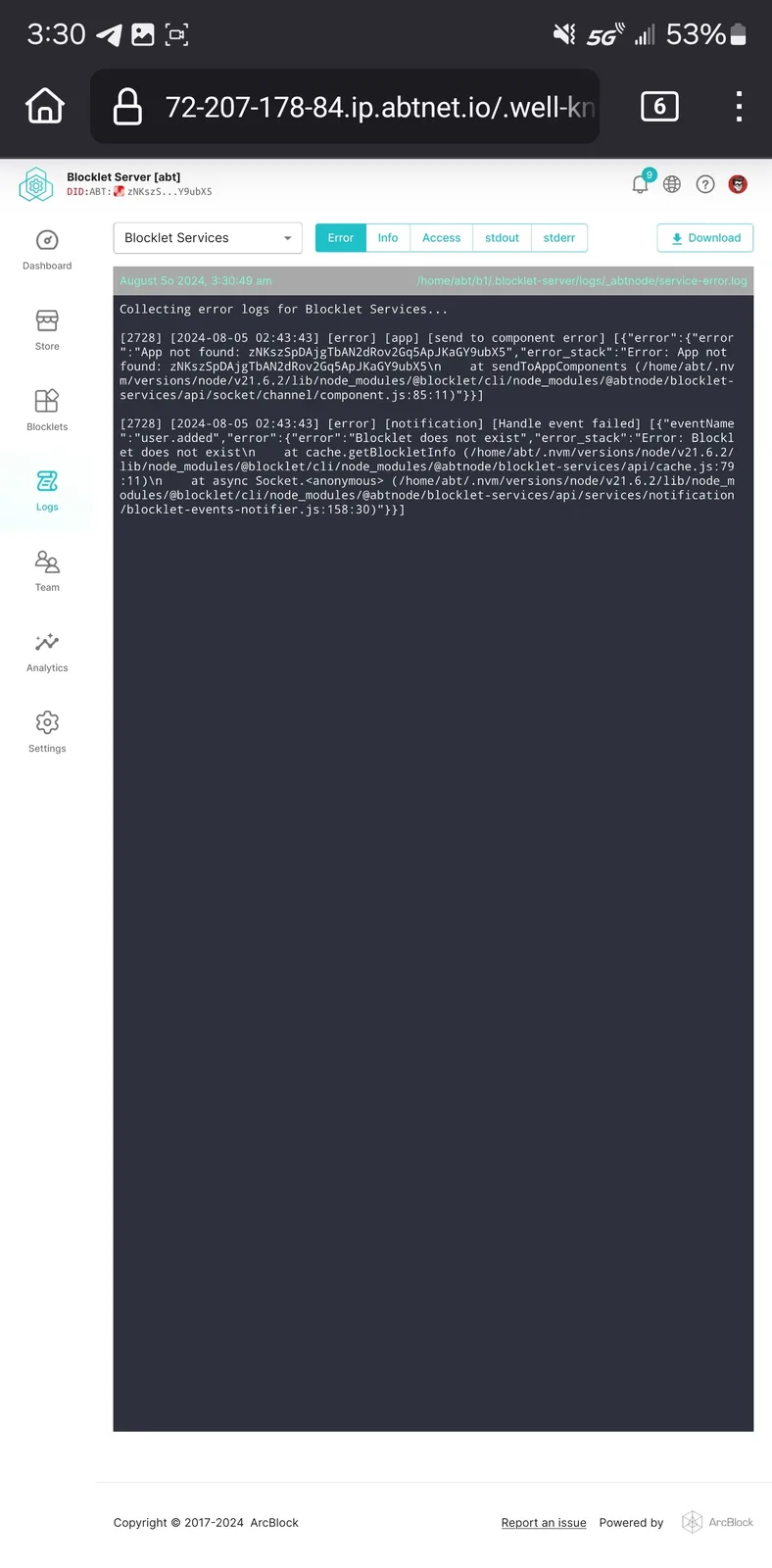
Blocklet Services log:
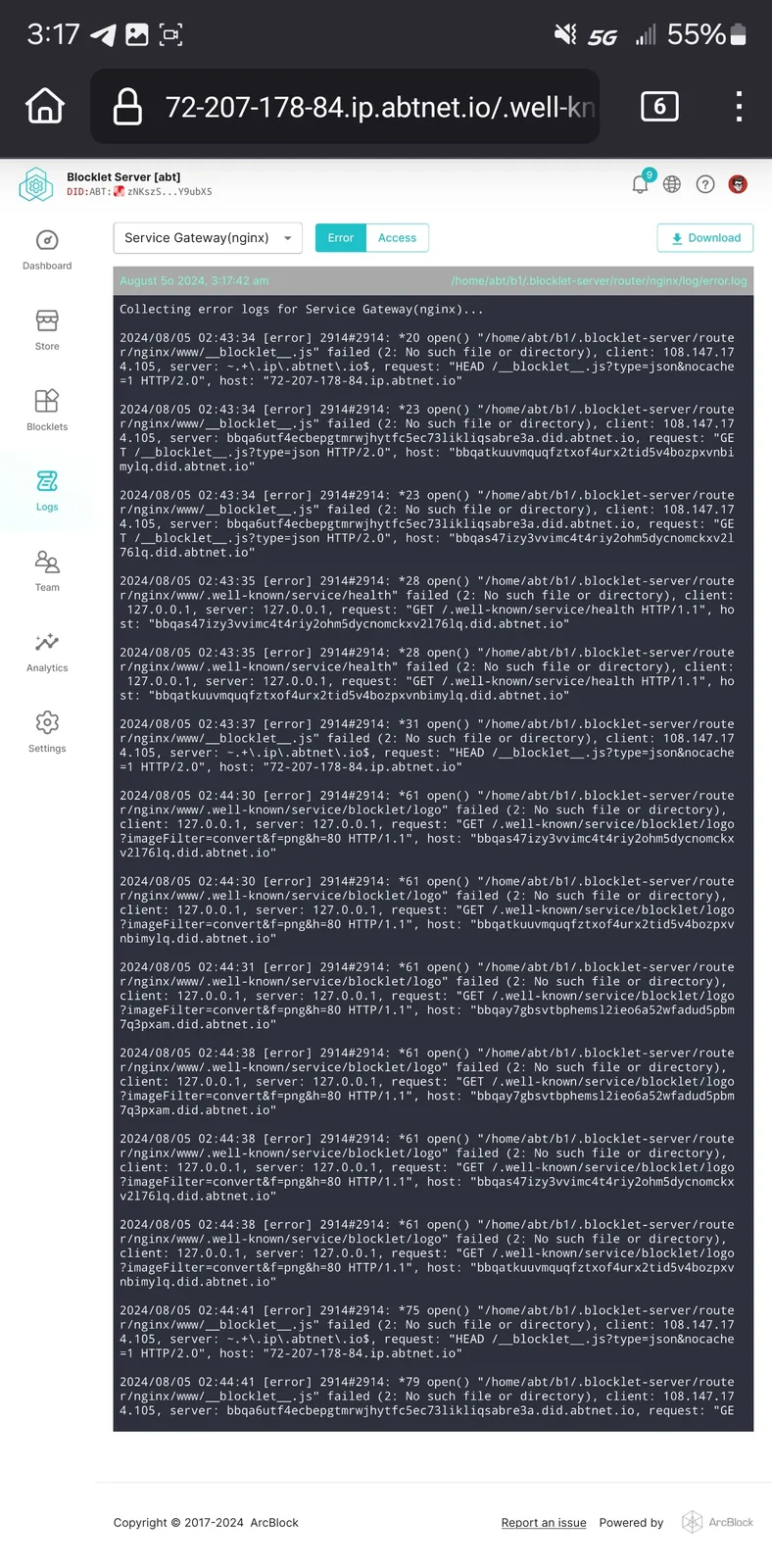
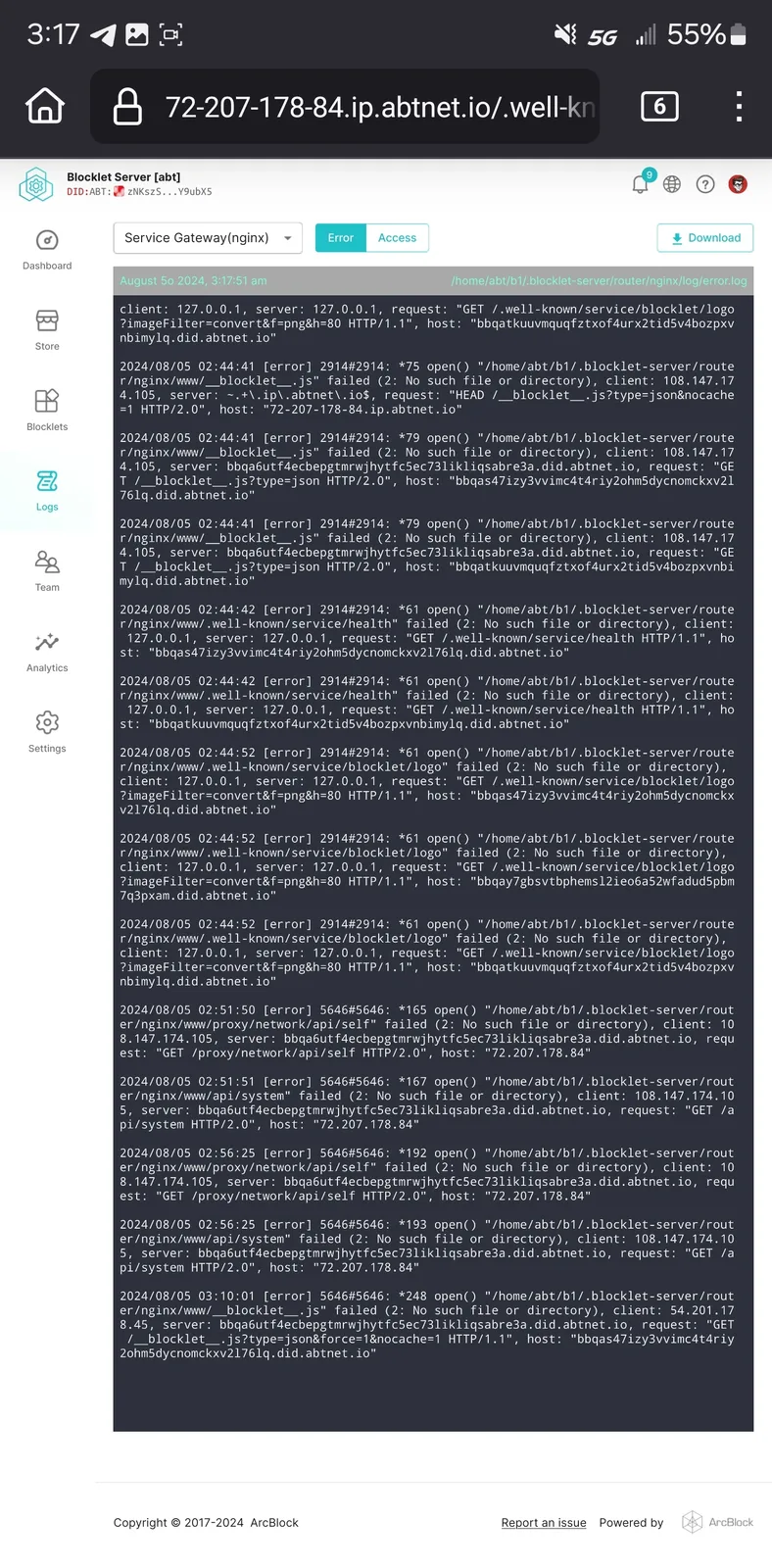
Service Gateway (nginx) log:
10 replies
I apologize for the inconvenience caused to you.
I think this is a known issue, and we have fixed it. Due to DNS caching, it takes time for the domain name to take effect; you may try to regenerate the certificate again.
will check again in a few hours
so far still the same, added enterprise spaces to attempt with the .rocks variant, different error message:
It's quite strange.
the vm is publicly accessible via secure link
https://72-207-178-84.ip.abtnet.io/
I suspect it might be that the port 80 for the VM is inaccessible.
Please try accessing http://calamari-cartel.did.life again after opening port 80.
Port 53, 80, and 443 are open, the internal ip for the vm is excluded from security detections as well.
the vm is accessible externally
Again, the domain didnt generate a certificate. No, it wont connect via domain. Yes it will connect via secure link provided via terminal
link for the pages kit in question, also accessible via external network
https://bbqaqsycbscfvbv4o4iwz743ozlyzmusbrx7ssijegi.did.abtnet.io/en
this is the one that has enotfound error
Yes, port 443 is accessible.
And can you access https://calamari-cartel.did.life via HTTPS, although the domain does not have a certificate.
ISP blocks 80 🙄