
404 while making a post in community pages

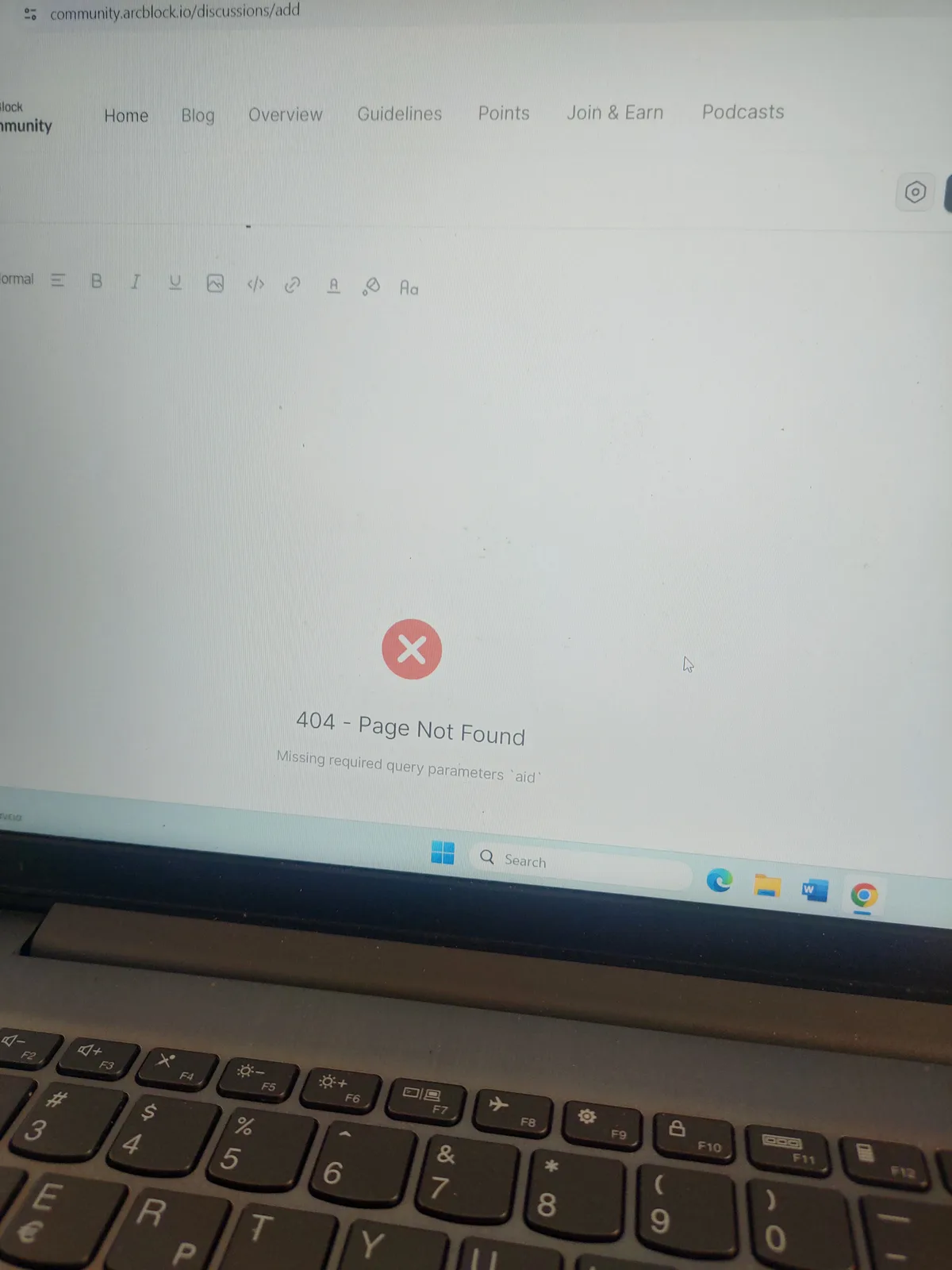
Tried numerous times to post about the poll. Got the same message again and again and I almost had to post via my wallet community pages Access
Tried numerous times to post about the poll. Got the same message again and again and I almost had to post via my wallet community pages Access
12 replies
Hello, this is because you previously inserted an AIGNE component in the discussion draft through the slash menu, but this component currently has some issues. You can click on the editor to give it focus, delete the AIGNE component (404 position), and then you should be able to continue editing the post. We will fix the issues with the AIGNE component, thank you!
I don't think so, I wouldn't even know how to use an aigne component to be frank 🤭
It is possible that you previously inserted an aigne component like this:
No I never did
Can you now delete the error component in the editor? Will it work properly after deletion?
There was 0 aigne related components. I don't know what to tell you I was just trying to post for 10 minutes there was this error. I hadn't even input the subject line yet!
Like this:
No nothing like that. The post lines were empty
There is another method to clear the draft data, you can give it a try:
Ok, I will try it if it happens again
Next time it happens, try typing something in the editor, then press Ctrl + A to select everything. This will help you check if there are any broken elements in the editor. ❤
Thanks