
Cannot Access Node - "Verify Access" Failed

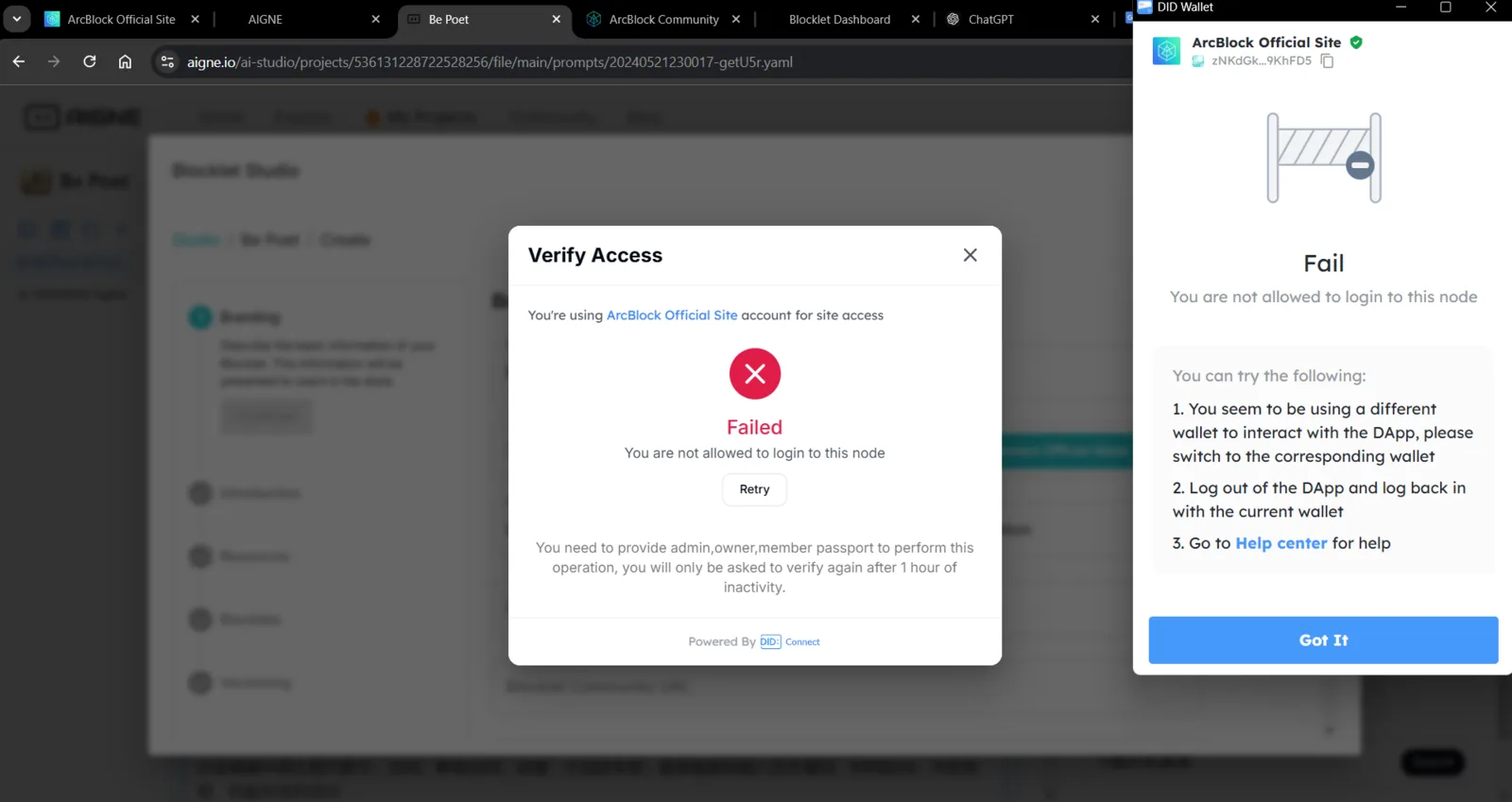
I don't know what's going on, whether this is a bug or not but I hope someone can tell me the cause
Description of the Issue: When attempting to access AIGene Blocklet Studio, a dialog titled "Verify Access" is displayed, indicating an error with the message: "Failed: You are not allowed to login to this node." This issue blocks users from proceeding or utilizing the platform's features despite logging in with a valid ArcBlock Official Site account.
Steps to Reproduce:
- Open the AIGene Blocklet Studio in a web browser (e.g., Google Chrome).
- Log in using the ArcBlock Official Site account credentials.
- Navigate to a project or feature within the studio that requires verification.
- Observe the error dialog stating "Failed: You are not allowed to login to this node."
3 replies
Issue confirmed, caused by a security enhancement, will release a fix soon.
thanks for your response
Hi, this is fixed and deployed