
AI Kit doesn't open, shows DID Spaces

After updating DID Spaces core blocklet, and vote blocklet - AI Kit no longer displays, and DID Spaces personal landing page is displayed.
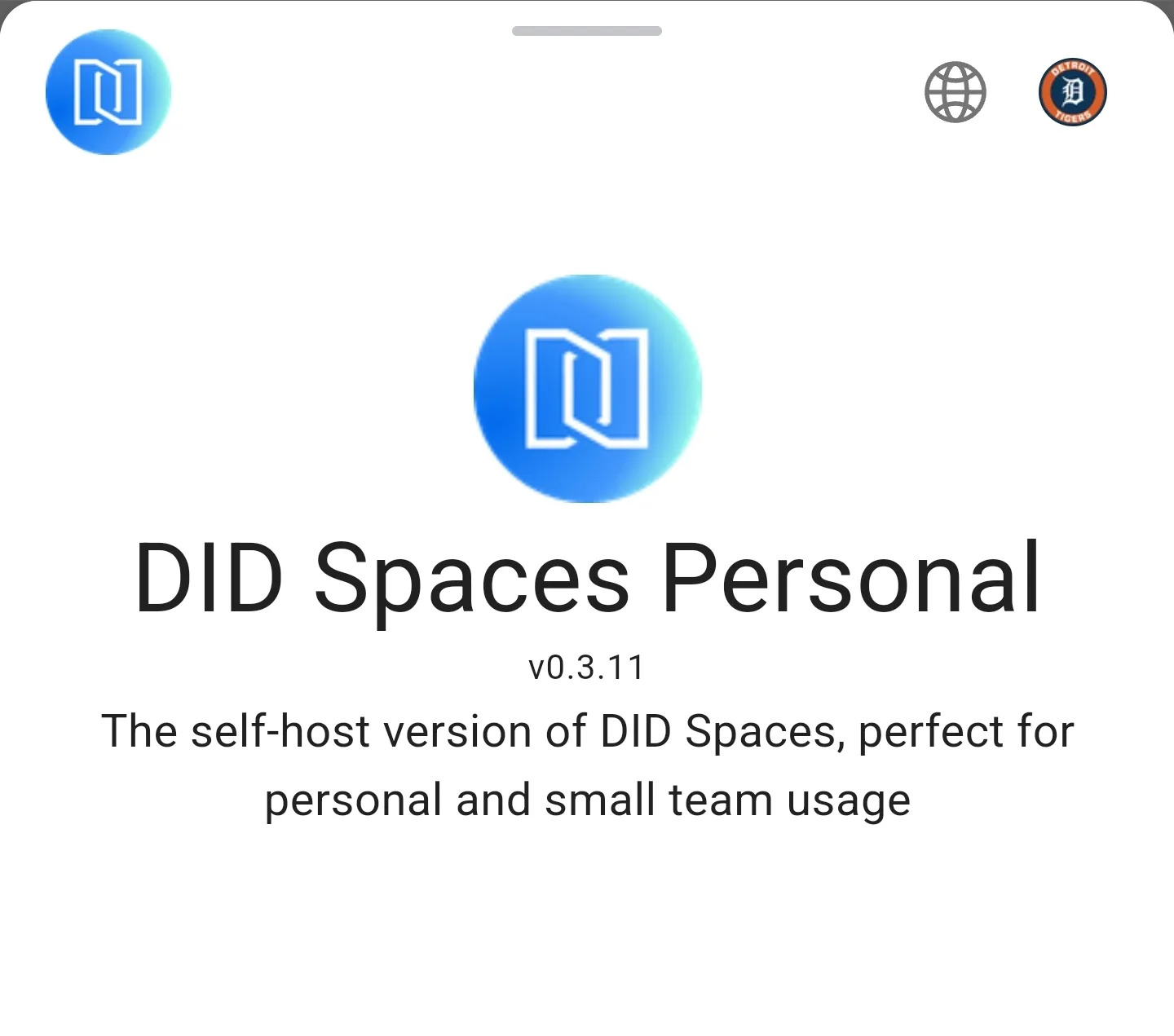
Was going to go into the playground after setting up openai api and gemini in environment settings to try the chatting.
Initially set it up without api keys, after did spaces core and vote blocklet upgrade i added api keys.
Between upgrade and api setting, i didnt check to see if AI Kit still showed the playground.
I also deleted and reinstalled all three AI Kit, AI Studio, AI Assistant - with same outcome for AI Kit. Lastly, i installed AI kit onto another space i had, without adding settings or upgrading did spaces core (it might already have been) to the same effect. Only thing i havent done yet is stop and start every single blocklet on the space or the space itself
10 replies
Shows as version 0.0.92 with blue box/arrow
z1croUysBVjGHD7KtHqZyhxKrCrSB2Z1Daa After investigating the issue, your confusion is caused by 2 reasons:
1. Your app branding settings should be updated (using the default value may cause more confusion in the future)
Please update your app branding settings as following instructions
2. The home page of AI components displays your default branding info, which is a bad design that needs to be improved by the blocklet developers.
Since your branding settings are all defaults, you see "DID Space Personal" when you open the component home.
We will let you know when an improved version of the AI components is released.
AIKit was working fine to show the chat box and related playground stuff, until I updated DID Spaces Core to the recent version of 0.3.44. Is there a way to revert to an older version to double check? Went looking and couldnt find it. Upgraded from 0.3.42.
The backup i do have is 0.3.41.
Between .42 and .44 the issue arose.
No prior versions of AIKit had been installed previously, only 0.0.92
This issue has been fixed in ai-kit@v0.0.95.
works from "manage blocklet" area, but doesnt display in menu of space
This maybe caused by too much navigation items, we will verify and fix.
i was able to manually add it to the menu, but if the access settings for it are changed to "invite" it shows an error close to "nothing to display". owner, manager, guest, and to all - it is still accessible.
Works now. 0.0.95.
I have another blocklet space that doesnt have didspaces core, and was going to test it, but you beat me to it 🤣
Bug bounty reward for this issue reporting:
https://main.abtnetwork.io/explorer/txs/83BA8D7398CA6E7CBCF1F4DBC70DB8A56F0370629FC114925926226C525D29D2