
Profile Avatar Element in AIGNE Dashboard Positioned Too Close to Right Edge of Screen

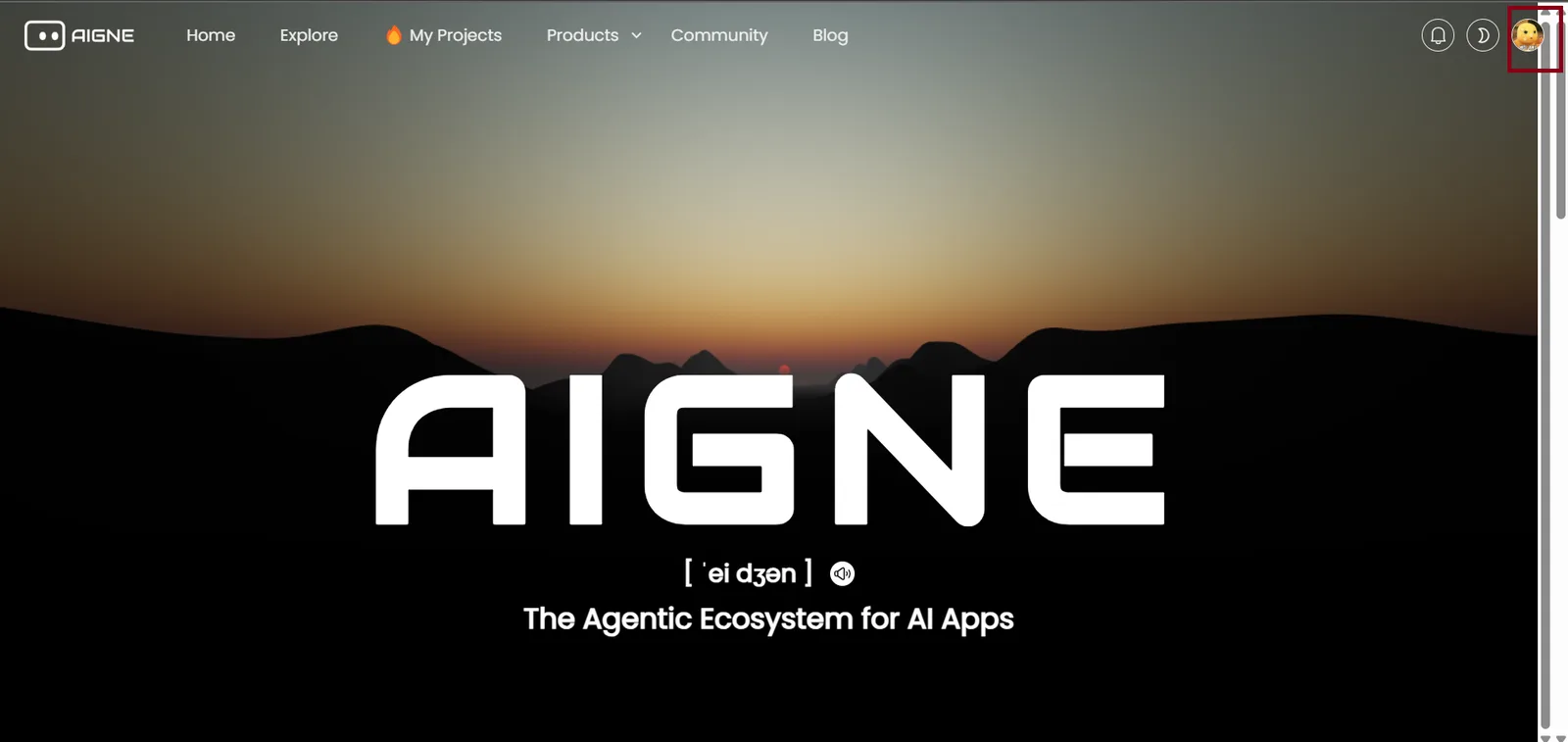
When accessing the AIGNE dashboard on desktop view, the profile avatar in the top-right corner is positioned too close to the screen’s right edge. This minimal spacing results in a less polished appearance and slightly reduces visual comfort. The issue is likely caused by insufficient margin or padding applied to the avatar element or its header container. If left unaddressed, it may affect the overall design consistency and user experience, especially on screens with an active scrollbar.
2 replies
请问你使用的是什么浏览器,我这边没有复现出这个问题。
I experienced this issue while using Google Chrome Version 139.0.7258.66 (Official Build) (64-bit) on Windows 10.