
Chibi Stickers Output as Single Combined Image (Not Individual Files)

🐛 Summary
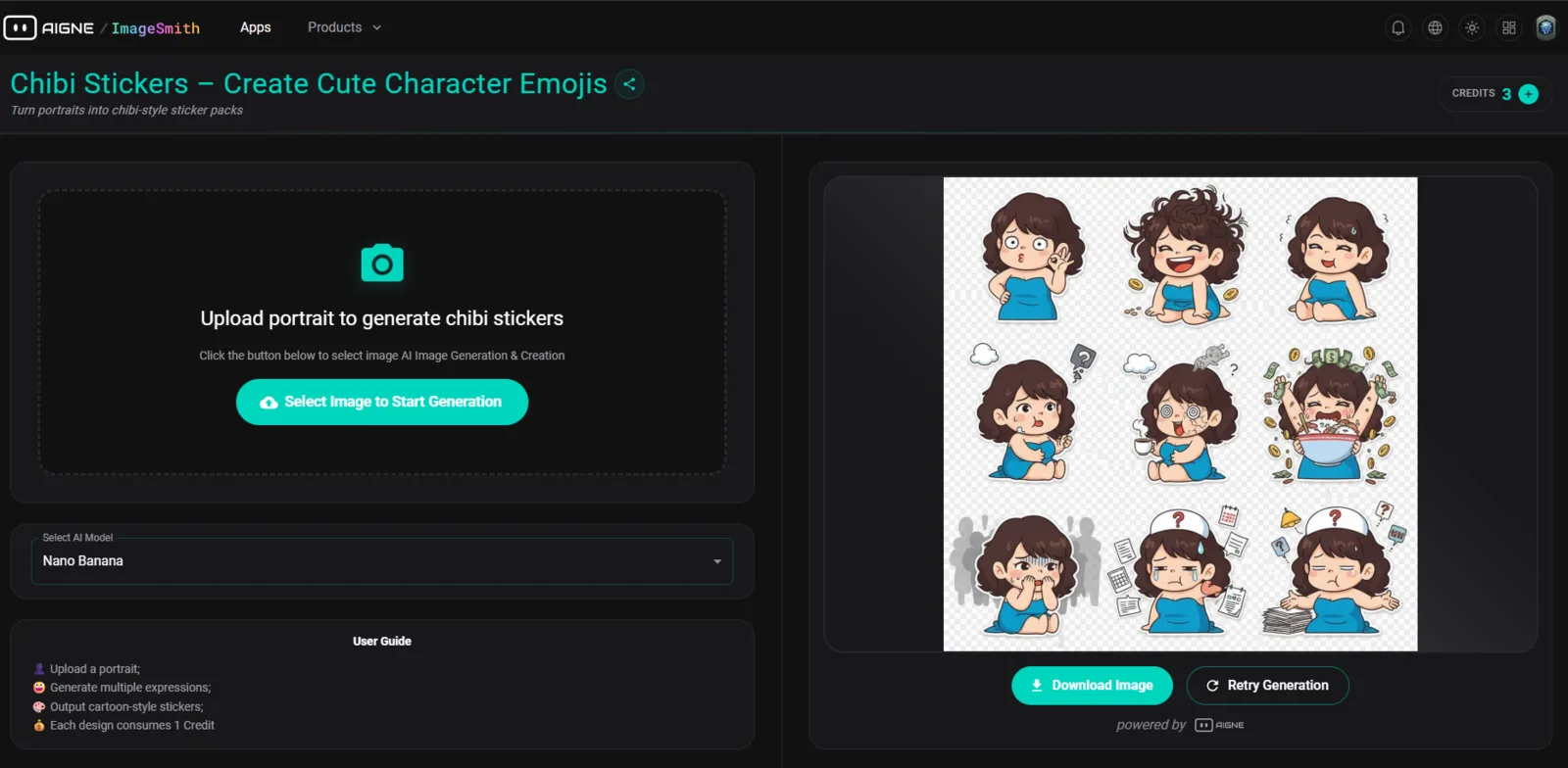
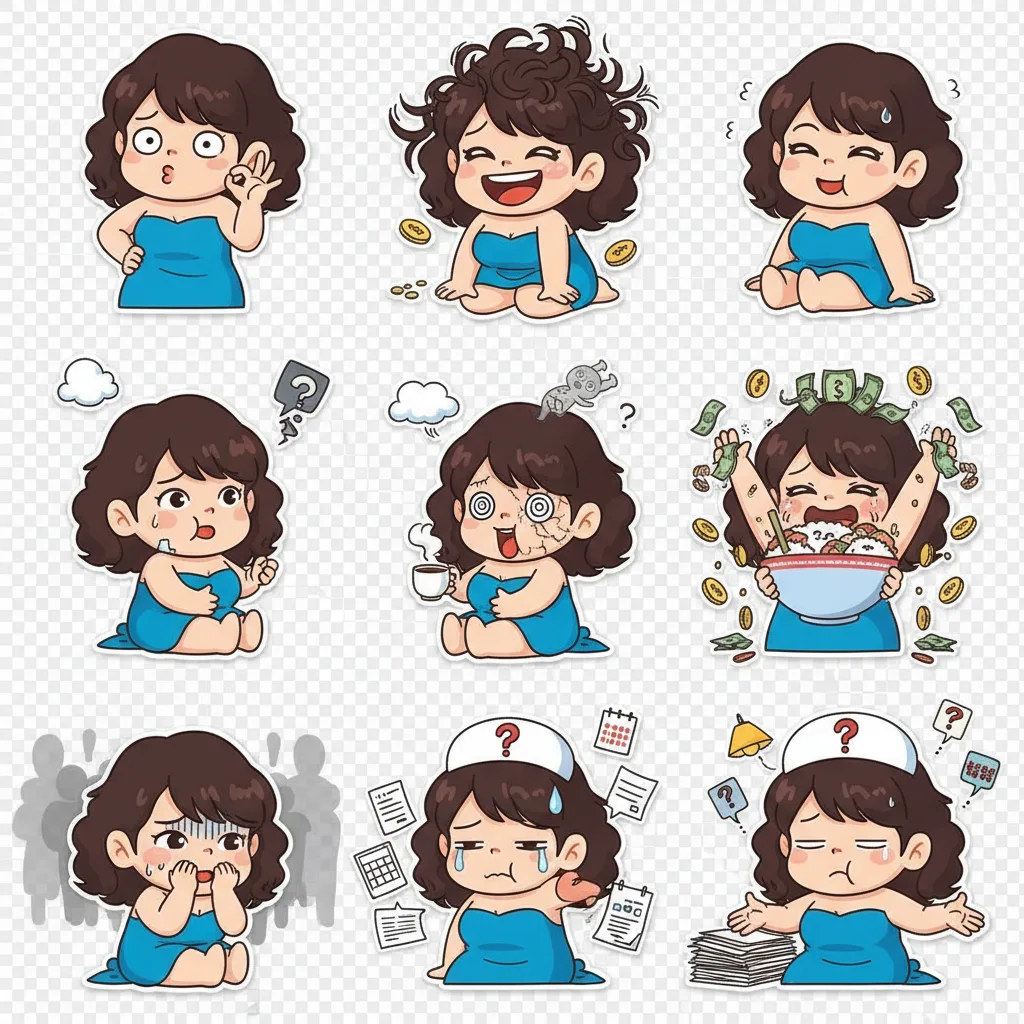
The Chibi Stickers feature on ImageSmith outputs all generated stickers as a single combined image (one photo), rather than providing them as individual, separate sticker files. This forces users to manually cut each sticker out, which is time-consuming and risks quality loss.
Note: This replaces the previous understanding that they were downloaded as multiple individual files.
🔁 Steps to Reproduce
- Navigate to the Chibi Stickers section on ImageSmith.
- Generate several stickers.
- Click the "Download" button for the generated output.
- Observe that the download results in one single image file containing all the stickers grouped together (e.g., a grid or collage).
- Users must manually cut each sticker from the combined image.
📉 Severity
High – Blocks efficient use of stickers and requires extensive manual editing.
📝 Additional Notes
- The issue occurs consistently when generating multiple stickers.
- The application should provide stickers as individual, high-quality PNG or JPG files.
- Reproducible in [specify browser/network if known].
🛠️ Expected Behavior
- The system should output stickers as multiple, separate, individual image files (preferably a ZIP archive containing the separate files).
- It should not provide a single combined image that requires manual cropping.
🧪 Actual Behavior
- Stickers are combined into a single image file, forcing users to manually cut them out.