The "Add" button can only be seen after logging into the management console. You can try to find the administrator menu for Tweet Token in the management console.
WGwgring2 years ago(edited)
thats where that is yes.
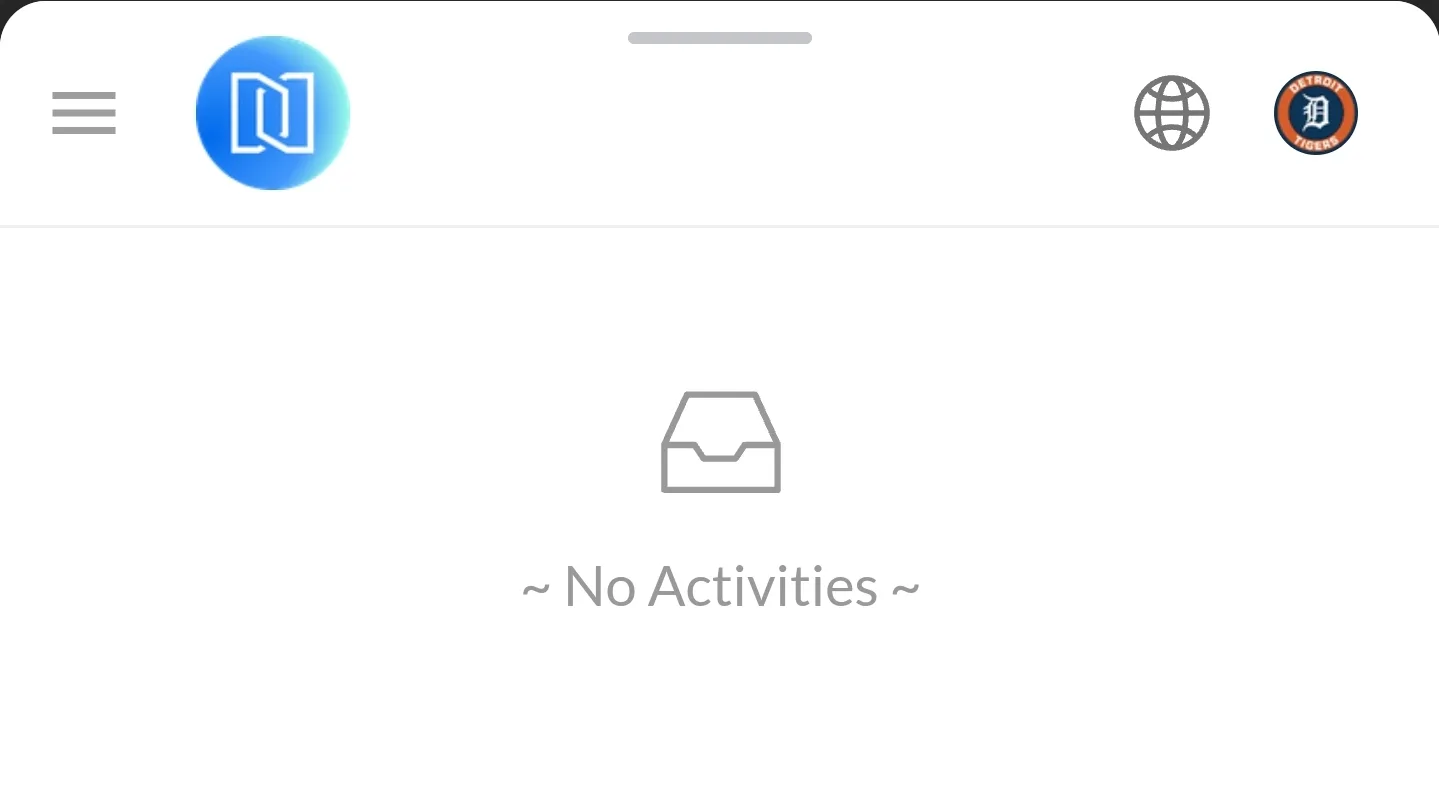
if you mean the right side menu, its not there either:
WGwgring2 years ago
when I disconnect it shows the same
WGwgring2 years ago
this goes for token prize pool too, just looked in case thats what you meant by management console, i dont see an add button there either 🤔
WGwgring2 years ago(edited)
Starting to think this is related to navigation as well, installing a new blocklet "virtual gift card", i come across the same thing, there is no add button like is displayed on the information page for the component.
ANArcBlock-Nate2 years ago
Please try to access: {you domain}/.well-known/service/admin/overview
Click on the menu button on the left side to bring up all the menus.
WGwgring2 years ago(edited)
ah yes ok, i see in navigation, thats under dashboard. yes it does show in the blocklet dashboard top left menu. my assumption was to open the component to access the abilities (the images in the description for tqeet token/virtual gift card dont quite match up, similar thought on accessing add button). thanks again


7 replies
The "Add" button can only be seen after logging into the management console. You can try to find the administrator menu for Tweet Token in the management console.
thats where that is yes.
if you mean the right side menu, its not there either:
when I disconnect it shows the same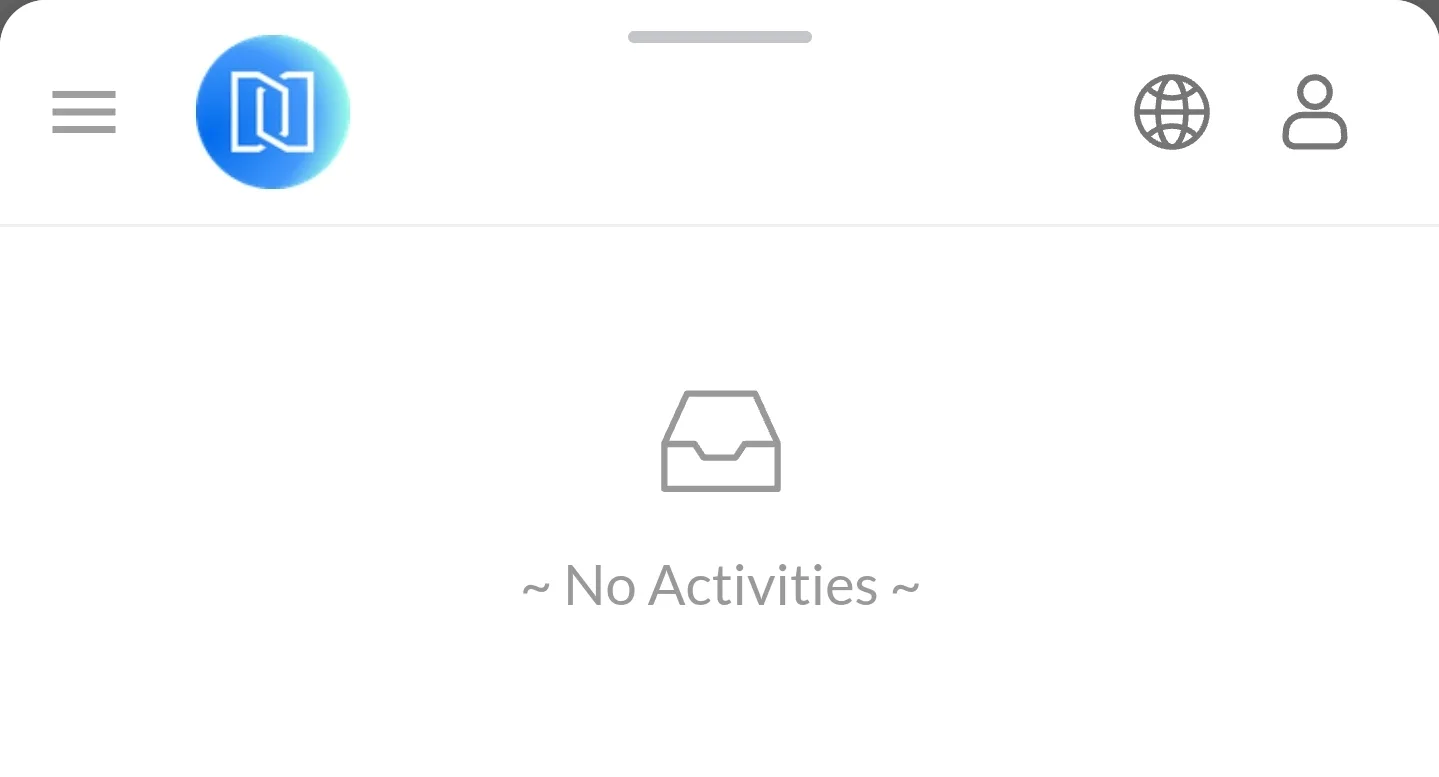
this goes for token prize pool too, just looked in case thats what you meant by management console, i dont see an add button there either 🤔
Starting to think this is related to navigation as well, installing a new blocklet "virtual gift card", i come across the same thing, there is no add button like is displayed on the information page for the component.
Please try to access: {you domain}/.well-known/service/admin/overview
Click on the menu button on the left side to bring up all the menus.
ah yes ok, i see in navigation, thats under dashboard. yes it does show in the blocklet dashboard top left menu. my assumption was to open the component to access the abilities (the images in the description for tqeet token/virtual gift card dont quite match up, similar thought on accessing add button). thanks again