
Avatar not updating from DID wallet to Community page

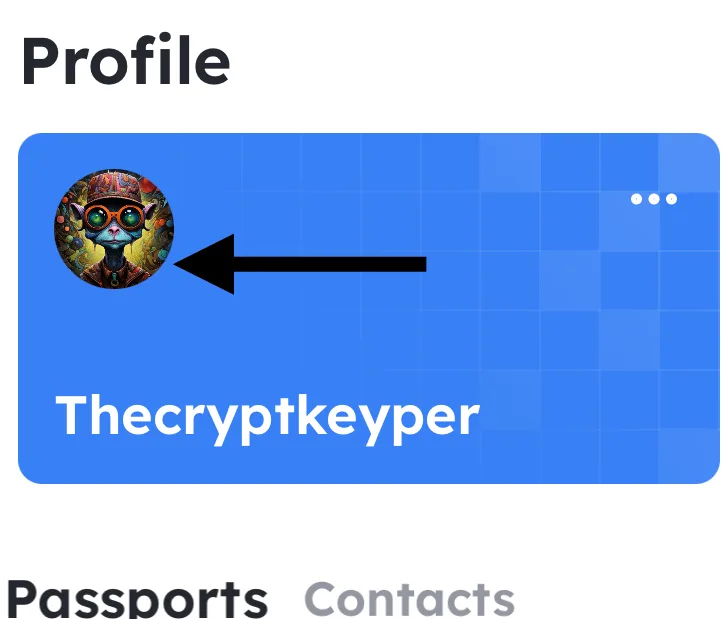
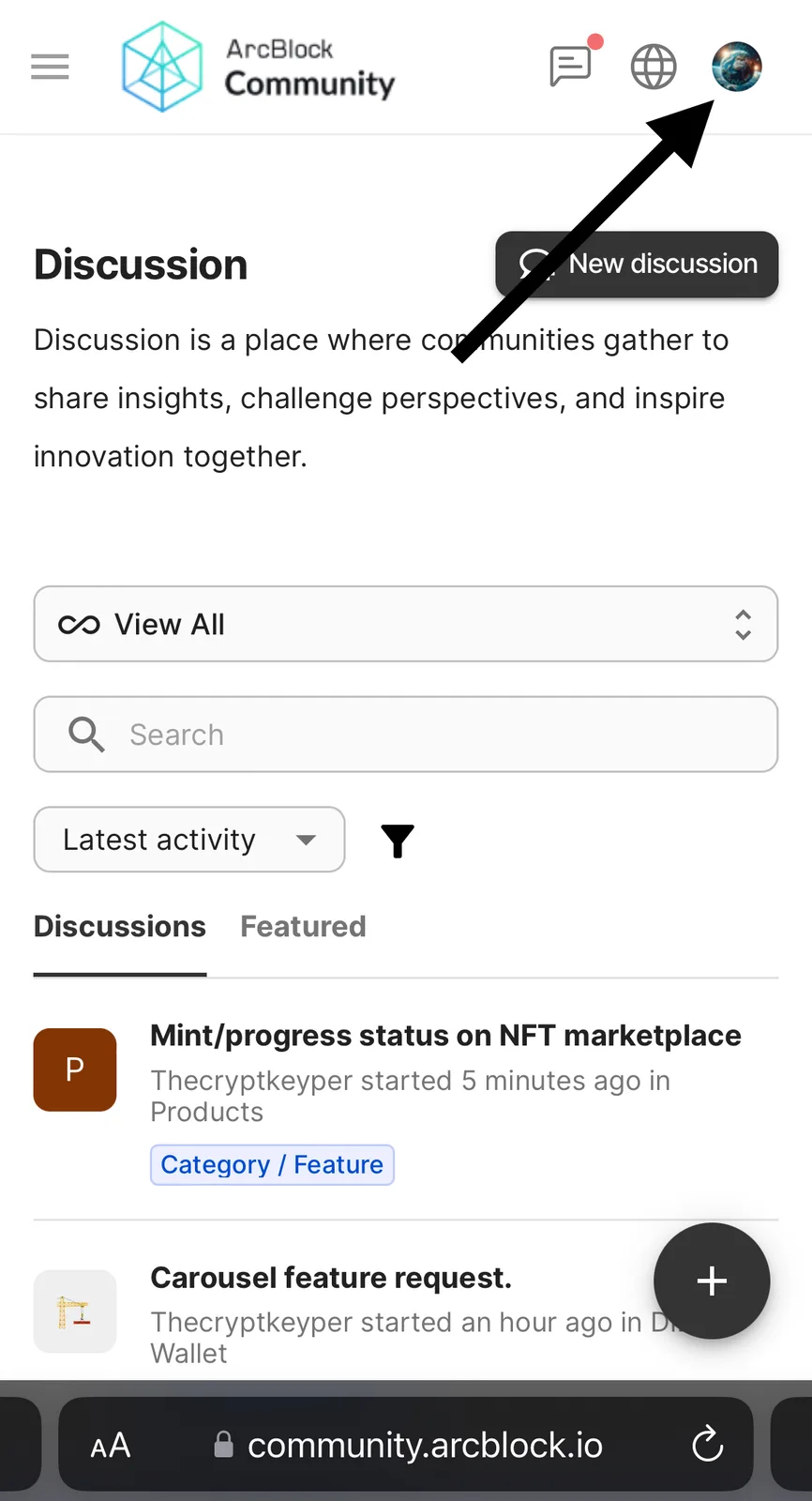
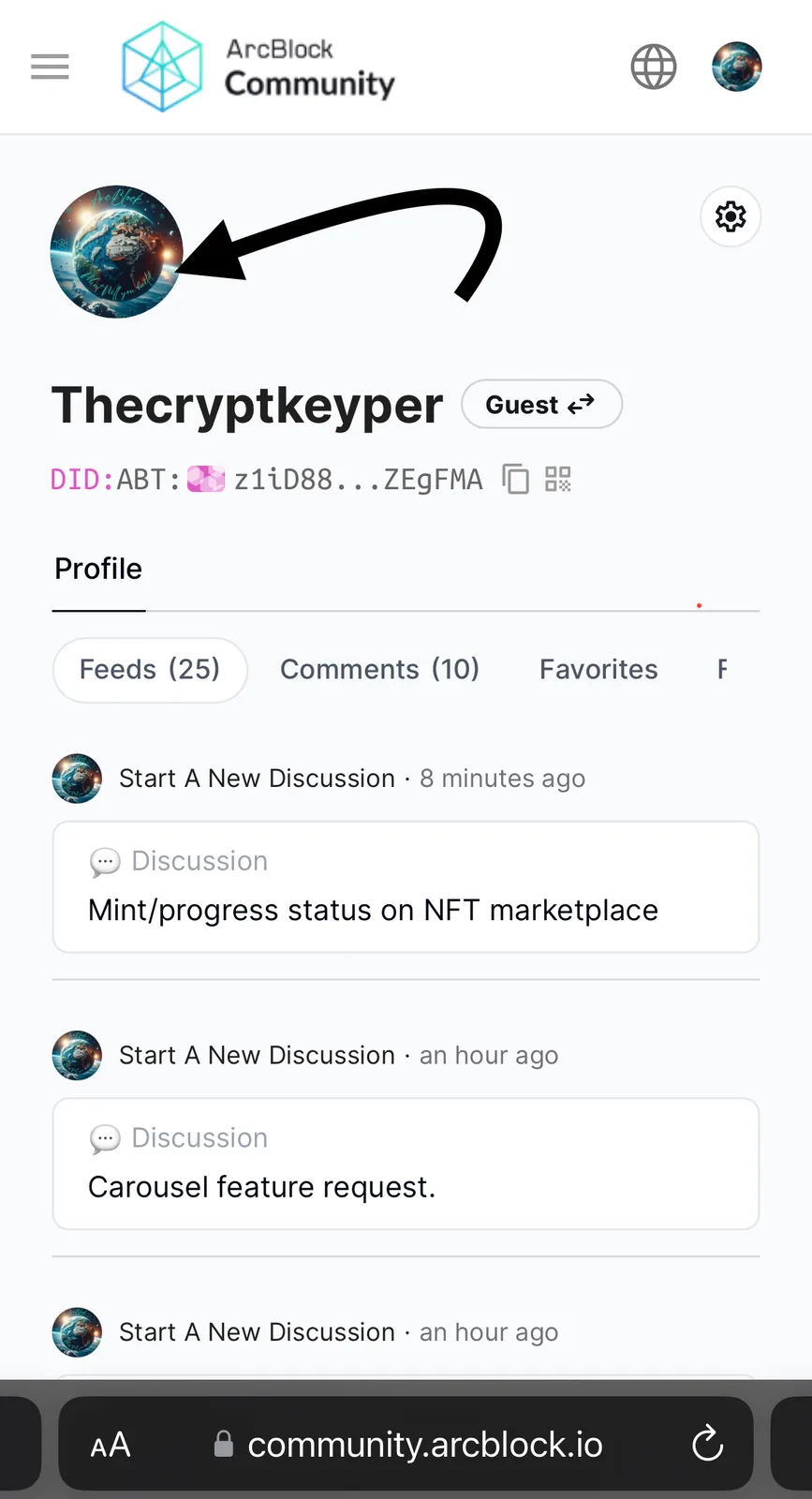
I updated my avatar image in my DID wallet but the old photo still remains when I sign in with my DID wallet to the community page. There does not appear to be a way to change the image manually on the community site so I’m assuming it’s supposed to be pushed from the DID wallet avatar. see below. I have logged out of both and resigned in to make sure that wasn’t the issue.
2 replies
That's because your update to the avatar only changes the data in your local DID Wallet, the sync must be done manually in our current implementation, the sync will be done automatically in future versions (there is an improvement proposal on our roadmap).
If you want to update your avatar, please refer to following steps:
Thank you! I will try that shortly!