
“Fill Your Email” Error Persists Even After Providing Email (e.g., invalid@arcblock.io ) on ArcBlock Community Settings

Summary:
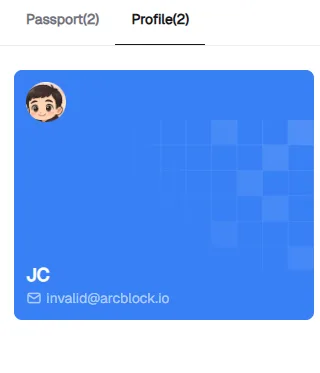
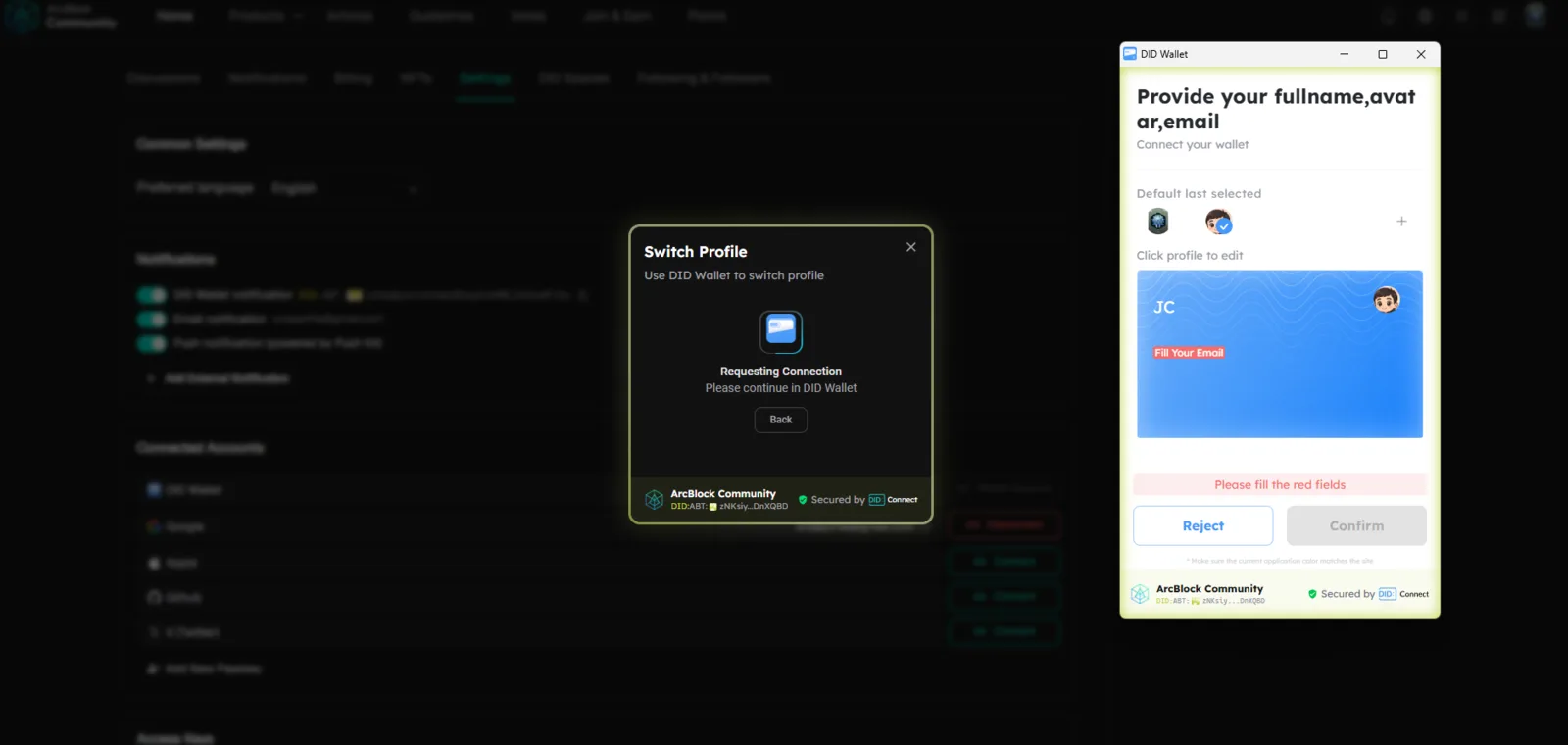
On the ArcBlock Community Settings page, attempting to switch or save settings triggers an error message “Fill Your Email” even when a valid email is already filled in the ArcBlock Passport.
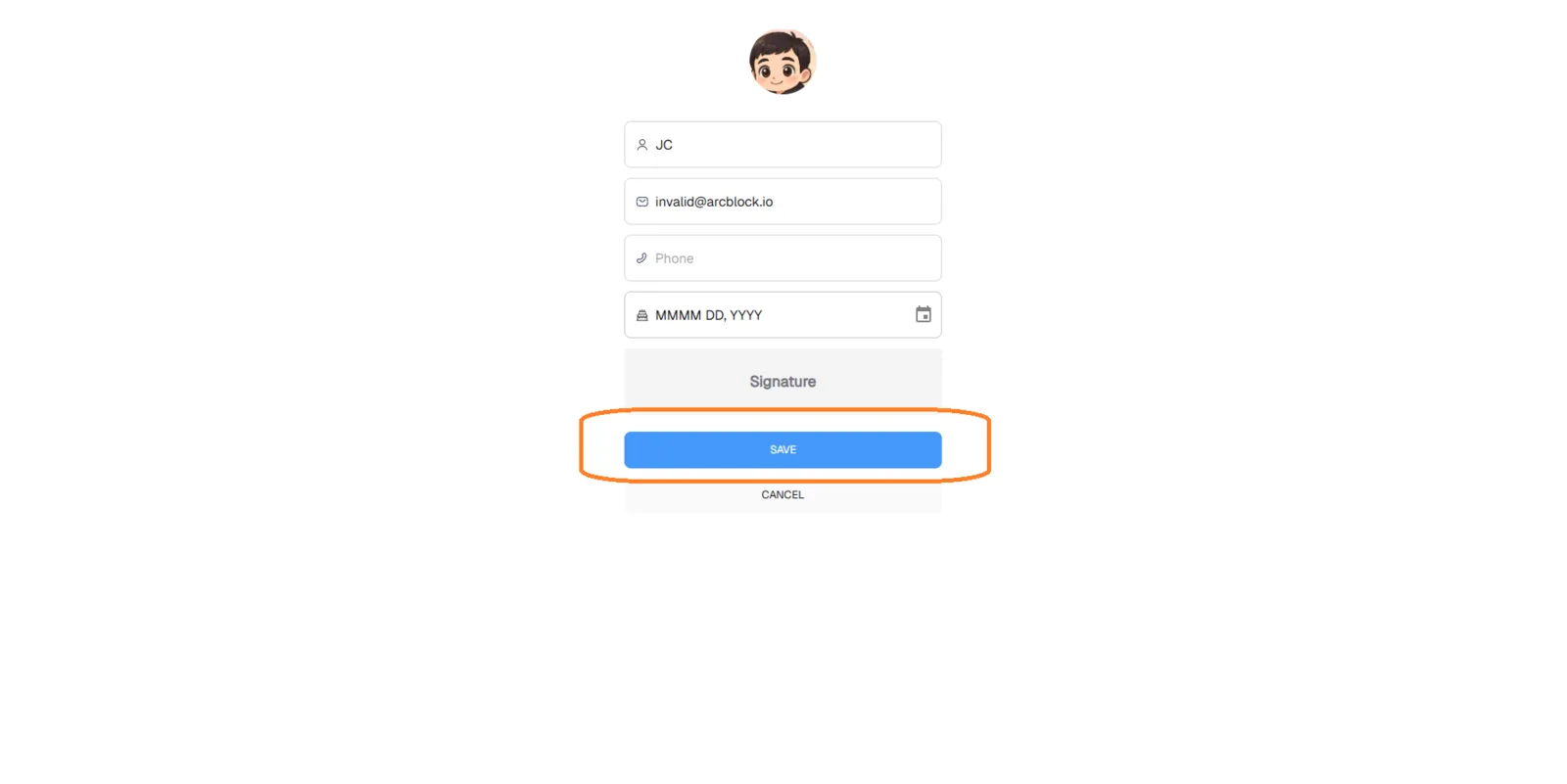
When a user manually inputs a placeholder email (e.g., invalid@arcblock.io), the Save/Confirm button becomes enabled, but switching or saving still fails — indicating a backend validation or API sync issue.
Environment:
- Website: ArcBlock Community Settings
- Browser: Google Chrome (latest)
- OS: Windows 10 / Android
- Account: Verified ArcBlock Passport (email filled)
- Network: Stable
Steps to Reproduce:
- Log in to ArcBlock Community using your ArcBlock Passport.
- Navigate to: https://community.arcblock.io/.well-known/service/user/settings?locale=en.
- Try to switch or save settings (e.g., notification preferences, language, or linked account).
- Observe error message: “Fill Your Email.”
- Edit the email field manually, enter a dummy email such as
invalid@arcblock.io. - The Save button becomes active, but after saving, switching or updating still fails silently or does not apply changes.
Expected Result:
- The system should recognize the email already stored in ArcBlock Passport and allow saving or switching settings.
- If the user manually inputs a valid email, changes should successfully apply with confirmation feedback.
Actual Result:
- Displays “Fill Your Email” even though a valid email is filled and verified.
- When a placeholder email (
invalid@arcblock.io) is used, Save appears enabled but settings still do not update. - Indicates client–server sync or backend validation error.
Impact:
- Users cannot update or switch account settings.
- Leads to false error prompts and confusion even when valid credentials exist.
- Blocks functional use of account customization features.
Weakness Mapping (CWE):
- CWE-20: Improper Input Validation
- CWE-345: Insufficient Verification of Data Authenticity
- CWE-840: Business Logic Error
Severity Classification:
- 🔴 High Severity
- Prevents critical user settings updates and account linking, affecting normal functionality.
Suggested Fixes:
- Ensure email validation logic checks verified Passport data, not just local input.
- Update API endpoint handling for settings save/update to properly reference authenticated user email.
- Add clear error handling and success messages.
- Disallow placeholder or invalid email submissions that appear to enable the button but don’t function.
- Include backend validation log to identify if the API rejects Passport email tokens.
Proof of Concept (POC):
- Input:
invalid@arcblock.io - Button: Enabled
- Result: Still cannot switch — no state change or success confirmation.
- Console log (expected):
POST /settings/update → 403 or 400 invalid email state
⚡ Priority: High (Functional blocker impacting account customization and UX).