
Deleted account data still visible on ArcBlock Community platform

Summary
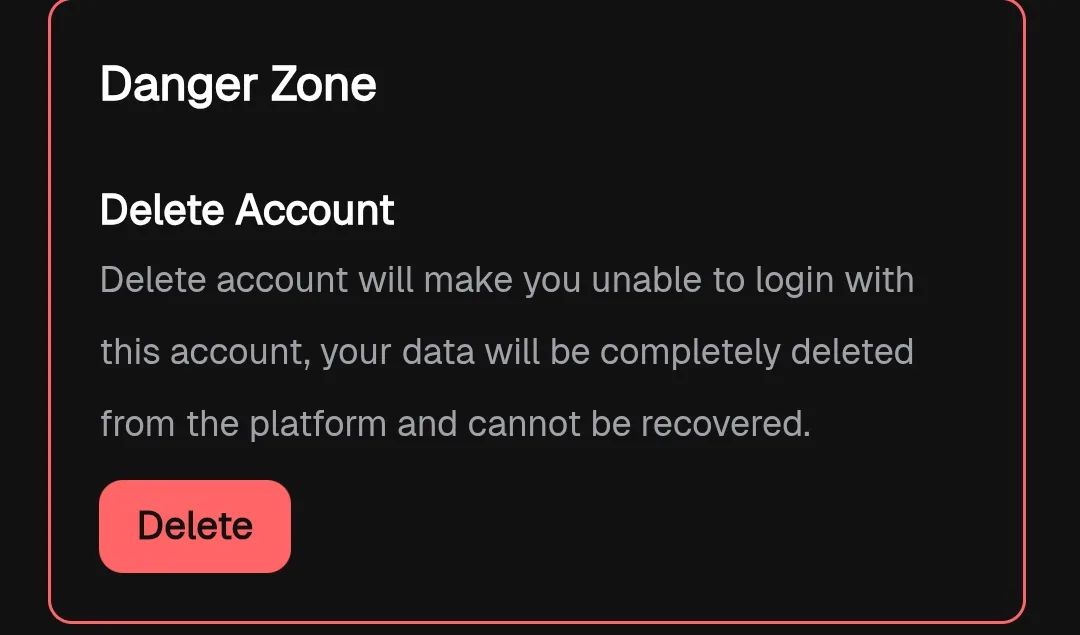
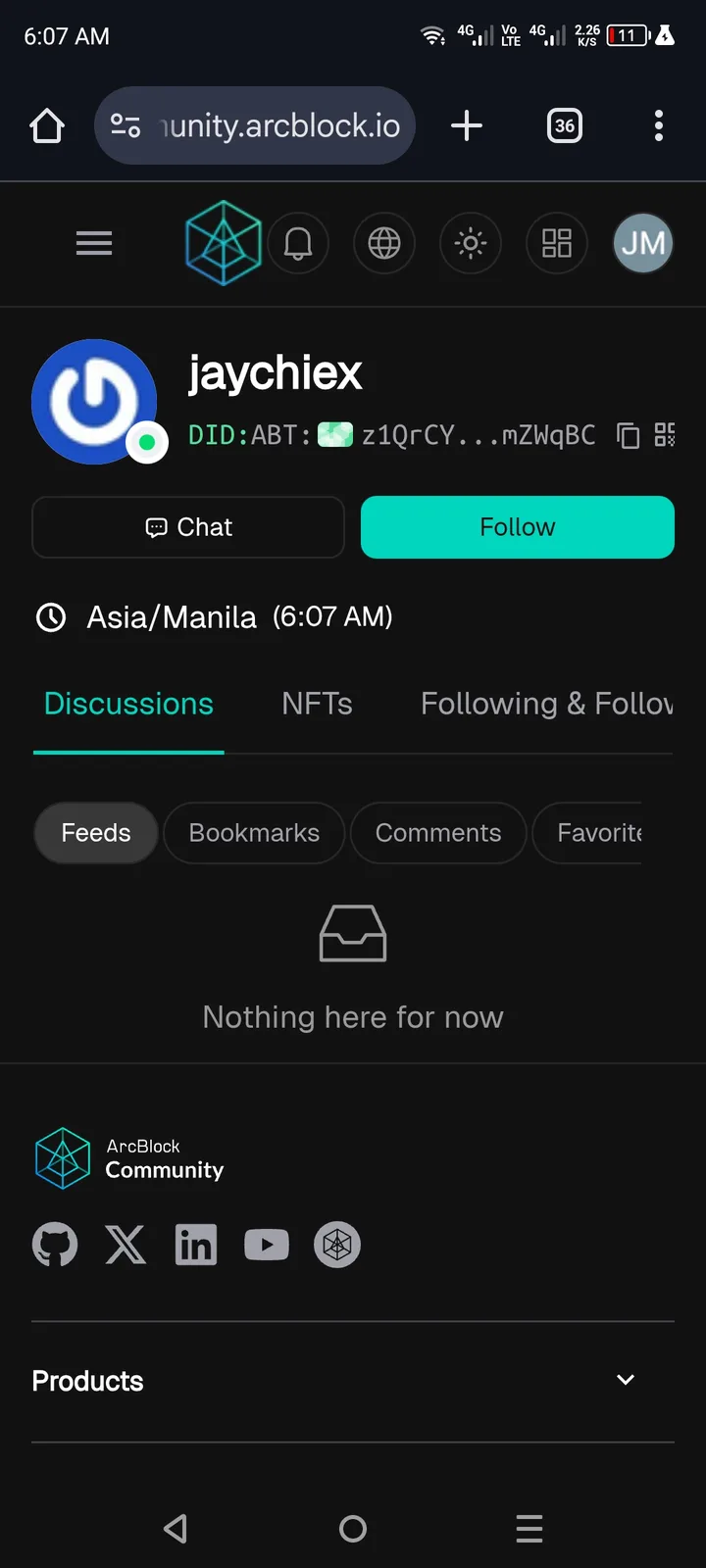
When a user deletes their account, some or all of their data remains visible on the ArcBlock Community platform, instead of being fully removed or anonymized.
Steps to Reproduce
Log in to an ArcBlock Community account.
Go to Account Settings → Delete Account.
Confirm deletion and complete the process.
After deletion, search for the user’s previous posts, comments, or profile data on the ArcBlock Community platform.
Observe that data is still present.
Expected Result
After account deletion, all associated user data should be:
Fully removed, or
Anonymized/hidden (e.g., replaced with “Deleted User”).
Deleted users should not appear in the community platform at all.
Actual Result
User data (profile, posts, comments, etc.) is still visible on the ArcBlock Community platform after deletion.
This violates user expectations and potentially privacy policies.
2 replies
感觉和这个第3点一样,没有清空账号数据
This is a known issue; there's a more urgent task being worked on, so this hasn't been started yet.