
Unable to Download Images from Google Search

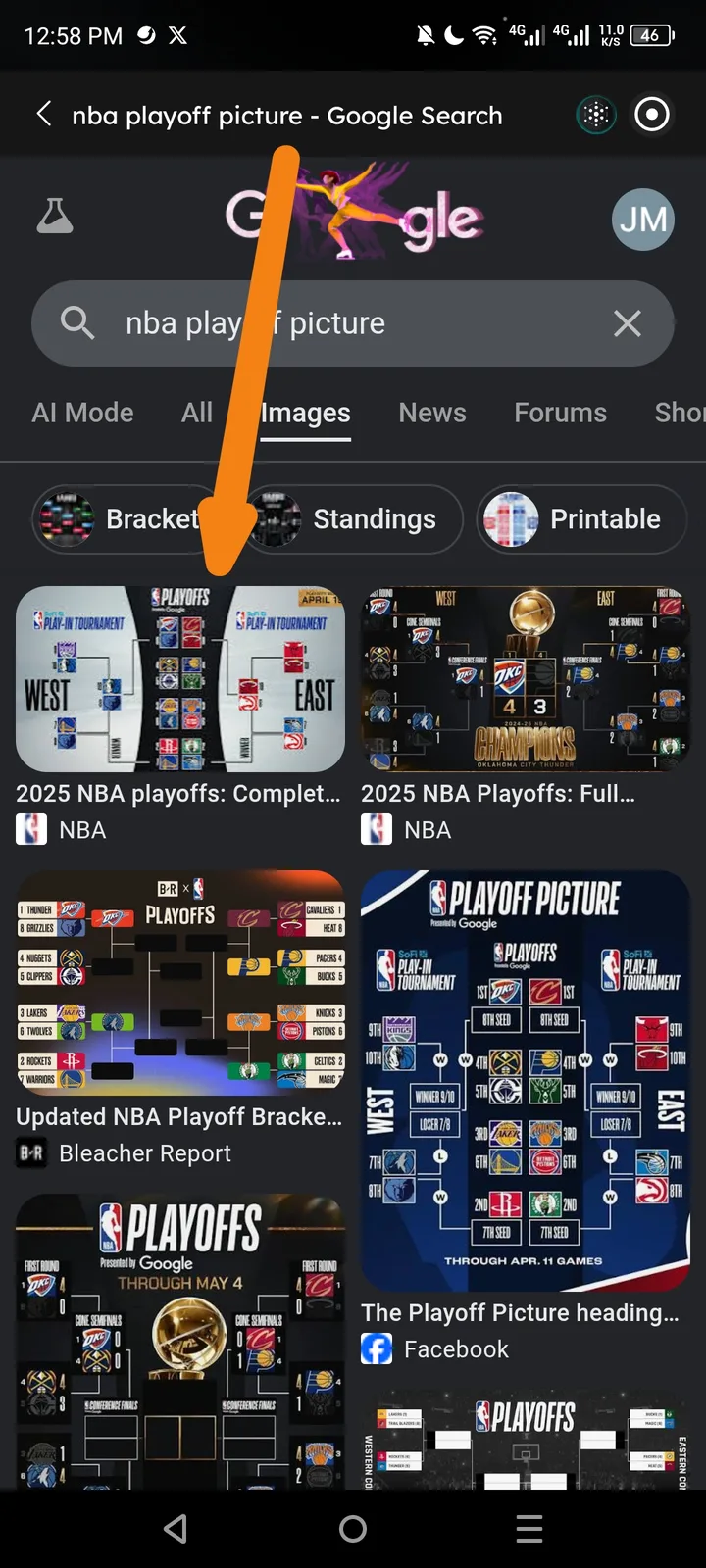
Severity: High (Core functionality - users cannot save web assets)
Description: When using the ArcSphere browser on mobile to perform a Google Image search (e.g., "nba playoff picture"), the application does not provide a way to download or save images to the device. Common interaction methods, such as long-pressing an image or selecting a download option from the image preview, appear to be non-functional or missing in the current UI.
Steps to Reproduce:
- Open ArcSphere and enter a search query (e.g., "nba playoff picture").
- Navigate to the "Images" tab on Google.
- Attempt to download an image by long-pressing or looking for a "Save/Download" button.
- Observe that no download dialog appears.
Expected Behavior: A context menu should appear upon long-press providing a "Download Image" or "Save to Photos" option, or the browser should respect standard download triggers from the web page.
Actual Behavior: The browser displays the images correctly but fails to initiate the download process or provide a functional UI element for saving the file.
Environment:
- App Name: ArcSphere (Navigator/Mobile)
- Device: Android (visible navigation bar and status icons)
- Search Engine: Google Images
- Network: 5G / Wi-Fi
- Time of Issue: 12 PM
Attachments:
- Screenshot showing the Google Image search results for "nba playoff picture" within the ArcSphere browser interface.