
logo not showing on user menu in nftstudio

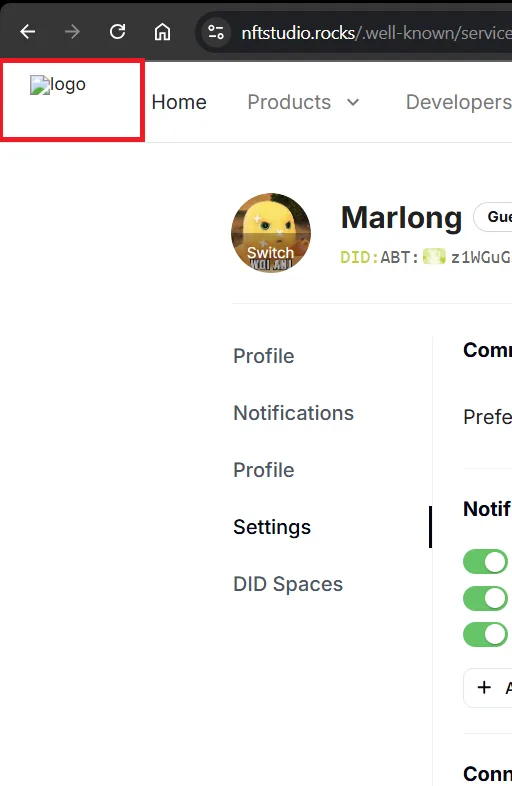
The site logo on the nftstudio.rocks homepage is not displayed correctly, showing a broken image icon indicating a loading failure. This issue can be reproduced by opening the site and observing the logo area in the top left corner. Possible causes include an incorrect image URL, missing file (404 Not Found), CORS restrictions, or errors in HTML/CSS code. Suggested solutions include checking the image URL, ensuring the file is available on the server, reviewing CORS policies, and validating related HTML and CSS elements. This bug impacts the site's appearance and credibility, with medium priority as it does not affect core functionality.
1 reply
Can you try again? What I've observed here is normal.