
Active Bridge button in ETH iOS DID

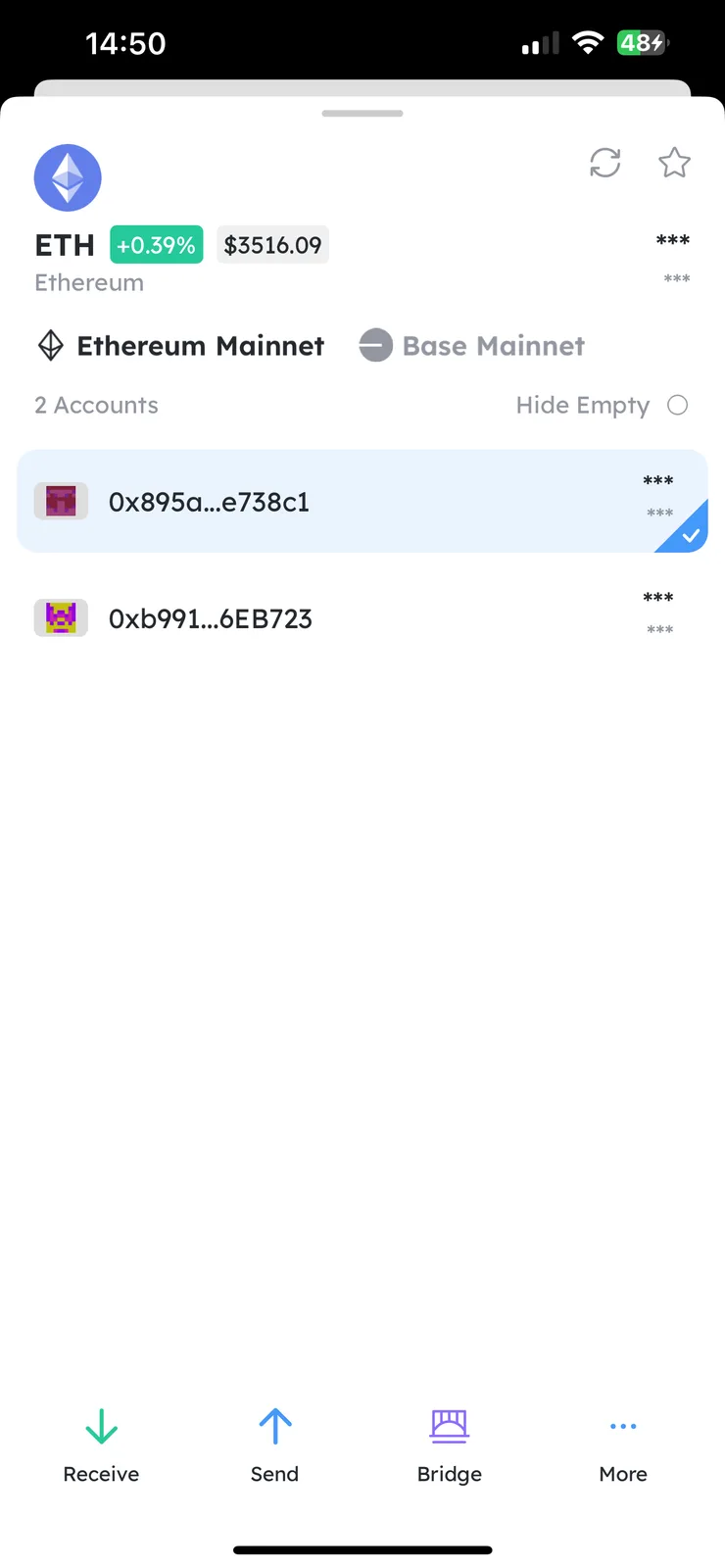
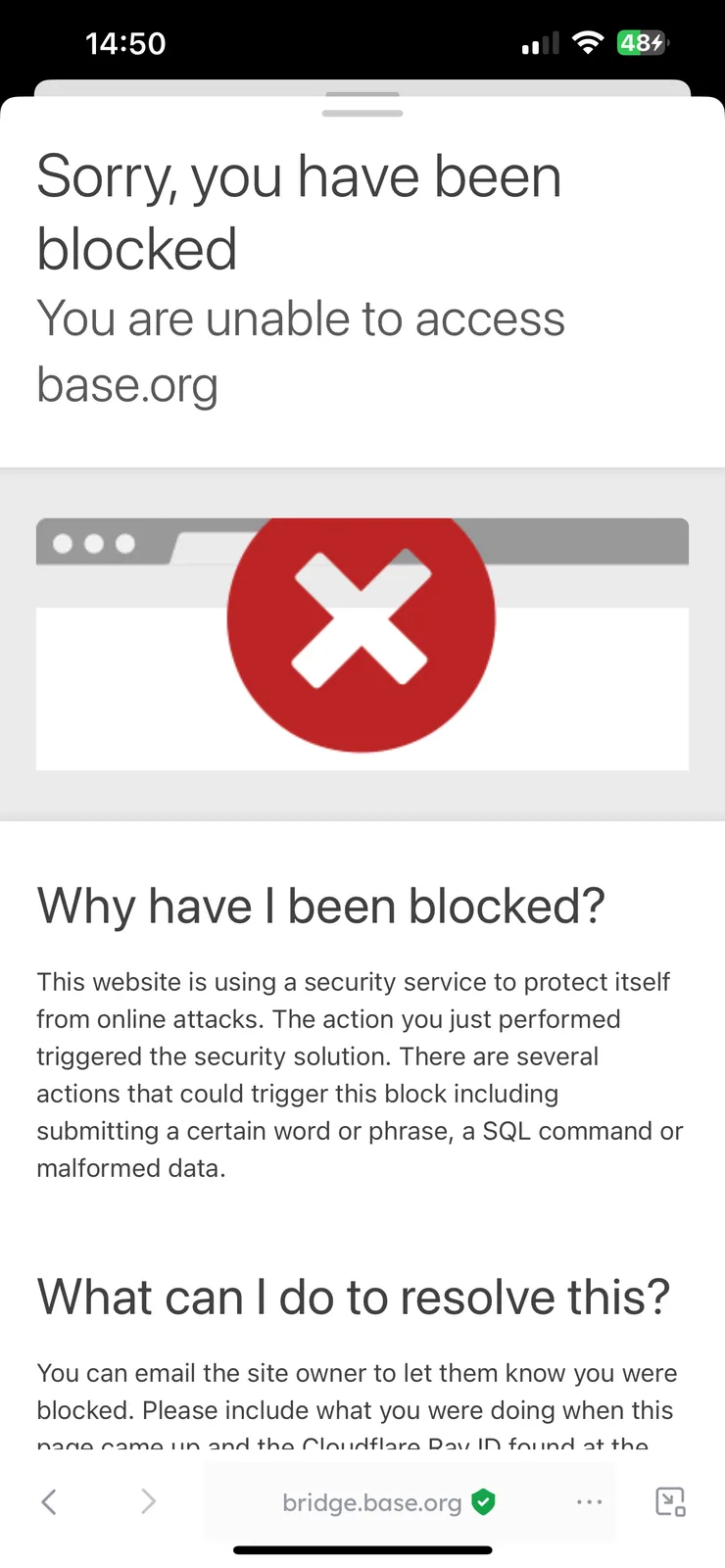
Looks like another bug in iOS DID wallet. When you choose ETH, Bridge button appears as active, as you tap on it, you see page “Sorry, you have been blocked”, which is really confusing.
I believe that Bridge button shouldn’t be active on ETH in iOS DID wallet, as it’s not in Chrome DID extension.
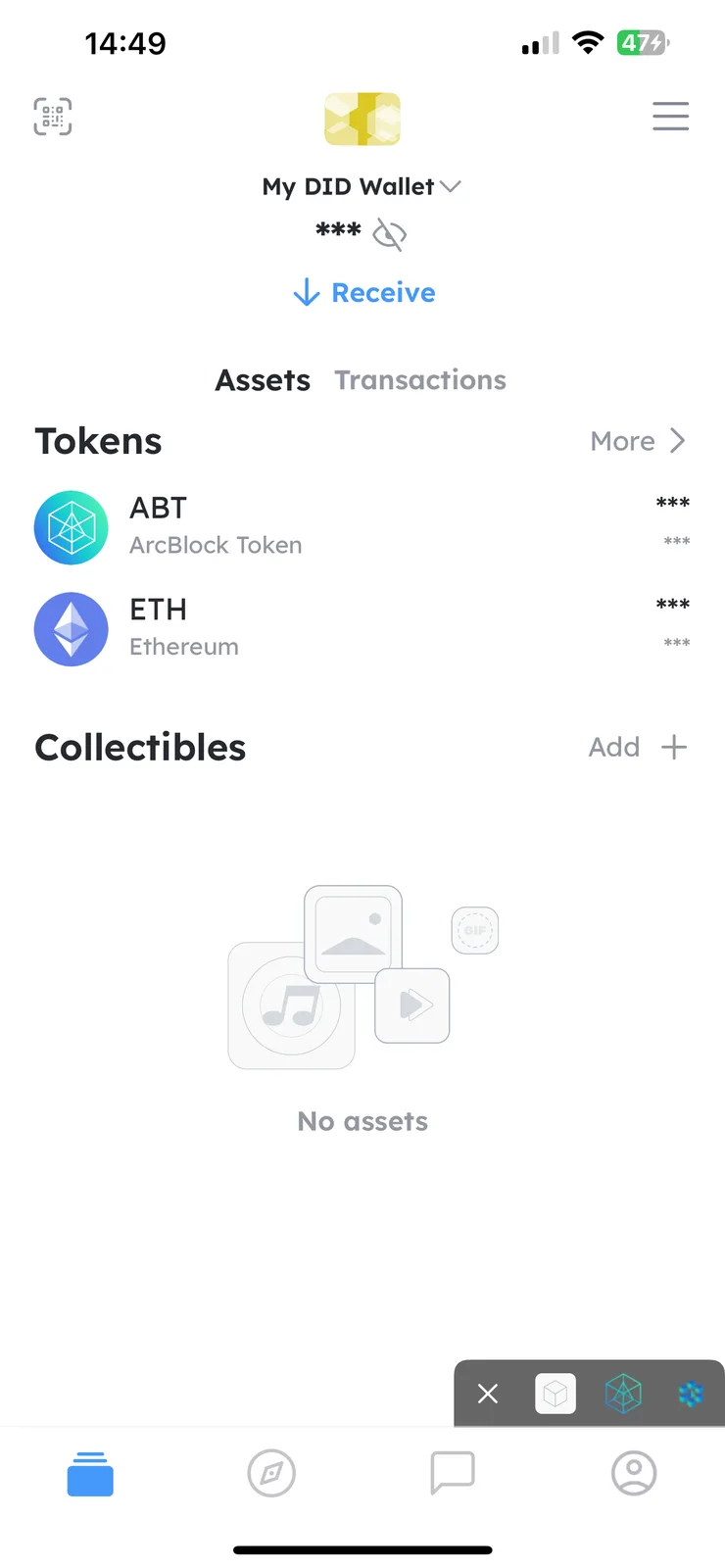
Please see all screenshots of the issue.
7 replies
Because you have opened the Base chain, the bridge here will provide the official Base bridge page, but it seems that the Base bridge page is blocking your access.
Thanks for your comment, but I’ve opened in Ethereum chain. Though it shows the same if to open Base chain… If you need I can attach more screens?
You can view the assets of your account on the base chain here. Because you have both chains open at the same time, the bridge button will assume you want to transfer your ETH between these two chains. If you do not want this, you can go to the Setting page, Manage Chain page, and close the Base chain.
Thank you for the advice, that helped. Though, if it assumes that I can Bridge between these two chains, why it shows - Sorry, you have been blocked?
Wallet can only be inferred from the data inside Wallet, but it seems that Base's webpage has blocked you, possibly due to your region or your IP address. You can try logging in directly to the webpage of the Base chain.
If you meant https://www.base.org/ it works fine. Just opened in Chrome. If you meant another one, please give me the link to check.
https://bridge.base.org/