
No External Notification After Successful Transaction

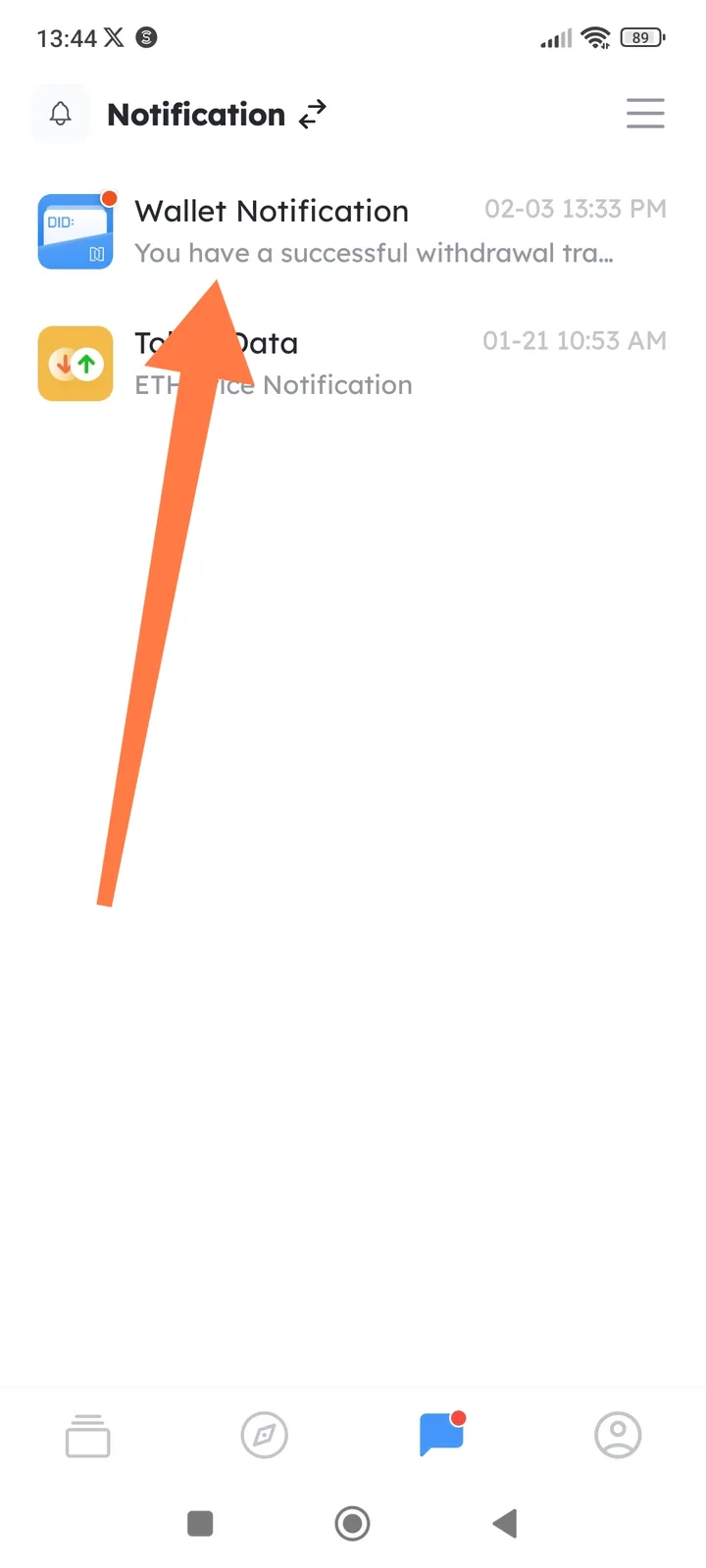
Summary After a successful transaction (e.g., withdrawal) in the DID Wallet app, no push notification appears outside the app—such as in the iOS notification shade, lock screen, or banner. Notifications are only visible within the DID Wallet app itself.
Steps to Reproduce
- Open the DID Wallet app.
- Complete a successful transaction (e.g., "You have successful withdrawal").
- Exit the app, lock the device, or check the notification center.
Expected Behavior
- A push notification should appear in the iOS notification shade/center, lock screen, or as a banner for successful transactions, even when the app is closed/backgrounded.
Actual Behavior
- No external notification is shown.
- Notification only displays inside the app (e.g., "You have successful withdrawal").