
Payment kit link, problem with USD and ETH payments

As shown in the videos. For ETH I get an error message when trying to pay and for USD with stripe I’m sent to a loading screen that never loads
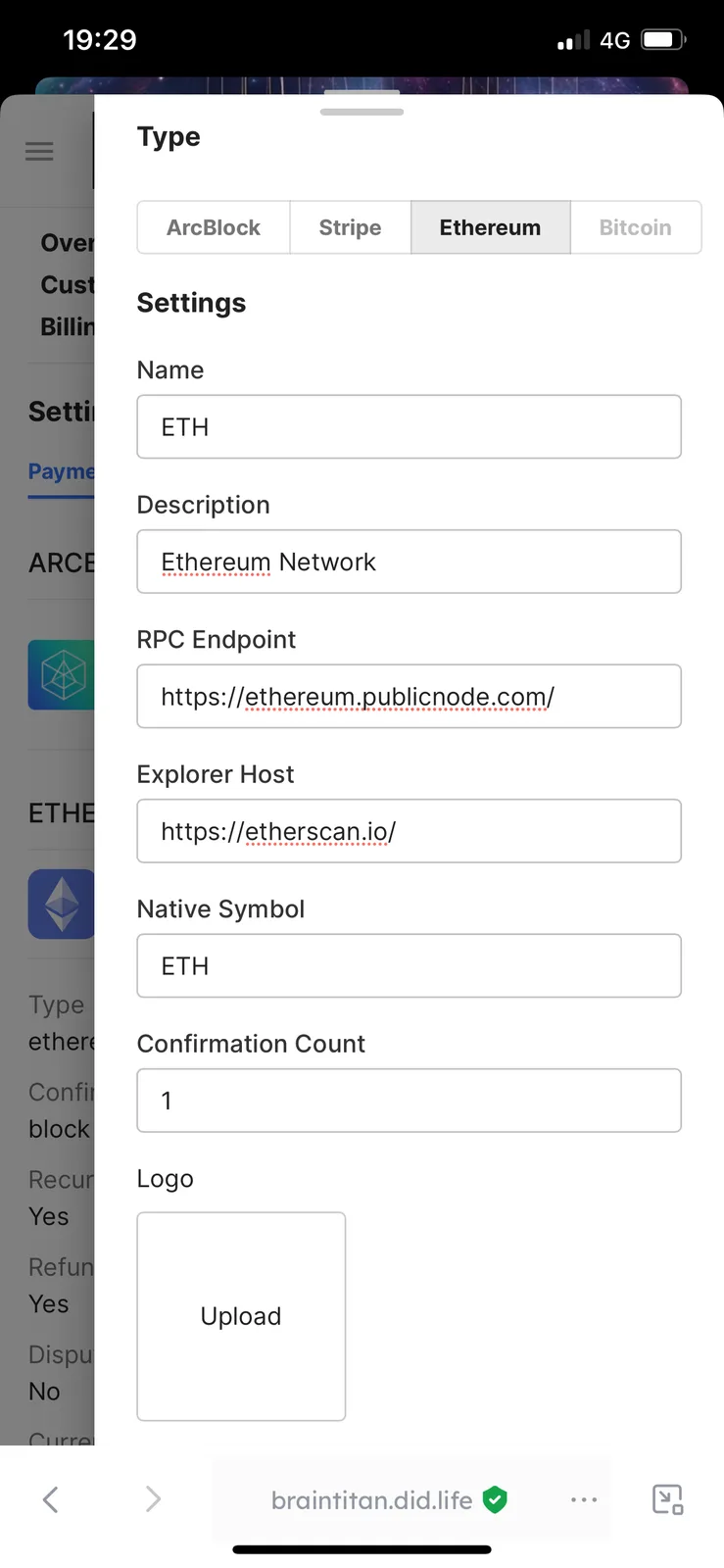
The transaction payment method for ETH in payment kit was set just as seen in below pic
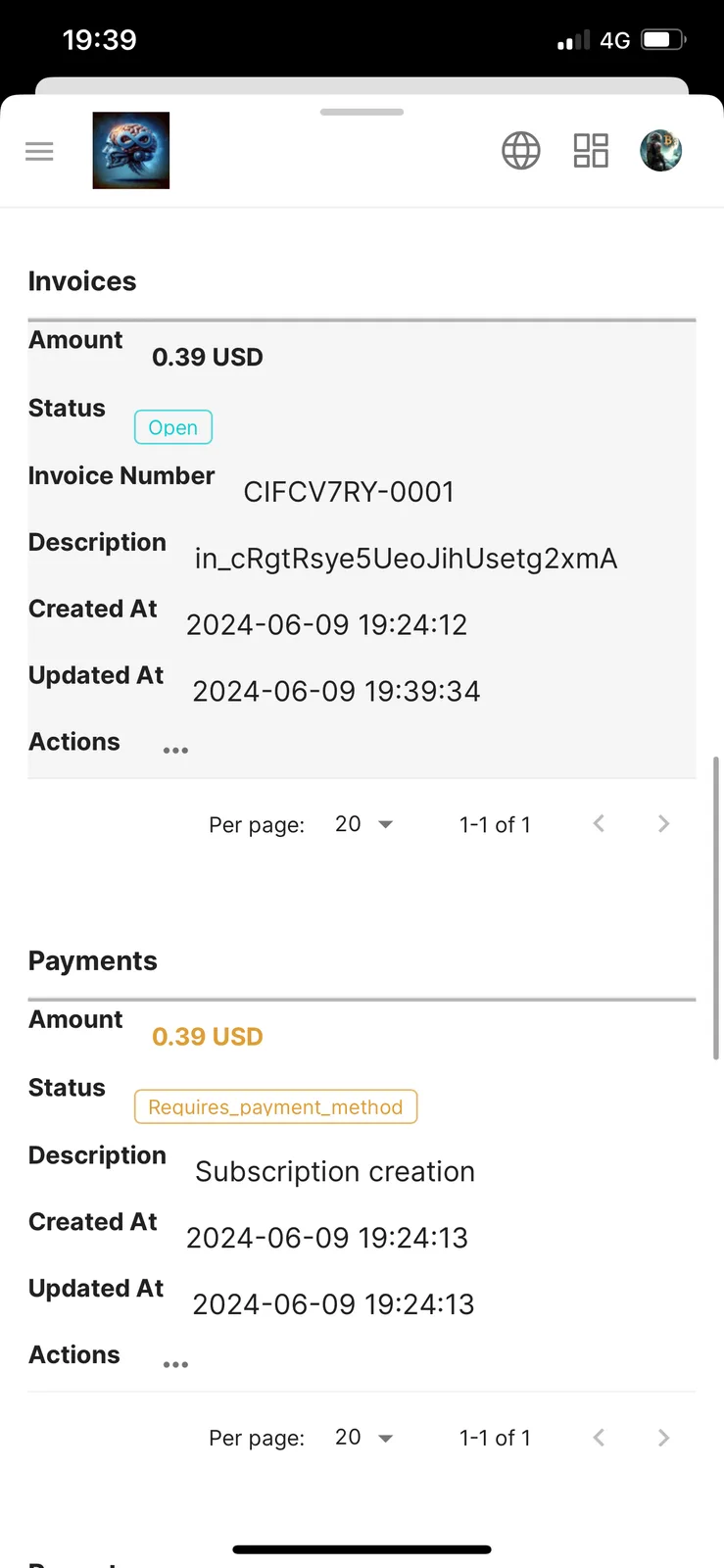
And for USD I just entered my publishable key and secret key from Stripe dashboard. I also got an invoice for USD stripe now (although payment failed but invoice is still open, how do I get rid of this? Only tried this as a test, don’t want a subscription, i attached a pic)
Not sure why those payment methods don’t work
2 replies
Invoices are enabled by default in Payment Kit, either it's one-time payment or recurring subscriptions.
If you want one-time payment instead of subscription for a product, please change your price settings as the following screenshot:
I tried the stripe payment in desktop, same loading screen issue
same with eth, I got error messages