
Delete Account Function Not Working on Aistro

🧾 Summary:
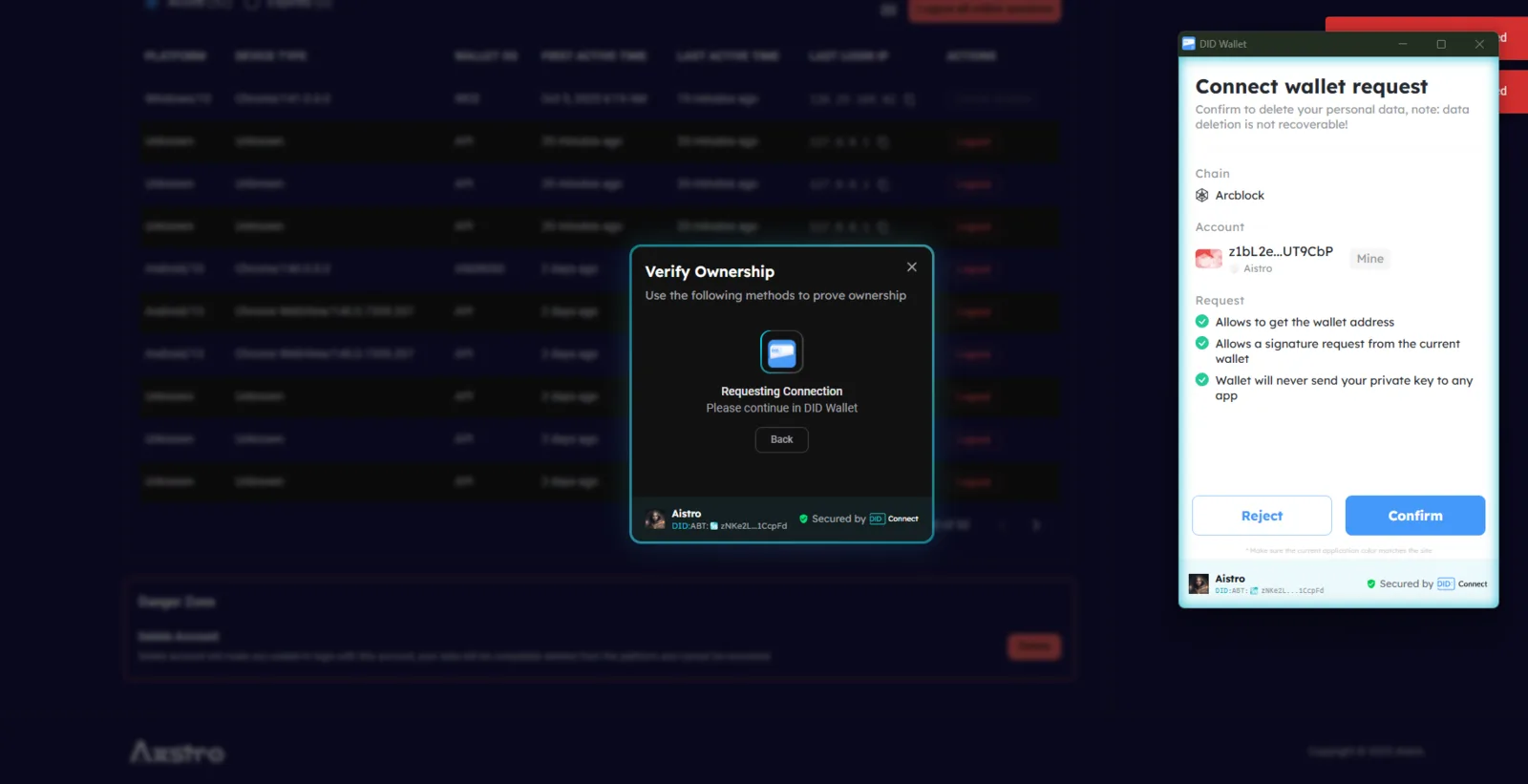
When trying to delete an account on Aistro through
https://www.aistro.io/.well-known/service/user/settings?locale=en,
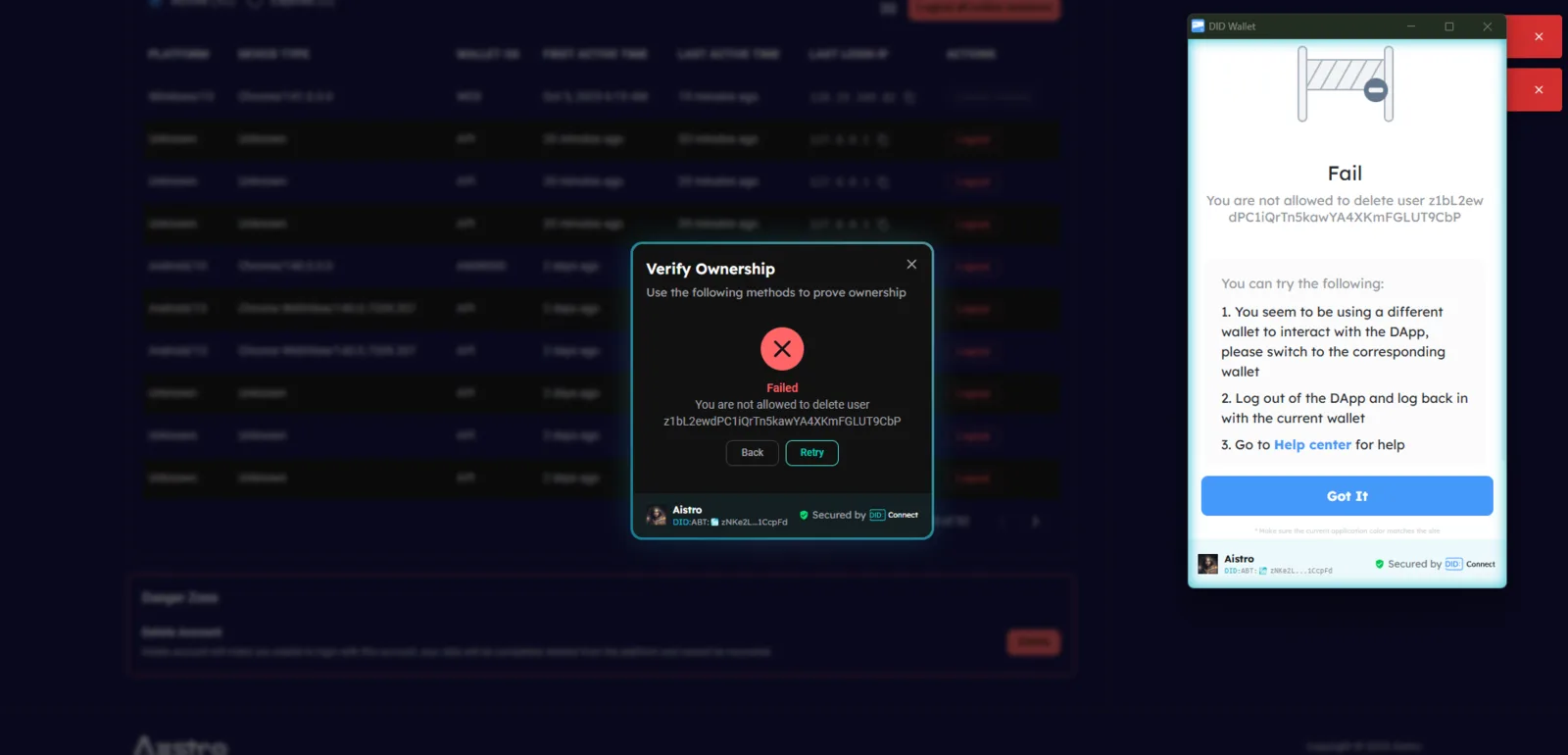
the operation fails and displays the following error message:
Fail — You are not allowed to delete user z1bL2ewdPC1iQrTn5kawYA4XKmFGLUT9CbP
🌐 Platform / Environment:
- Website: https://www.aistro.io/.well-known/service/user/settings?locale=en
- Feature: Account Settings / Delete Account
- Browser: Google Chrome (latest)
- OS: Windows 10 / 11
🧪 Steps to Reproduce:
- Log in to Aistro.
- Navigate to: https://www.aistro.io/.well-known/service/user/settings?locale=en.
- Scroll to the Delete Account section.
- Click Delete Account.
- Observe the displayed error message.
💥 Actual Result:
- The account deletion process fails to execute.
- Displays backend error: > “Fail — You are not allowed to delete user z1bL2ewdPC1iQrTn5kawYA4XKmFGLUT9CbP” >
- No confirmation or fallback UI is provided.
✅ Expected Result:
- The user should be able to delete their account successfully (after verification or confirmation).
- A confirmation prompt should appear (e.g., “Are you sure you want to delete your account?”).
- Upon confirmation, the system should remove the account or show a proper permission restriction message if deletion isn’t allowed.
⚙️ Possible Cause:
- Backend permission restriction not configured for self-deletion.
- API not allowing users to delete their own DID-based accounts.
- Missing frontend handling for restricted account actions.
🧱 Severity: 🔴 Critical 🎯 Priority: High 📂 Category: Account Management / Permissions / API Handling
2 replies
Please confirm whether the wallet user's DID matches what is shown here.
Unable to delete need google permission