
Label colors not appearing

I don’t know if this is on purpose but the label colors aren’t showing on my blog. is this a setting I have control over? I would like to be able to have these colors displayed on the blog page if possible. 🙂
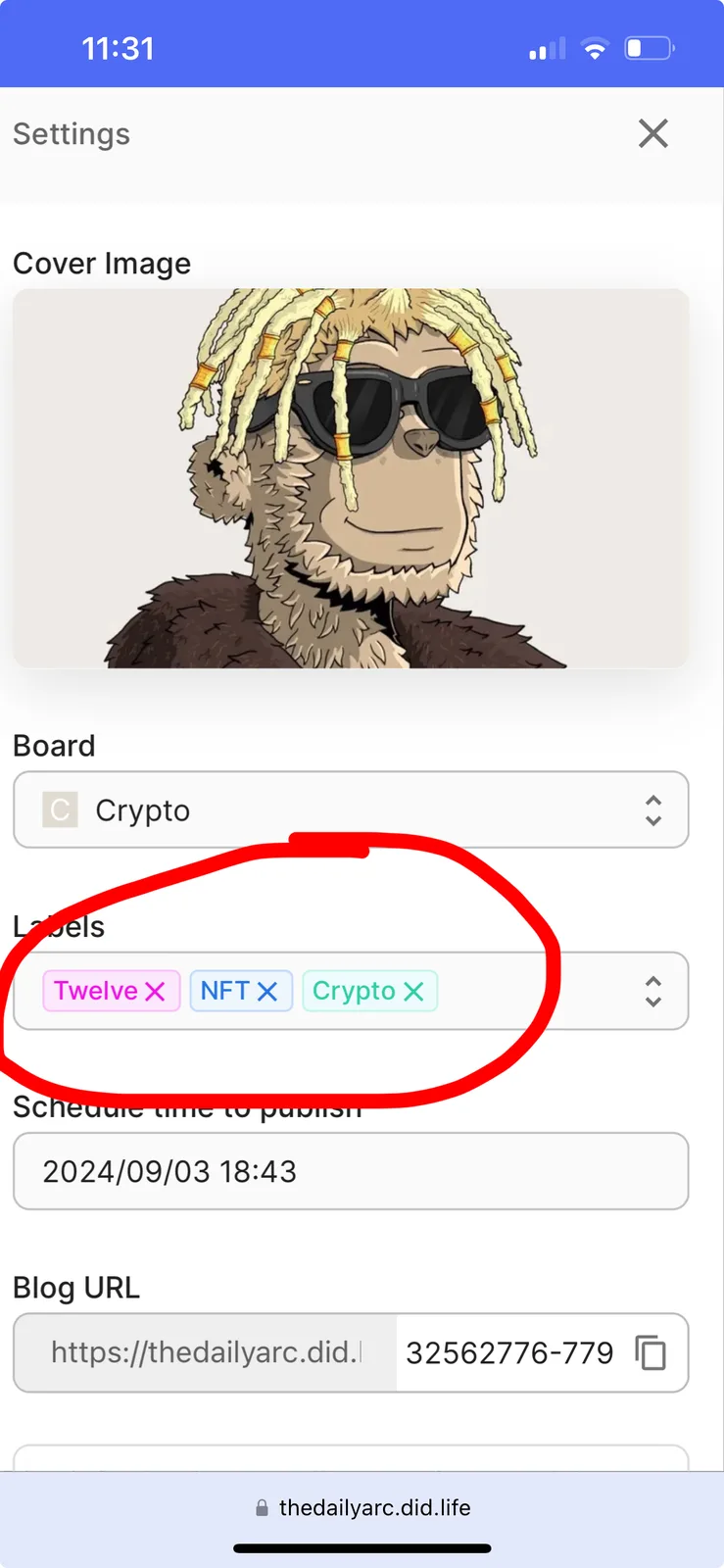

4 replies
Thanks for your feedback. It is by design, but you're right, consistent label colors would be better. We'll look into changing this.
I think both ways have value.
Not seeing them in color, made me wondering if they had been "turned off". I thought this might be the case because they are shown in color on the discussions.
I also think having them in color adds a little sauce to the page.
However I would also say that the gray boxes, as they currently are, look more professional and corporate.
Perhaps the two can vary depending on when "standard or corporate" blog template are selected?
Thanks for your thoughtful feedback. You made great points about colored vs. gray labels. We’ll consider supporting different label styles in our planned theme feature, so users can choose between a vibrant or professional look.
Discuss Kit offers two blog templates: "standard" and "corp". The main difference is in the blog post layout. The "standard" template, ideal for personal blogs, is the default. The "corp" template is designed for corporate blogs.
While we are talking about it.
What exactly is the difference between the corporate and standard modes?