
NFT Maker APP URL configuration (Nevermind it's working now😅)

While using the NFT Maker as a stand-alone blocklet, it works perfectly fine.
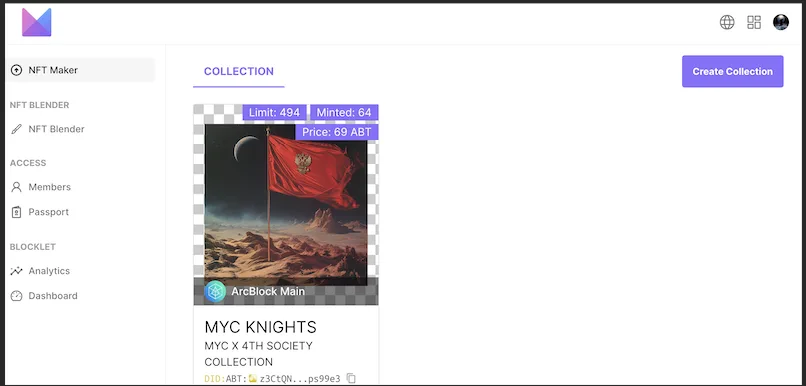
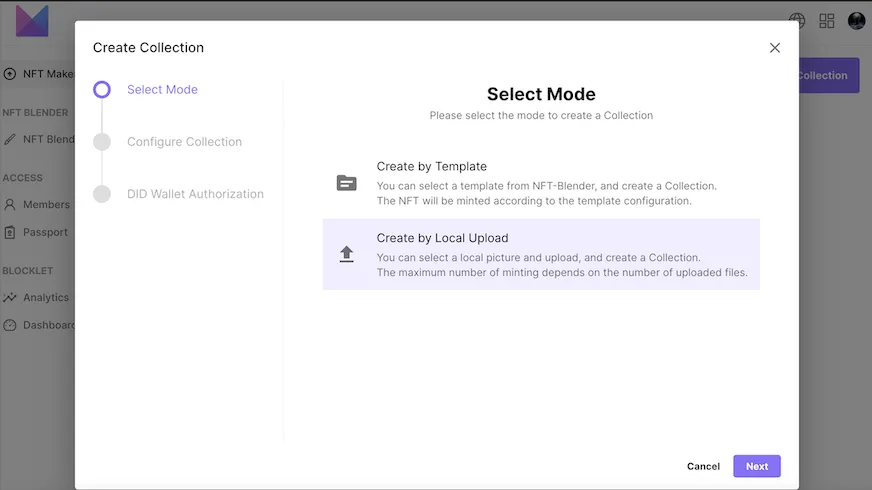
But when I attach it as a component underneath my PagesKit Blocklet, it seems to not be responding and states that I need to make sure the NFT Blender is installed, but it ultimately is🤔
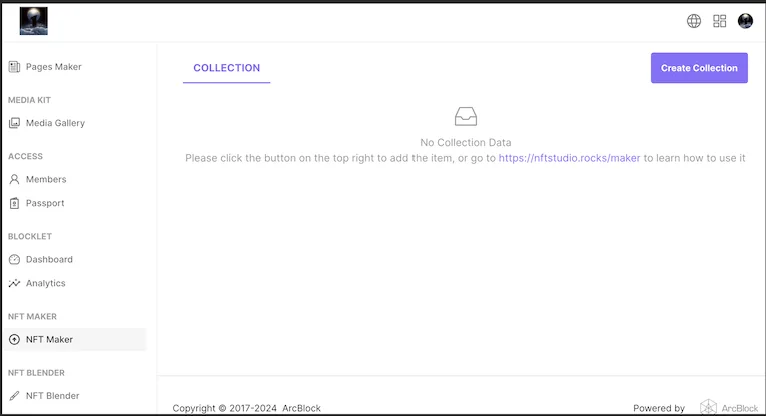
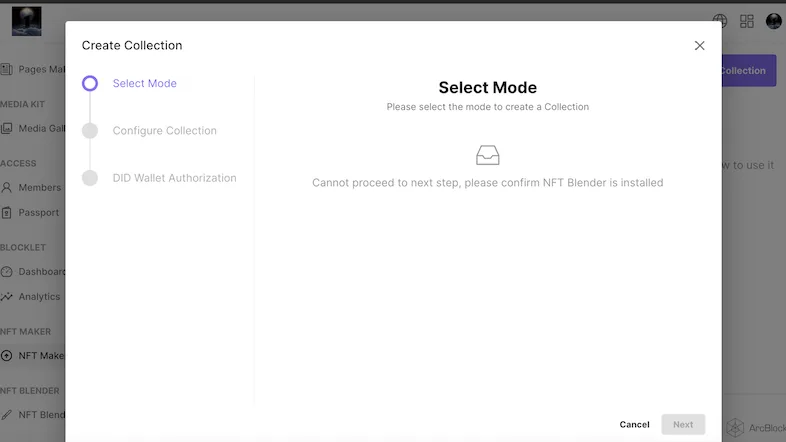
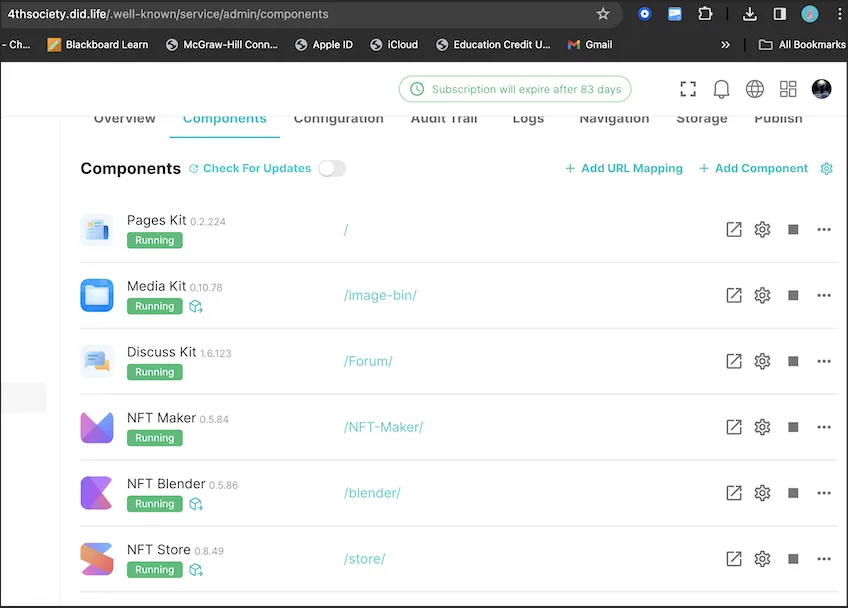
I tried deleting it and reinstalling it to see if that would work, but still no luck. Thanks for your help in advance!!
3 replies
Update!! I changed the configuration from https://4thsociety.did.life/en back to the original APP URL https://bbqauolmruixz6ltwwk5d376h2ouctww4amrgsk4ev4.did.abtnet.io and now it works🤔
So I guess it's not an issue with the component, but a configuration bug? Regardless, everything is working fine!!
It seems that the App URL was filled in incorrectly and should not contain
/enBecause
/enalways points to Pages KitYou can try to modify it to https://4thsociety.did.life and try it again
I'm a dork🤦♂️ forgive me!! Thanks for letting me know!