
Adding a light e-commerce function to CALL

Dear ArcBlock developers, I am Oliver Ding, the founder of CALL (Creative Action Learning Lab).
I am testing ArcBlock's concept of "Reusable Software Components" by building a website for CALL.
CALL is one of a network of knowledge centers. The existing site of CALL will be used to demo a standard digital presence of an independent knowledge center.
My vision behind the project is to build a web3-based Decentralized Knowledge Innovation Network. It means a network of websites that represent a network of knowledge centers.
This post aims to share the step of adding a light e-commerce function to CALL.
Today I made the first demo of a Knowledge Product page on CALL.
The Mid-career Curation Playbook https://www.callfordive.com/en/mid
I also tested the Payment component to CALL.
This morning I created a Product. See the screenshot. Then, I didn't know where I could see its public page.
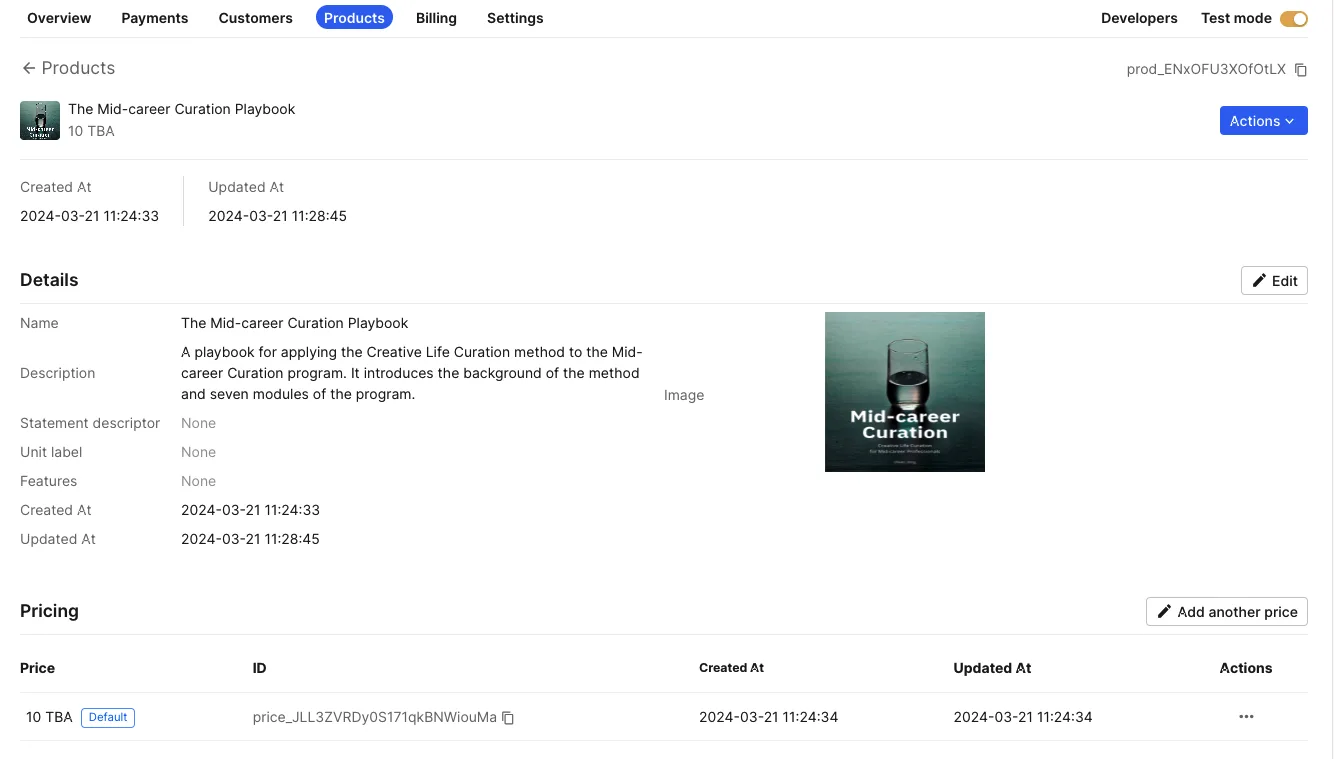
After lunch, I found a sub-tab called "Create payment link" under "Payments". I guessed that this was the place where I could create public pages for products.
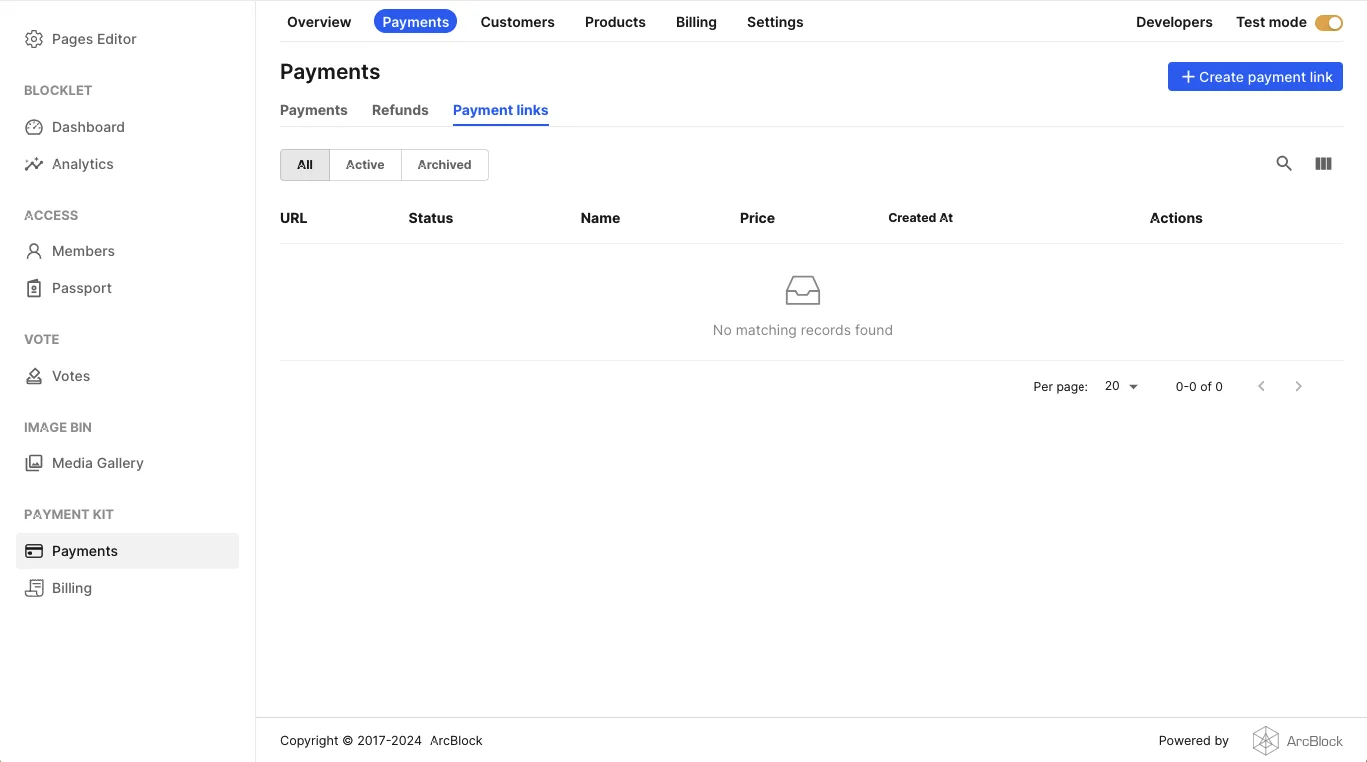
Yes!
The process allows me to select a product from the link.
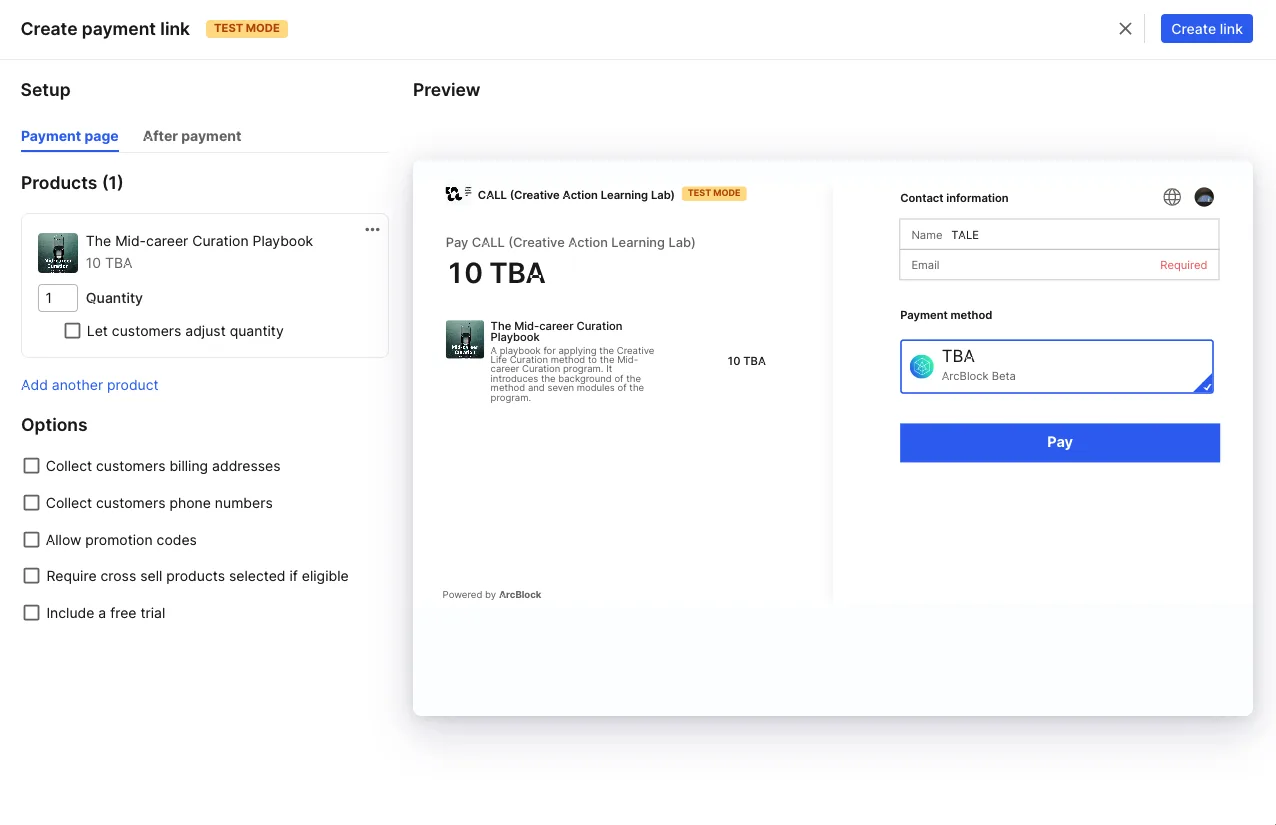
I am not familiar with payment system UI design. As a normal user, I'd like to see a message (which guides me to the Create Payment Link page) on the product page.
I like the "Assign to passport" feature!
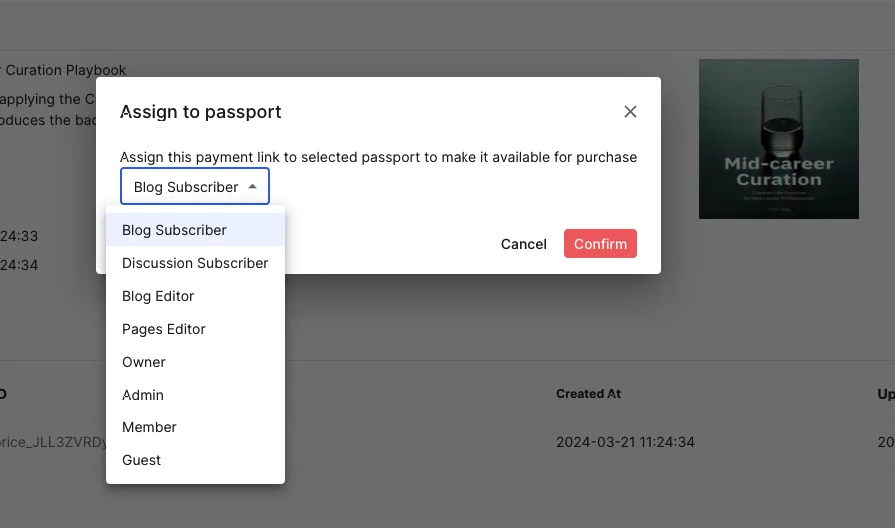
So far, the demo is pretty cool!
The next step is delivering the playbook to users. Is there a way I can upload a 79-slide PDF file to the Product page?
2 replies
Qualified and rewarded 🎉
Bug Bounty Contributors for March 2024