
NFT Facotry shows incorrect item/previous mint scaled wrong

Bug description (Required)
Describe the bug you found A recent NFT factory I listed is showing an already minted NFT as the next item, #11. 1-9 and 11 of 15 had been minted, 10 was skipped (maybe someone declined minting it while the next went through). Mint is Pixel Year of the Dragon.
Replicate the bug (Required)
Describe in detail how to reproduce the bug
- Visit mint link https://wgring.did.rocks/nft-maker/mint/z3CtRYwwnoPAe6sH3oAS4zQf2kGo2QKmmJJfo?locale=en
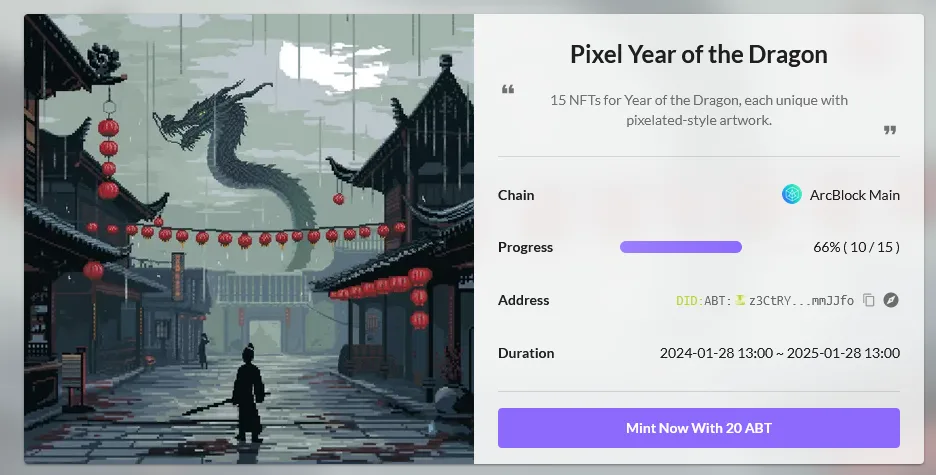 this is number 11, which is already minted:
 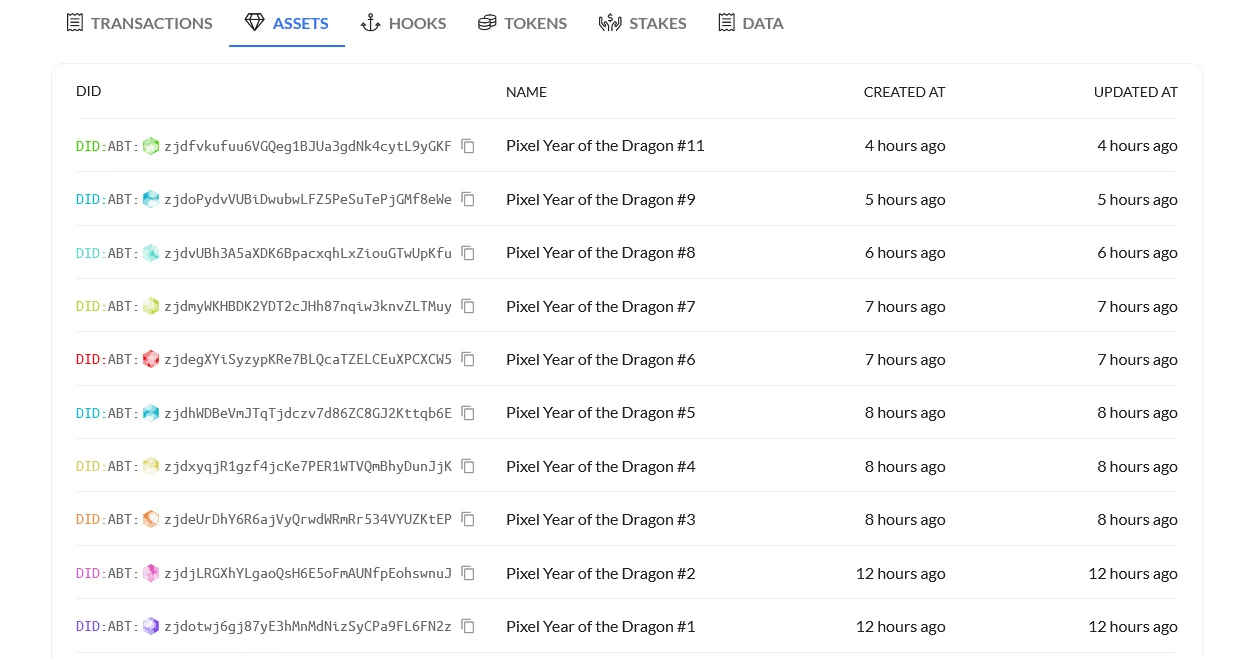 Refreshing the page doesn't change it and I've gone as far as restarting all of the contained components.
Exception behavior (Optional)
Describe what is wrong with the program Display image is incorrect.
Desired behavior (Optional)
Describe what the normal behavior of the program should be It should show the correct image which either should have reverted back to number 10 or moved onto number 13 before going back to 10 later.
Screenshot or error message (Optional)
Post a screenshot of the error or console output number 11
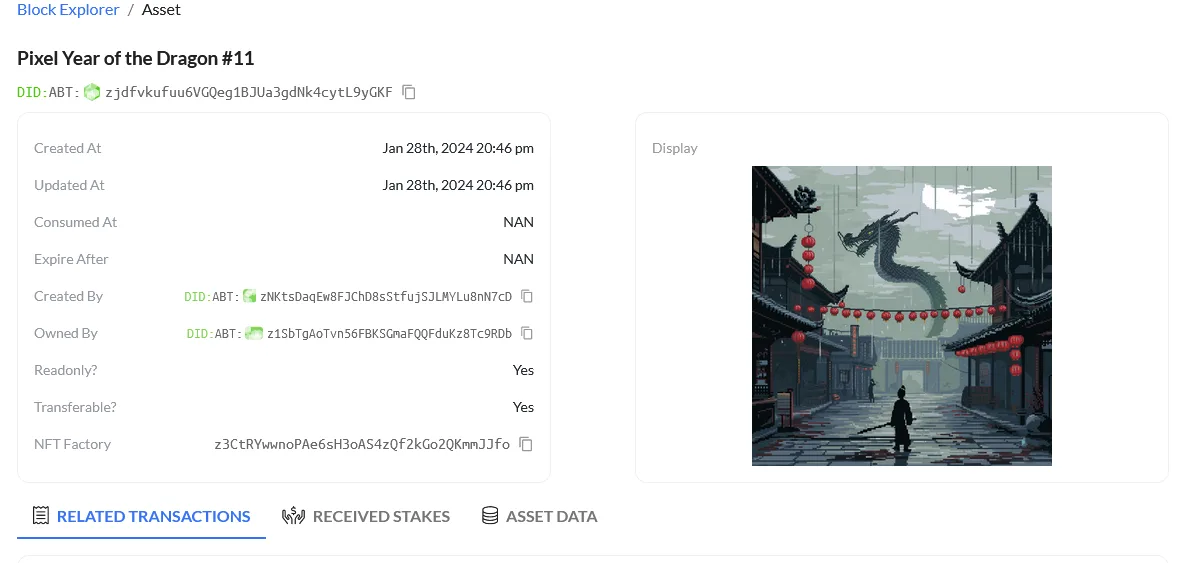
Possible solutions (Optional)
Describe the possible solutions
??
Useful links (Optional)
Provide useful links about the bug so that we can easily reproduce it
20 replies
Incorrectly scaled previous mint (sorry for giant mobile photos, phone resolution is set high):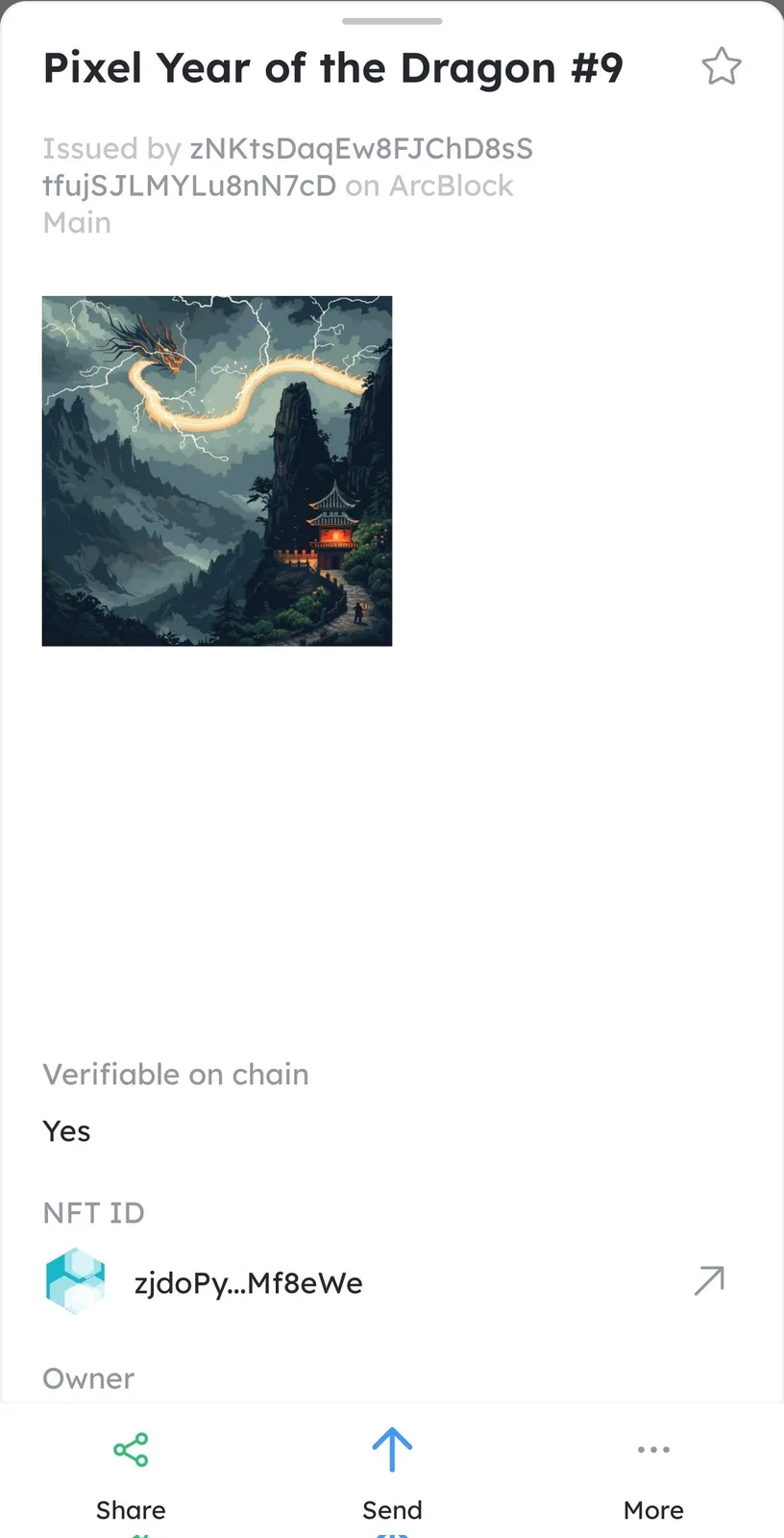
Could you please confirm that one of the images in the materials group of the NFT set in NFT Blender is only 1/4 the size.
This looks like the reason for the blank area in the #9 render.
sorry it does seem that one wasnt the same size before upload, big oops on my part 1024×1024 instead of 2048 for upload. mustve overlooked that one when making it. thanks again
It's okay. It's good to find out what's wrong.
I've added an issue to NFT Blender that gives a warning if the size of the uploaded image doesn't match, so that creators can be alerted.
Thanks for the feedback!
good addition 😅
Aside from the weird happenstance with #10 not showing when it was its turn (retention logic?), all is resolved
The rules of NFT Store's mint are similar to the shopping spike mechanism.
When a user mint an NFT, the NFT order number is locked in the order it was submitted, and if no action is taken at the specified time, the order will be released at the end of the countdown.
The situation on the chart should be #10 and #11 in similar time to mint, and #11 completed the payment, #10 did not make payment
If you go to mint now, #10 has already been released, and you get #10.
I got the #10 😁
Ok im still confused 😅 unless its some weird global dns thing, why isnt #12 showing then?
Let me give you an example: you and I are trying to mint an NFT Collection.
You submitted before me, got #10 NFT, and locked the order for 2 minutes waiting for DID Wallet to confirm, but in the end you didn't confirm, and #10 was released.
I get NFT #11 and I complete the DID Wallet confirmation.
Then the next user minting will prioritize minting from the previously unmint #10 instead of #12, otherwise it's incomplete!
The progress bar on the page, showing the: Already mint / Total can mint
This all made sense, but it was displaying #11 for me before you minted #10 and before I posted. Why didnt it show #10 for hours or at all? Obviously I couldnt see your screen before the mint but it seemed like it didnt rotate the image backwards 1 to the correct one. If you look at the images and timestamps for comparison, something is off.
#10 Need to wait for someone to mint before it comes out
The sn is calculated when the minting by wallet
The wallet image issue is being looked at with the help of other coworkers
wait is that for what number 12 should say? i dont see that one listed yet.
when I looked at your tx it shows 10 and 9 not 12 and 11.
This makes sense, not sure why your image shows 12 and 11 unless you minted another 😅: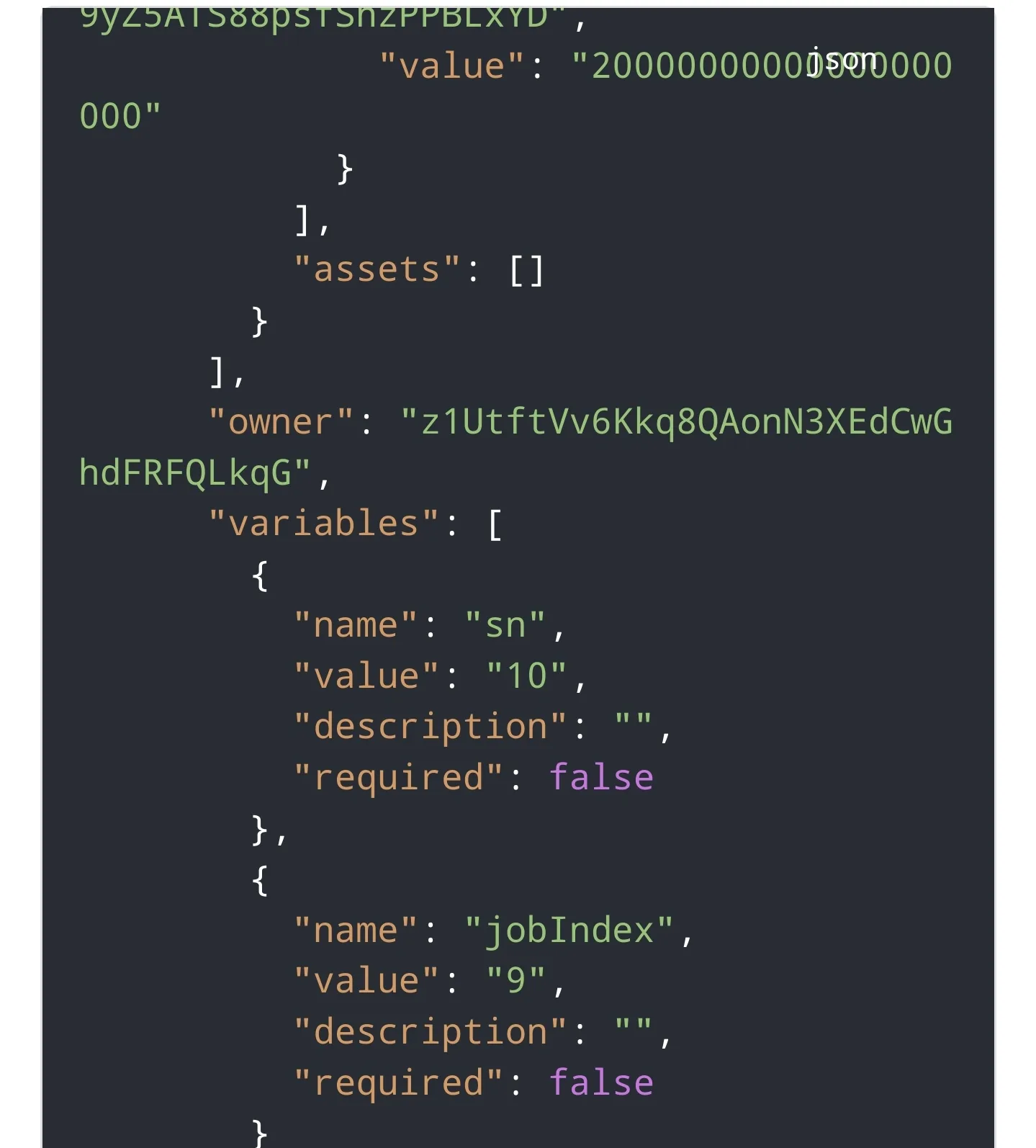
This is a preview of the tx before mint, I haven't minted it yet.
So for number 10 though if I had minted it, it was still showing number 11 - I wouldve still gotten a different NFT than what was shown. the one you had gotten wasnt what was being displayed for me prior to posting. 🤔
#10 should show what #10 looks like.
It's just that getting the NFT serial numbers is not sequential because of the spike mechanism and mint order retention logic
Ok well it fixed after that but it wasnt showing 10 that whole time 🤣 thats the strangest thing
#9 for some reason came out stuck in the upper left corner 😅 any way to fix that?
Thats what I expect to happen, but it shows #11 on the page when it has already been minted and not 10? Shouldnt it be showing what is the current available mint?