
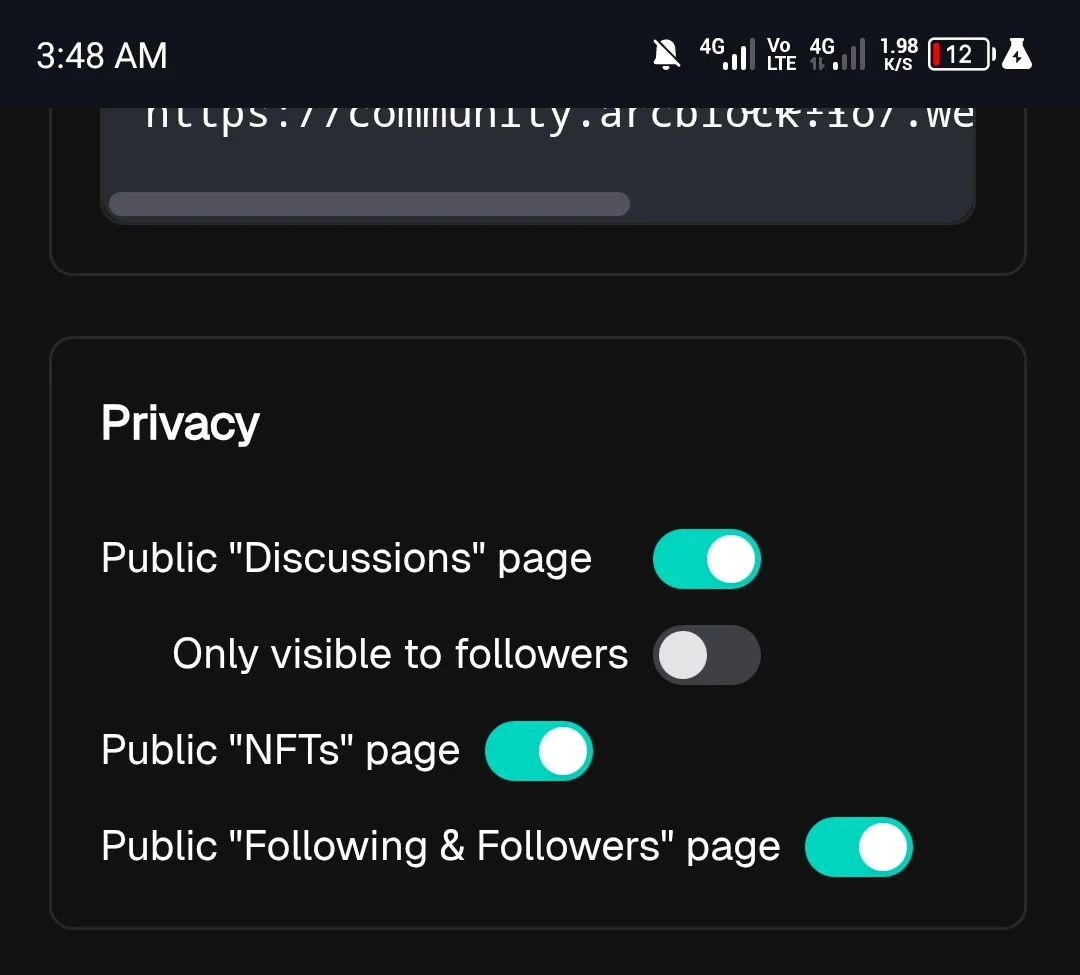
“Only visible to followers” auto-disabled when logging in from a different IP address

Summary
The “Only visible to followers” privacy setting automatically turns off when the user logs in from a different IP address. This forces content visibility to reset without user consent.
Steps to Reproduce
Log in to your account on Device A (IP address 1).
Go to profile/settings and enable “Only visible to followers”.
Log out or stay logged in.
From Device B (IP address 2), log in with the same account.
Check the “Only visible to followers” setting.
Expected Result
The privacy setting should remain enabled (stay consistent with user preferences) regardless of login location or IP address.
Actual Result
The “Only visible to followers” setting is automatically turned off after logging in from a different IP address, exposing content publicly.
1 reply
I’ve tested this several times, but couldn’t reproduce the issue you mentioned. Could you please check if it still occurs after refreshing? If it does, please share more details about the steps you took.