
Auto-Translate Feature Ignores Text Alignment

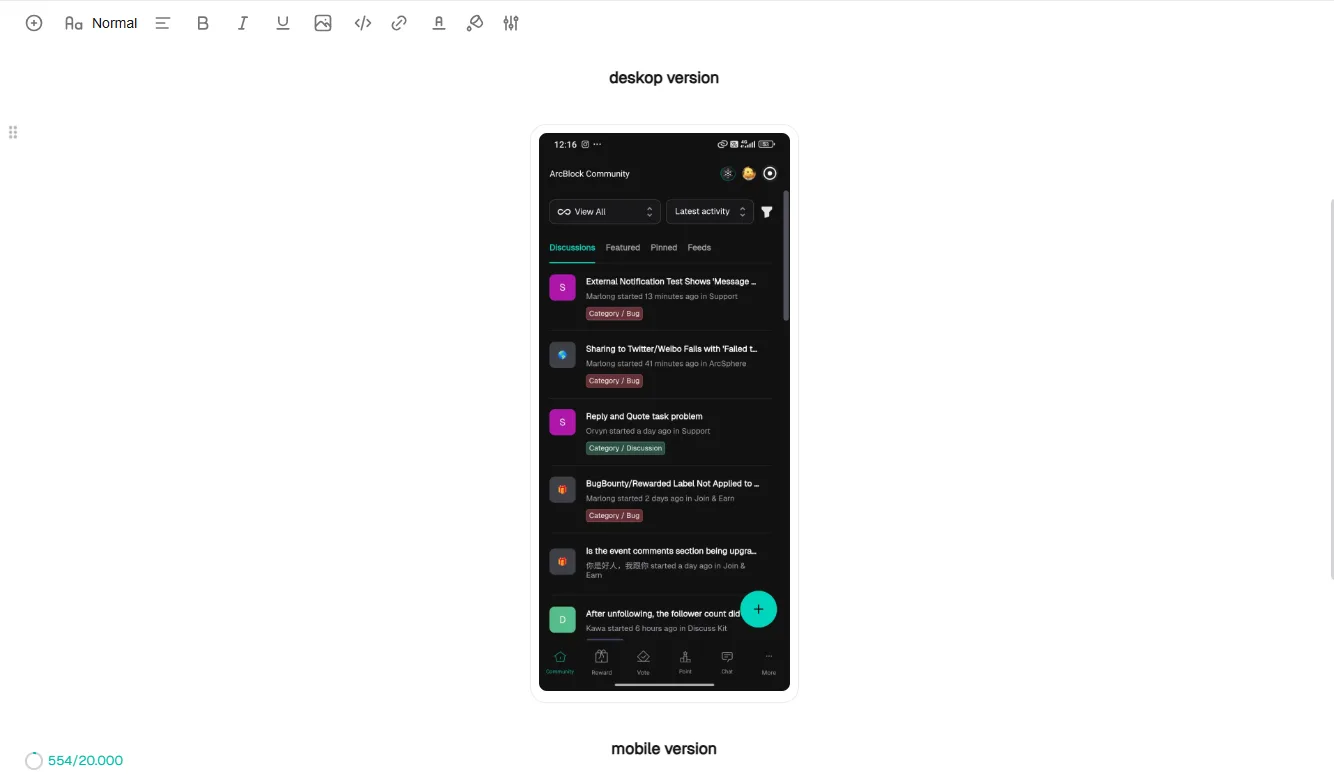
before use feature auto translate
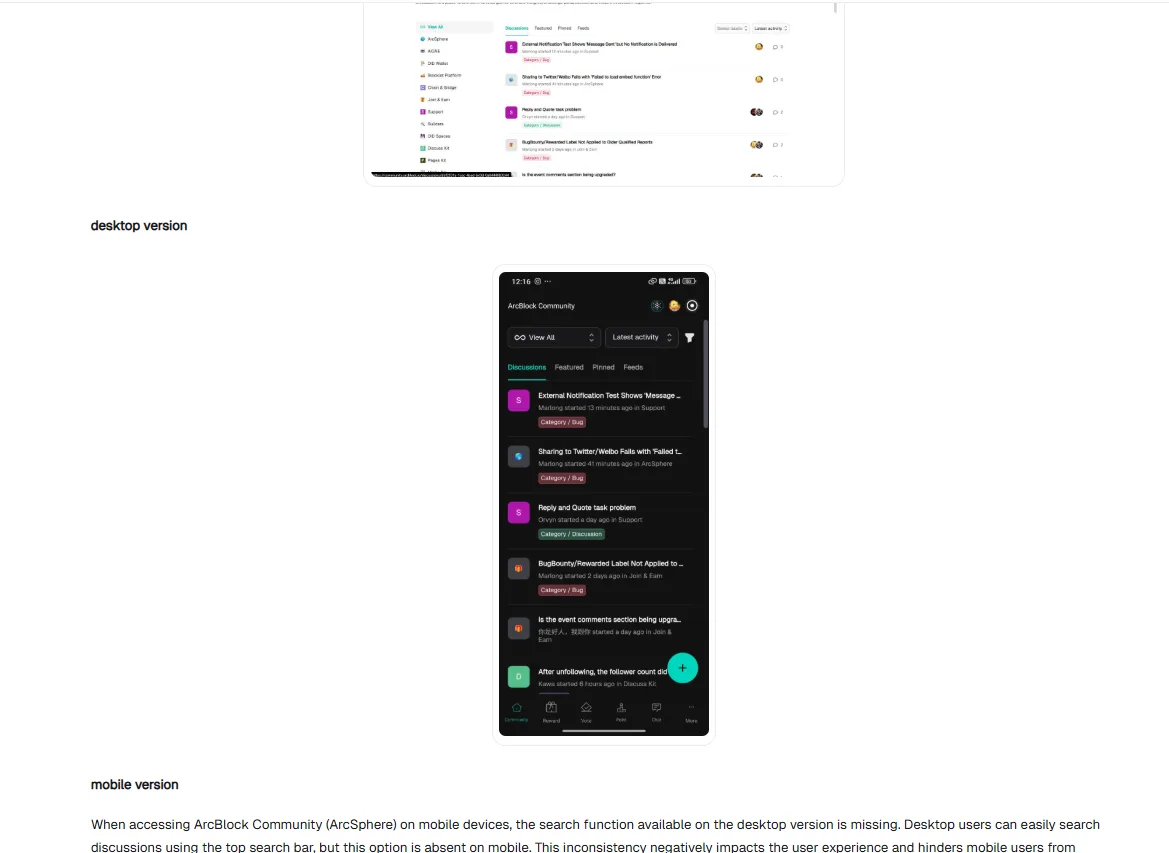
after use feature auto translate
description
When using the auto-translate feature in ArcBlock, the translated text does not retain its original formatting. For example, even if the text is centered, after translation it shifts to the left side. This behavior makes the layout inconsistent and can cause confusion when reading content where alignment is important. It’s unclear whether this is an intended behavior or a bug, but from a user perspective it feels like an issue since the formatting should ideally remain consistent across translations.
Steps to Reproduce:
- Create or view content with centered text.
- Enable the auto-translate feature.
- Notice that the translated text alignment changes (moves to left).
Expected Result: The translated text should preserve the original formatting (e.g., centered alignment).
Actual Result: The translated text ignores formatting and defaults to left alignment.