
Sync DiD with Aistro

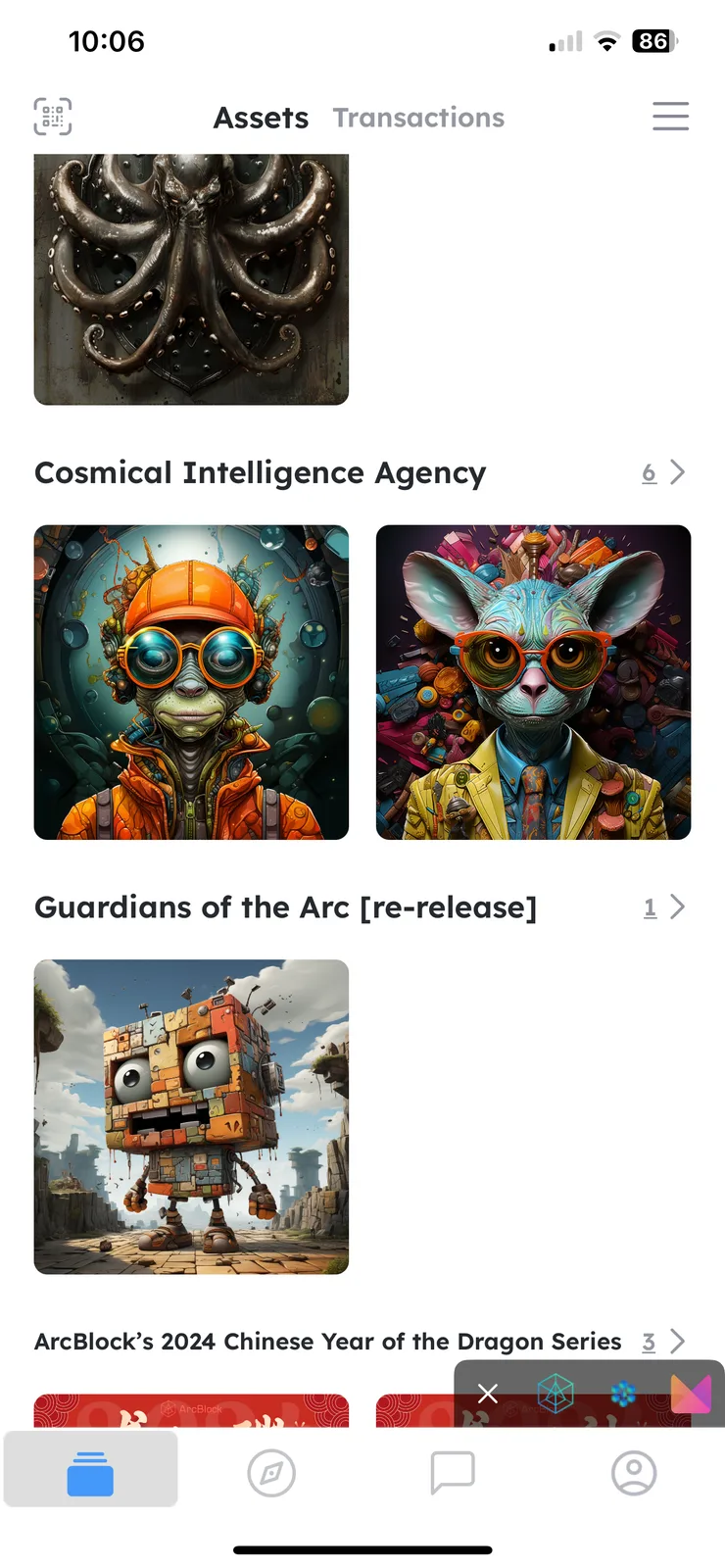
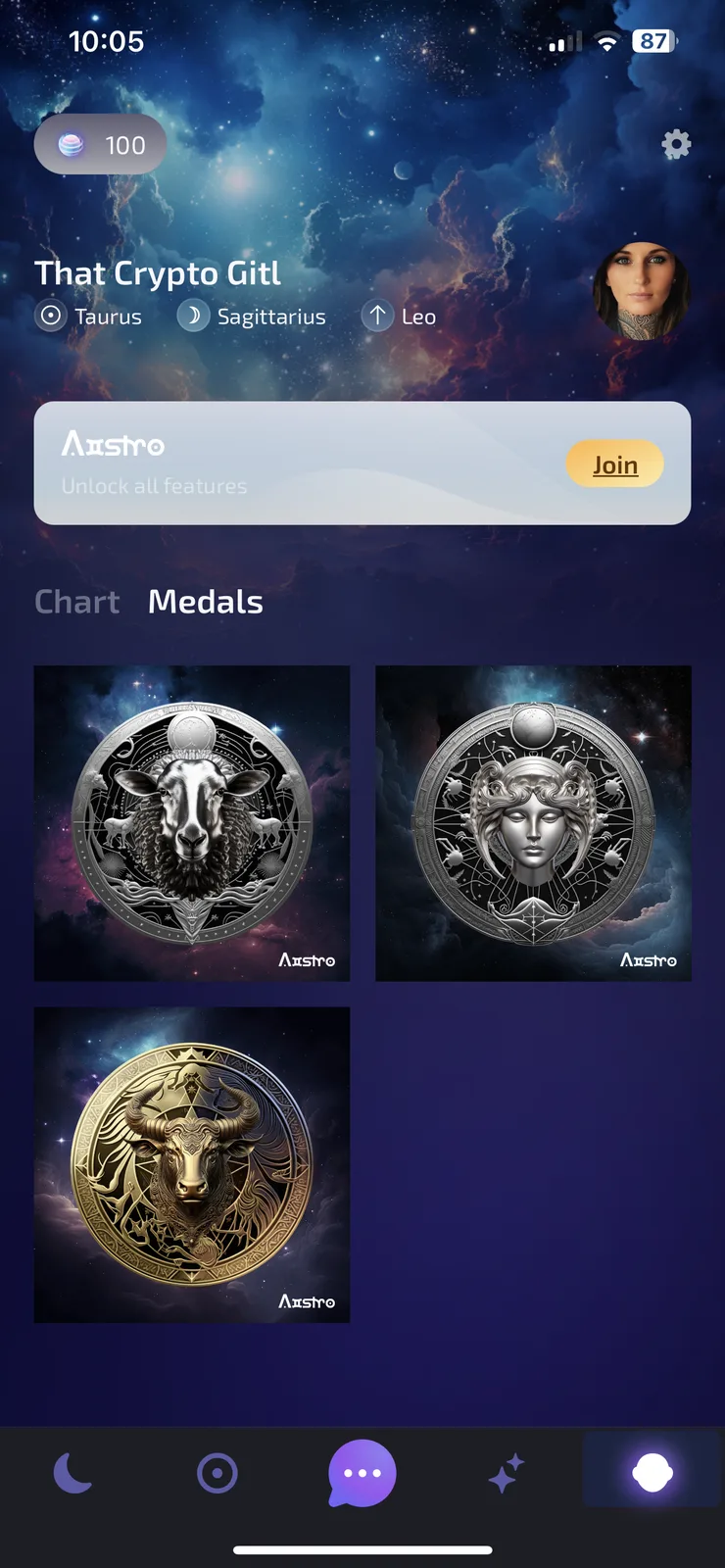
My NFT/Medals from Aistro don’t seem to show in my DiD collections, I’ve connected and Synced the apps, is there a way I can easily add these manually Or is there something else I need to do to get them showing in my DiD? 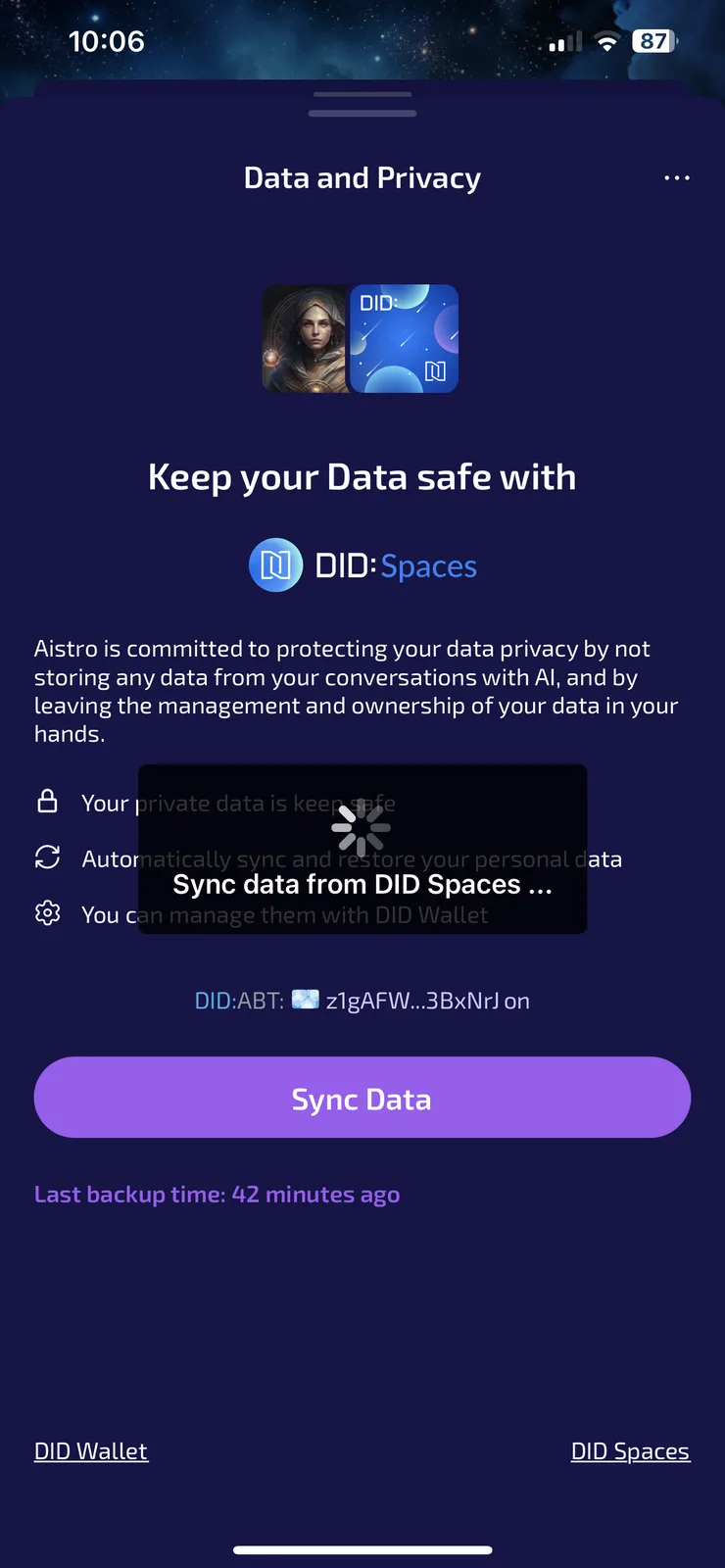
7 replies
I’ve tried to add the collection manually from the contract address listed with the collection on NFT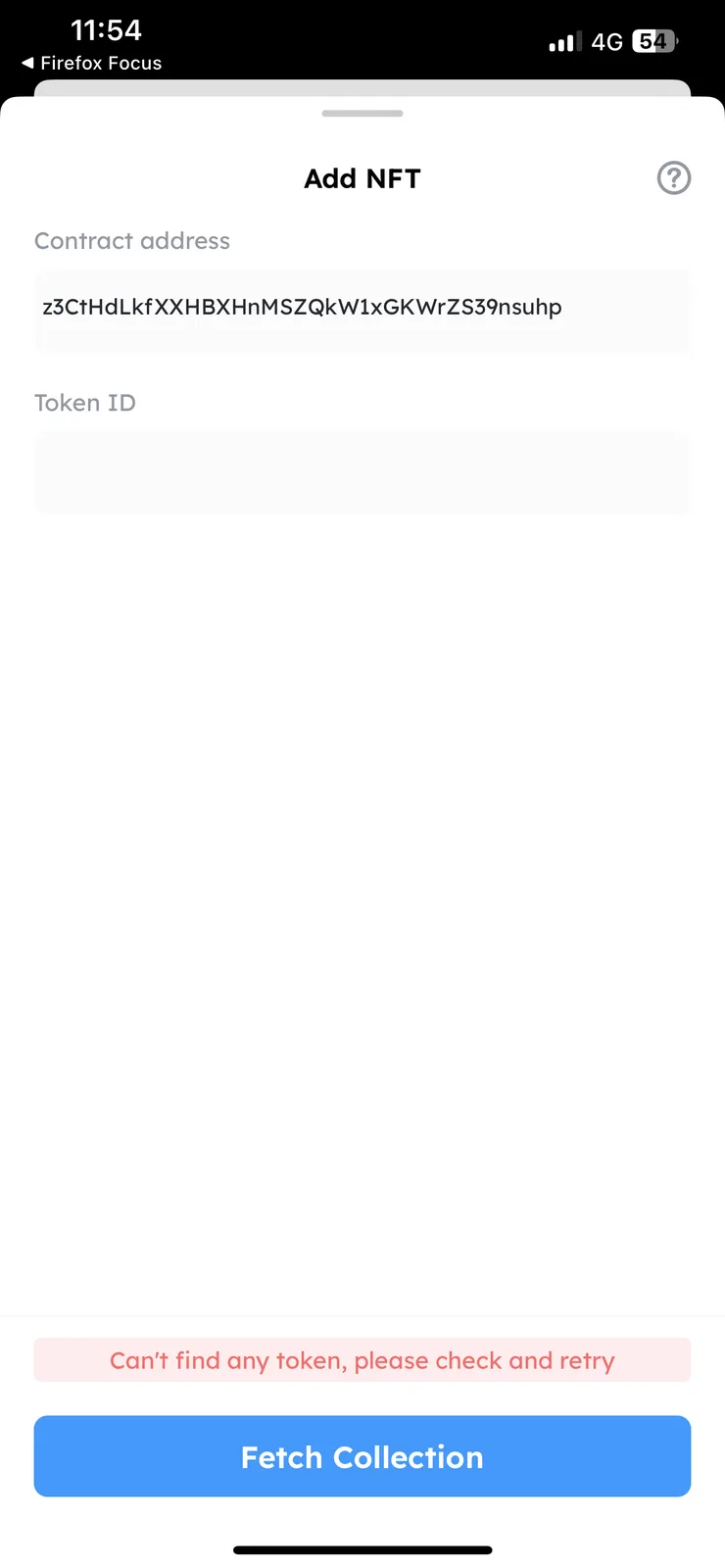 marketplace but having no joy
The DID Spaces feature in Aistro can currently only be used to sync and save the chat records generated in Aistro. If you want to manage your Aistro NFT in the DID Wallet, you can follow the steps below:
Brilliant, thank you for that! I shall attempt it later and see if I can get them showing in my DiD wallet, I’ll keep you updated 👌🏼
I’m still having no luck with this, I’ve followed all the steps but still unable to get my Aistro NFTs to show in my DiD wallet 🤔👀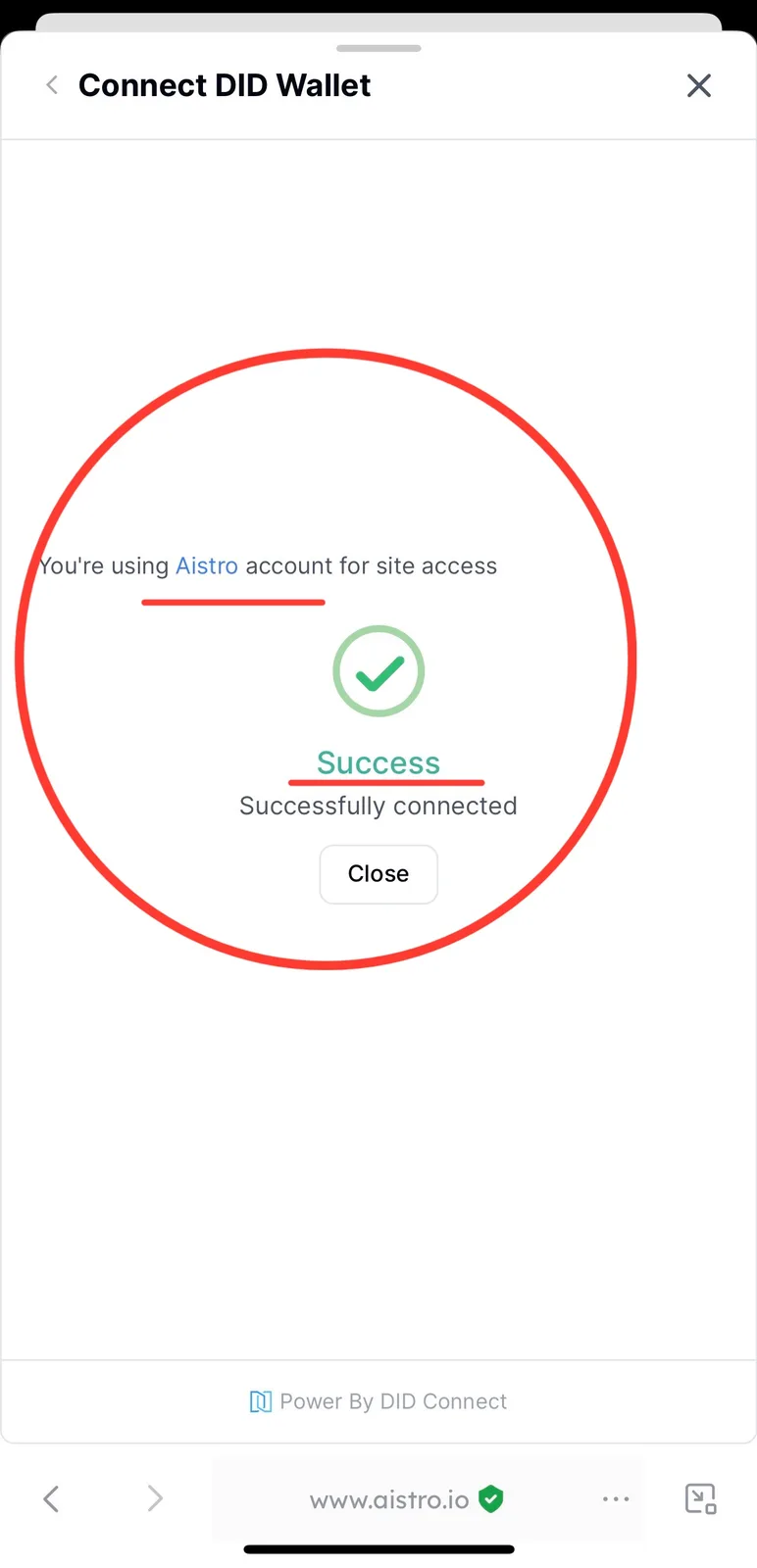
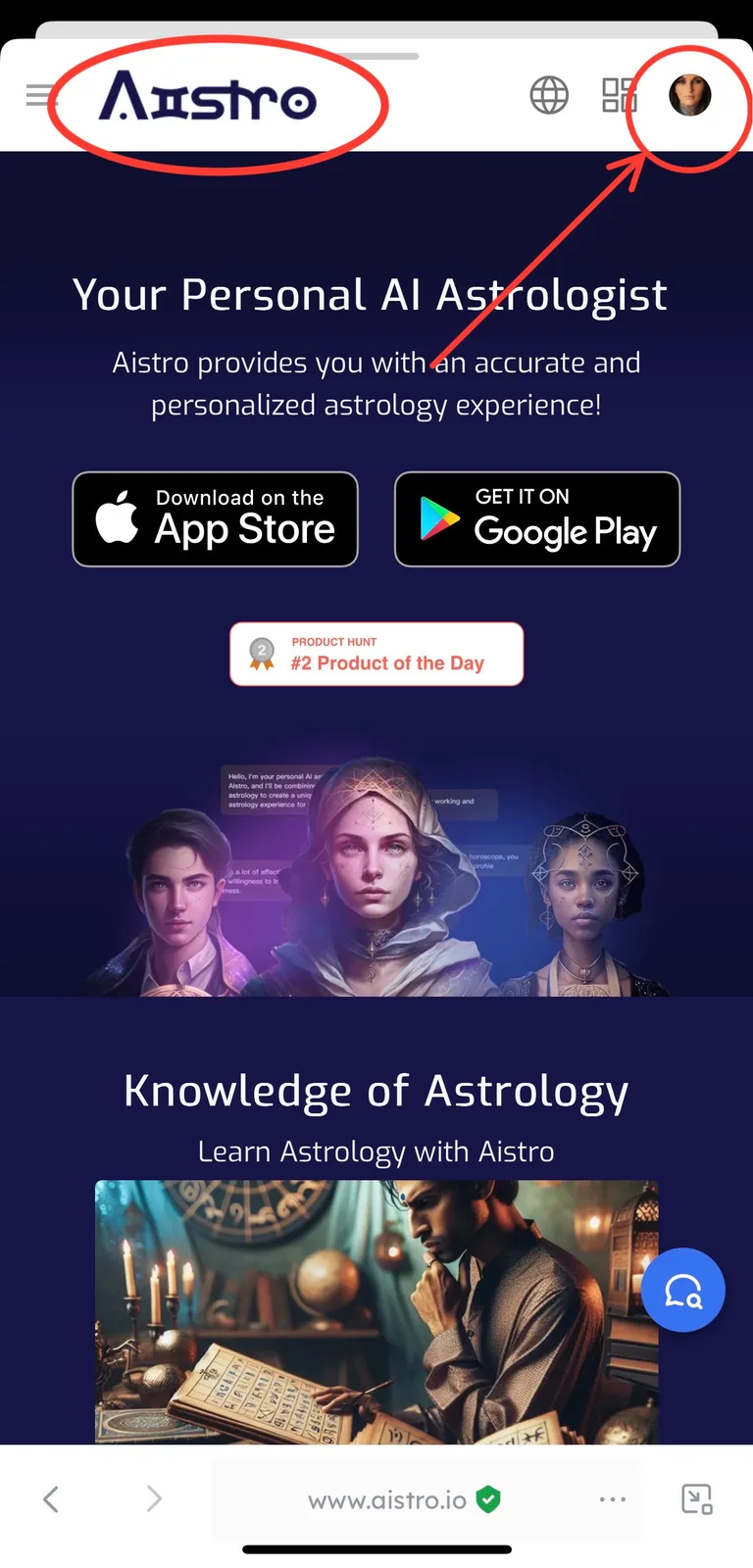
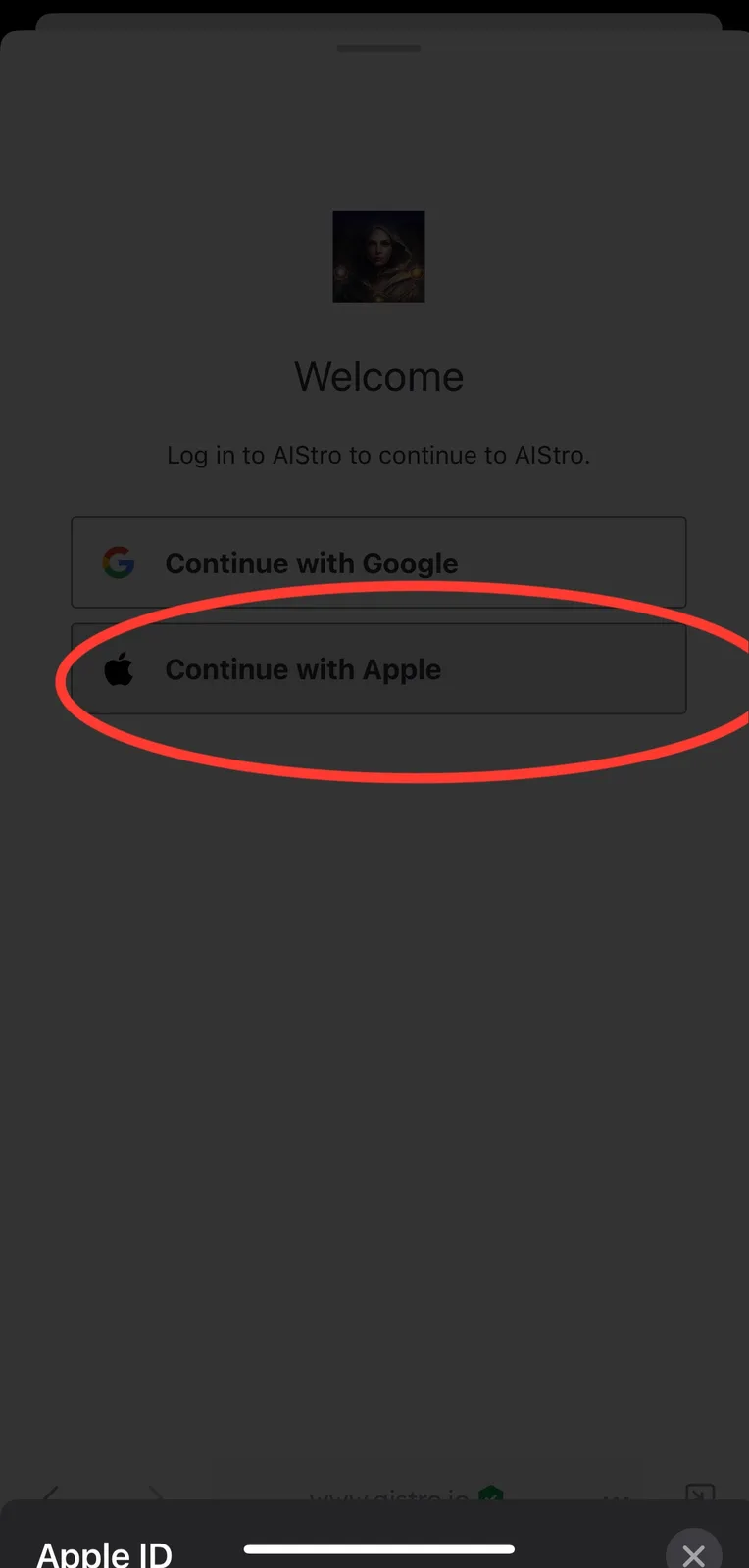
I’m still having issues with this, it keeps throwing up an error that my email is linked to another account?! Any idea is there is a work around or a way to unlink my email and start again?
Hello, I went to the user management page of Aistro and checked, your Aistro account currently should not have successfully linked any DID Wallet.
Just throws up this error message each time I try?!